Post Scan Editing Tools
F6 SMART™ – Volumetric Handheld Camera – User Guide
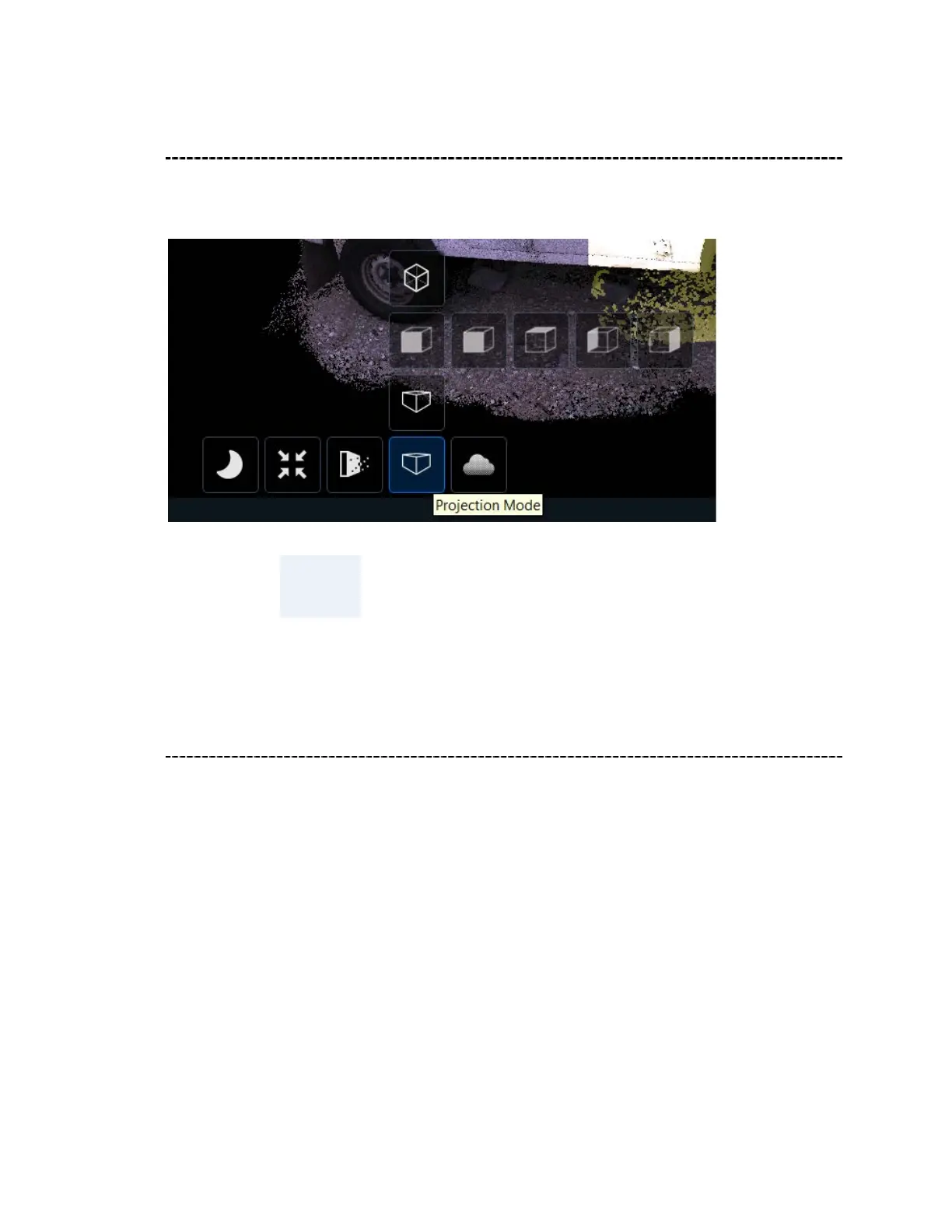
Projection Mode
There are four options in Projection Mode: Perspective, Perspective Direction,
Orthogonal and Top/Left/Right.
NOTE:
To use these Projection Modes properly, first align the
scan to ground using the Ground widget
Background Mode
Use Background Mode to select your desired background view.
Click Custom to define your own background color. Click on the desired color, or create
your own color using the Color/Hue/Saturation sliders, then click Go.



 To Next Page