Setting up the F6 SMART™ System
F6 SMART™ – Volumetric Handheld Camera – User Guide
Click on the
OK
Command-Button to close the Message-Box.
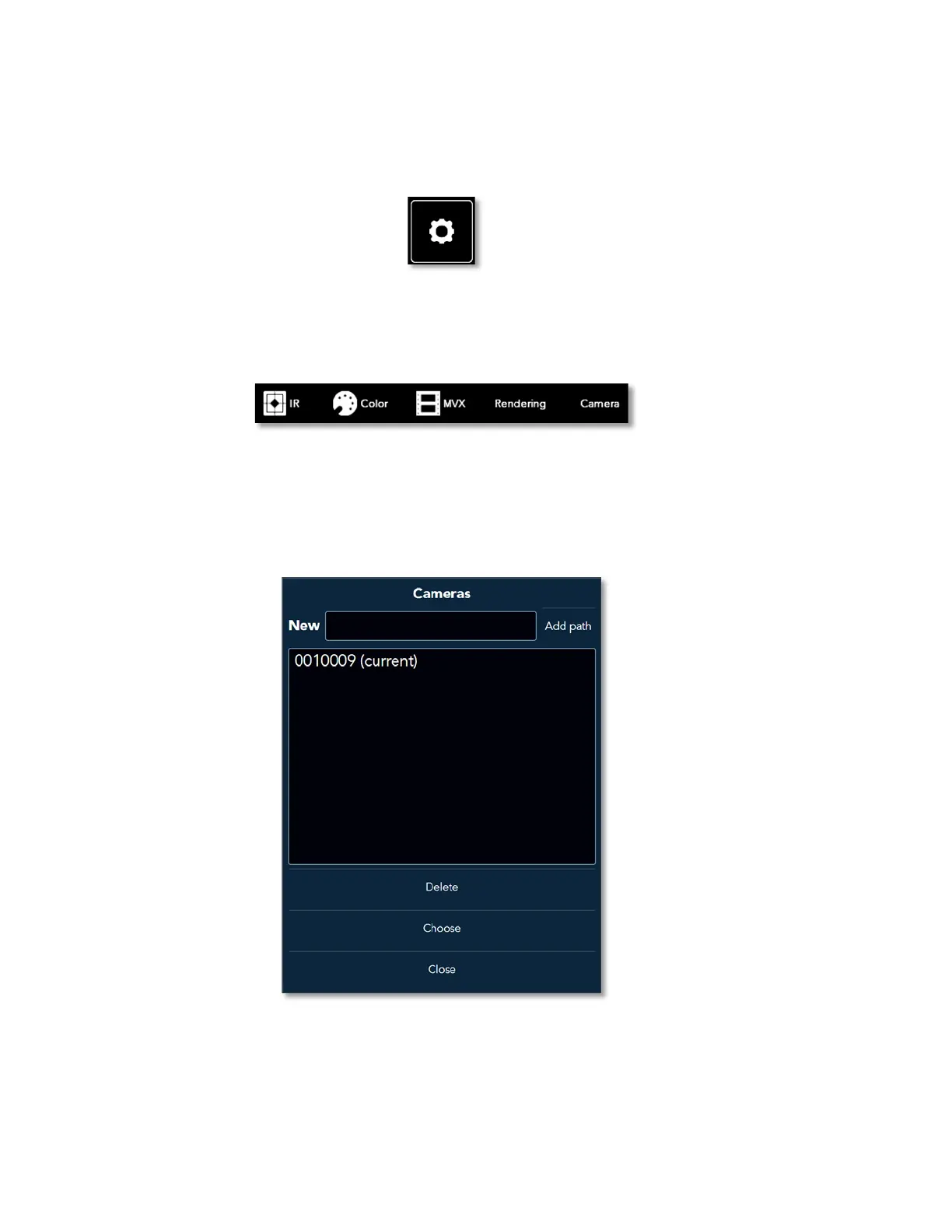
3. Click on the Settings Command-Button at the bottom-left corner of the screen:
Figure 27 – the Settings Command-Button
4. The Settings Menu opens next to the Settings Command-Button:
Figure 28 – The Settings Menu
5. Click on the Camera Command-Button.
The Cameras Dialog-Box opens:
Figure 29 – The Cameras Dialog-Box
This Cameras Dialog-Box includes three (3) main parts:



 To Next Page