V
V
I
I
E
E
W
W
S
S
&
&
F
F
I
I
R
R
S
S
T
T
S
S
E
E
T
T
U
U
P
P
26
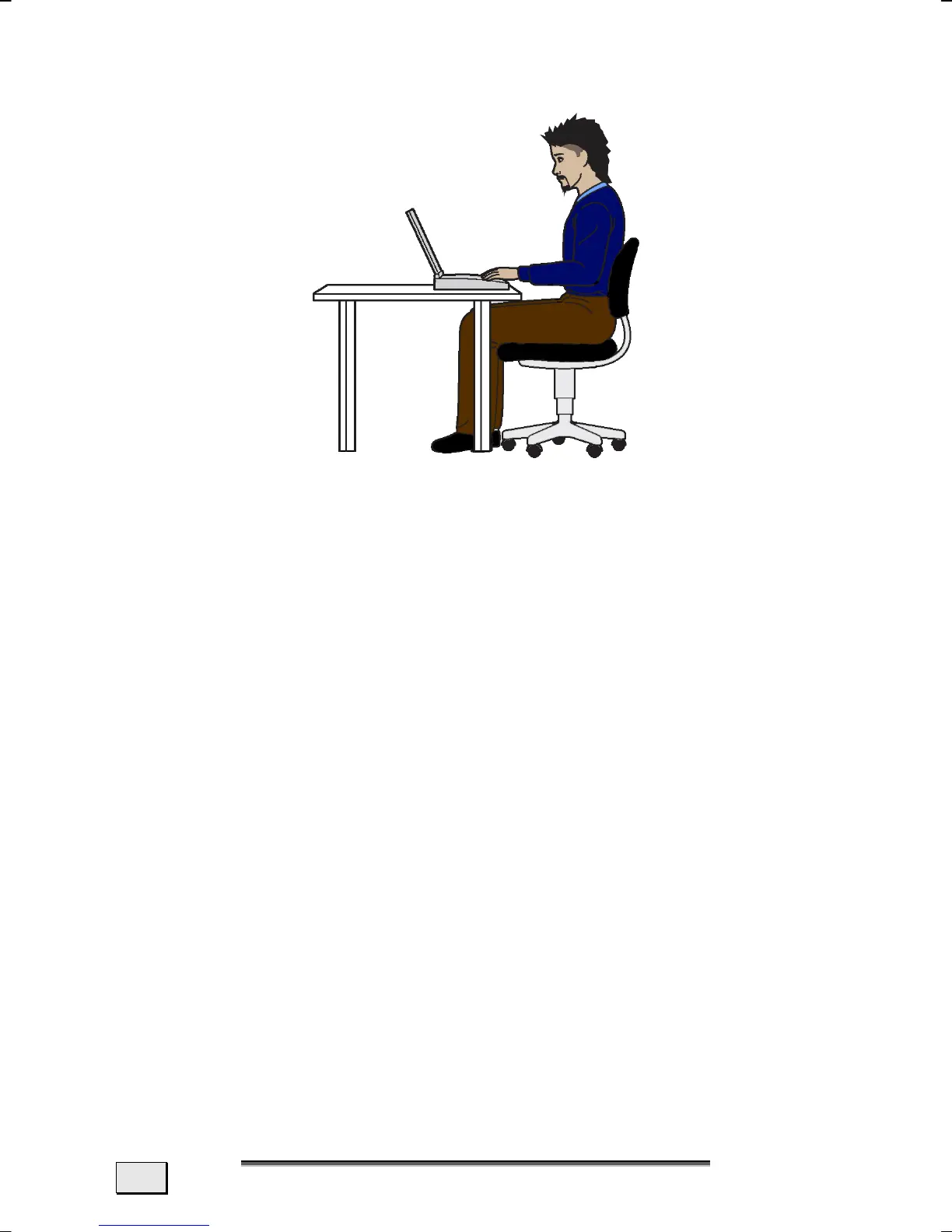
WORKING IN COMFORT
Sitting in one position for long periods can be uncomfortable. To
minimize the potential for physical discomfort or injury, it’s impor-
tant that you maintain proper posture.
• Back – While sitting at your work surface, make sure your
back is supported by the chair’s backrest in erect position
or angled slightly backwards.
• Arms – Your arms should be relaxed and loose, elbows
close to your sides, with forearms and hands approxi-
mately parallel to the floor.
• Wrists – Your wrists should be as straight as possible
while using the keyboard, mouse or trackball. They should
not be bent sideways, or more than 10 degrees up or
down.
• Legs – Your thighs should be horizontal or angled slightly
downward. Your lower legs should be near a right angle to
your thighs. Your feet should rest flat on the floor. If nec-
essary, use a footrest, but double check that you have
your seat height adjusted correctly before getting a foot-
rest.
• Head – Your head should be upright or tilted slightly for-
ward. Avoid working with your head or trunk twisted.
• Overall – Change your position frequently and take regu-
lar breaks to avoid fatigue.



 To Next Page