M
M
A
A
I
I
N
N
C
C
O
O
M
M
P
P
O
O
N
N
E
E
N
N
T
T
S
S
66
WIRELESS LAN
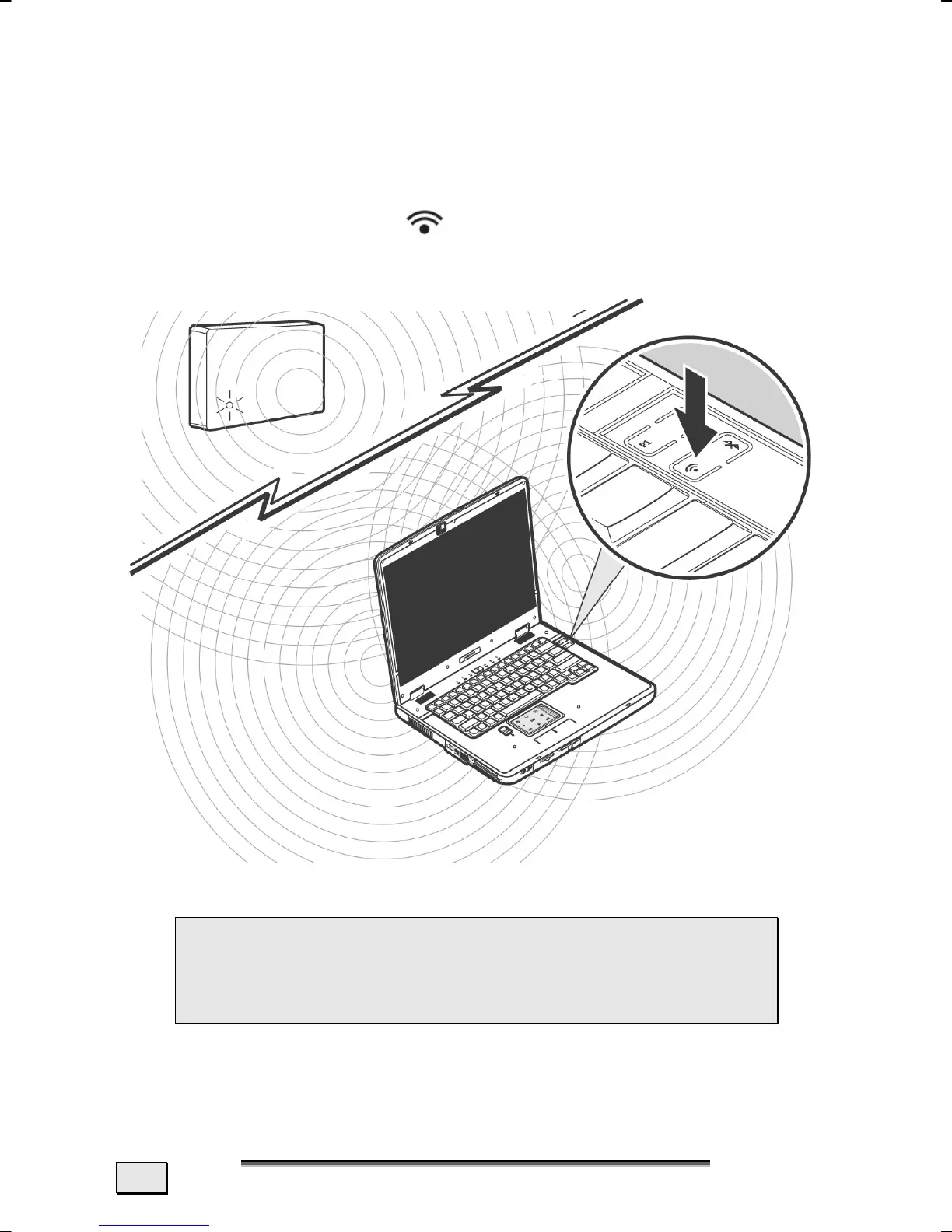
Wireless LAN is an optional feature. This function allows you to
create a wireless network link with an access point or directly with
another wireless-enabled PC. Please read the necessary prerequi-
sites before activating this feature.
Using the Quick Start Key
you can enable or disable the wire-
less LAN function. A corresponding announcement will appear on
the screen.
 ATTENTION: Make sure the Wireless LAN option is
switched OFF in any environment where it might in-
terfere with critical and sensitive devices, e.g., on
aircraft, in hospitals and other medical centres, etc.



 To Next Page