M
M
A
A
I
I
N
N
C
C
O
O
M
M
P
P
O
O
N
N
E
E
N
N
T
T
S
S
70
T
T
H
H
E
E
P
P
C
C
I
I
E
E
X
X
P
P
R
R
E
E
S
S
S
S
C
C
O
O
N
N
N
N
E
E
C
C
T
T
I
I
O
O
N
N
Your notebook supports the PCI Express standard.
Both PCI Express/34 and PCI Express/54 cards (the naming refers
to the sizes of the cards) are available on the market. Your note-
book supports both card formats.
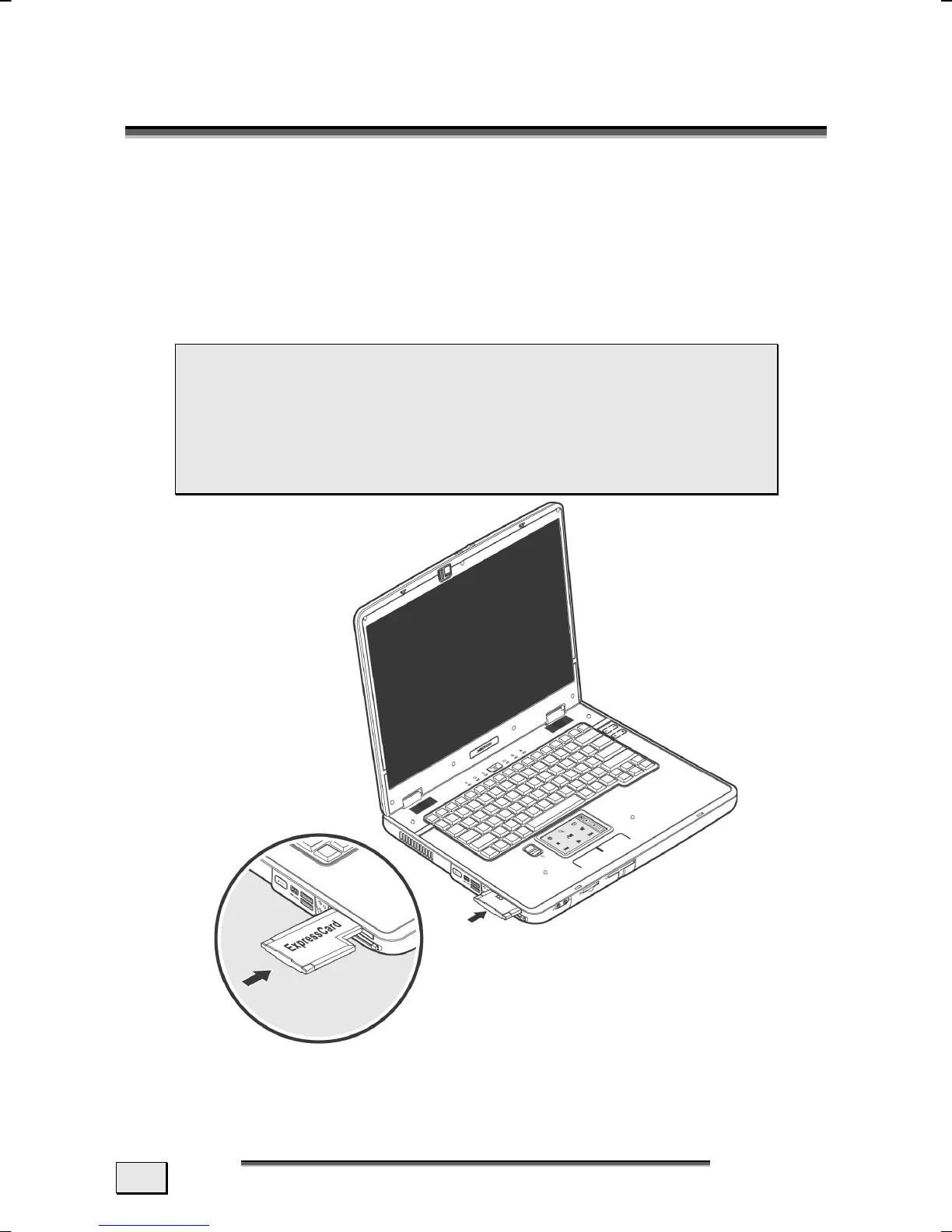
INSTALLING PCI EXPRESS CARD
 Note: Please always read the instructions that
come with your PCI Express card before installation.
 Remove the dummy card from the PCMCIA Slot be-
fore installation. Replace the card to protect con-
tacts against dirt if the Slot is not used.



 To Next Page