U
U
N
N
I
I
V
V
E
E
R
R
S
S
A
A
L
L
S
S
E
E
R
R
I
I
A
A
L
L
B
B
U
U
S
S
(
(
U
U
S
S
B
B
)
)
P
P
O
O
R
R
T
T
83
Safety Handling Components Aid Appendix
U
U
N
N
I
I
V
V
E
E
R
R
S
S
A
A
L
L
S
S
E
E
R
R
I
I
A
A
L
L
B
B
U
U
S
S
(
(
U
U
S
S
B
B
)
)
P
P
O
O
R
R
T
T
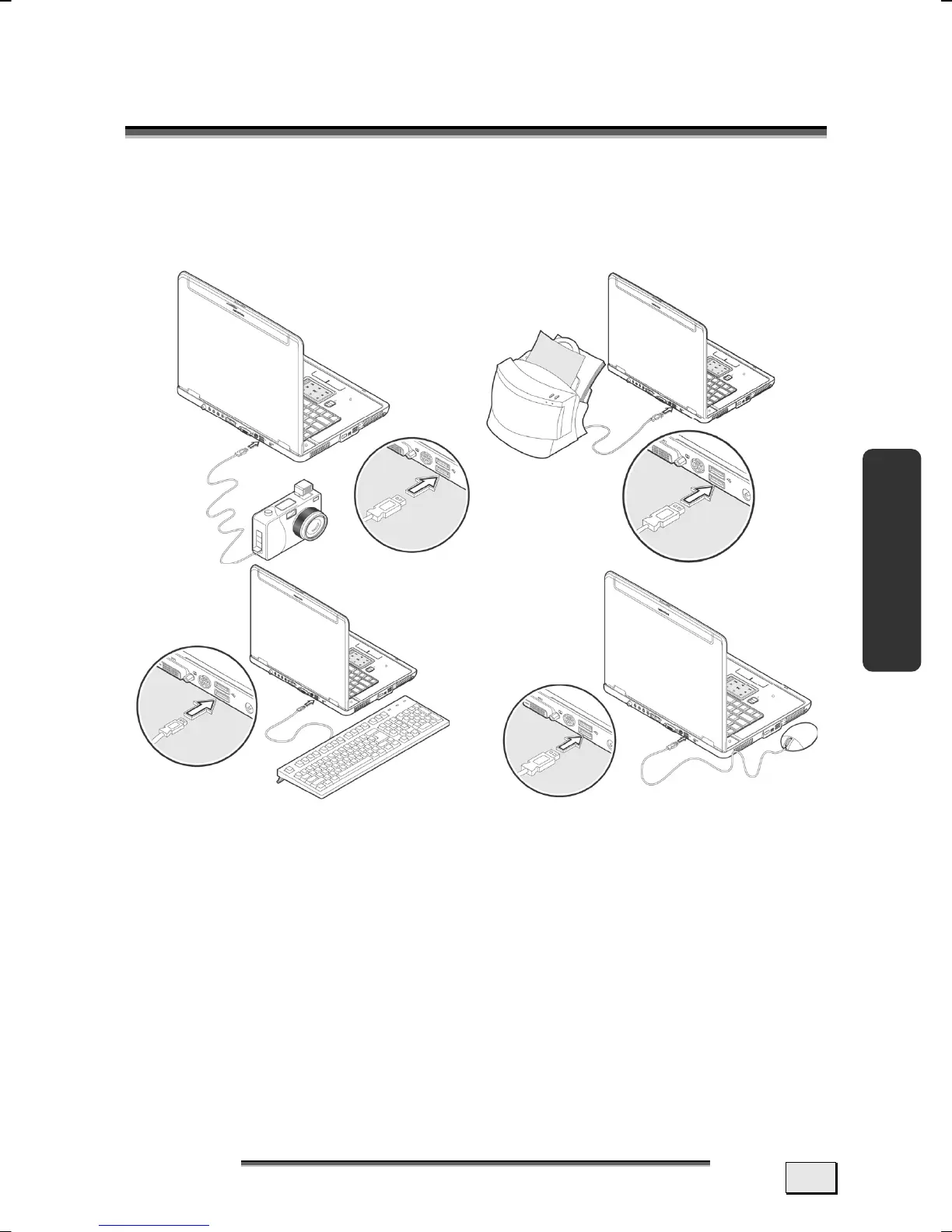
The Universal Serial Bus (USB 1.1 and USB 2.0) (19) is a standard
for the connection of input devices, scanners and additional pe-
ripherals. These devices can be connected at the USB port by
means of a single cable.
USB ports provide an easy way to connect many peripheral de-
vices to your PC
(12). You can use any USB device with any USB
port. 4 USB 2.0 connection sockets (USB 1.1 compatible).
Some USB devices require that you reinstall software drivers
when you connect the device to a different USB port than the one
originally used. This can be avoided by always using the device
with the same USB port. Devices connected directly to the USB
bus should not draw more than 500 mA. Should the devices need
more power than this, it will be necessary to provide a powered
hub. The data transfer speed is 1.5 Mbit or 12 Mbit, depending on
the device connected
. USB 2.0 can achieve up to 480 Mbit.



 To Next Page