M
M
A
A
I
I
N
N
C
C
O
O
M
M
P
P
O
O
N
N
E
E
N
N
T
T
S
S
84
I
I
E
E
E
E
E
E
1
1
3
3
9
9
4
4
(
(
F
F
I
I
R
R
E
E
W
W
I
I
R
R
E
E
)
)
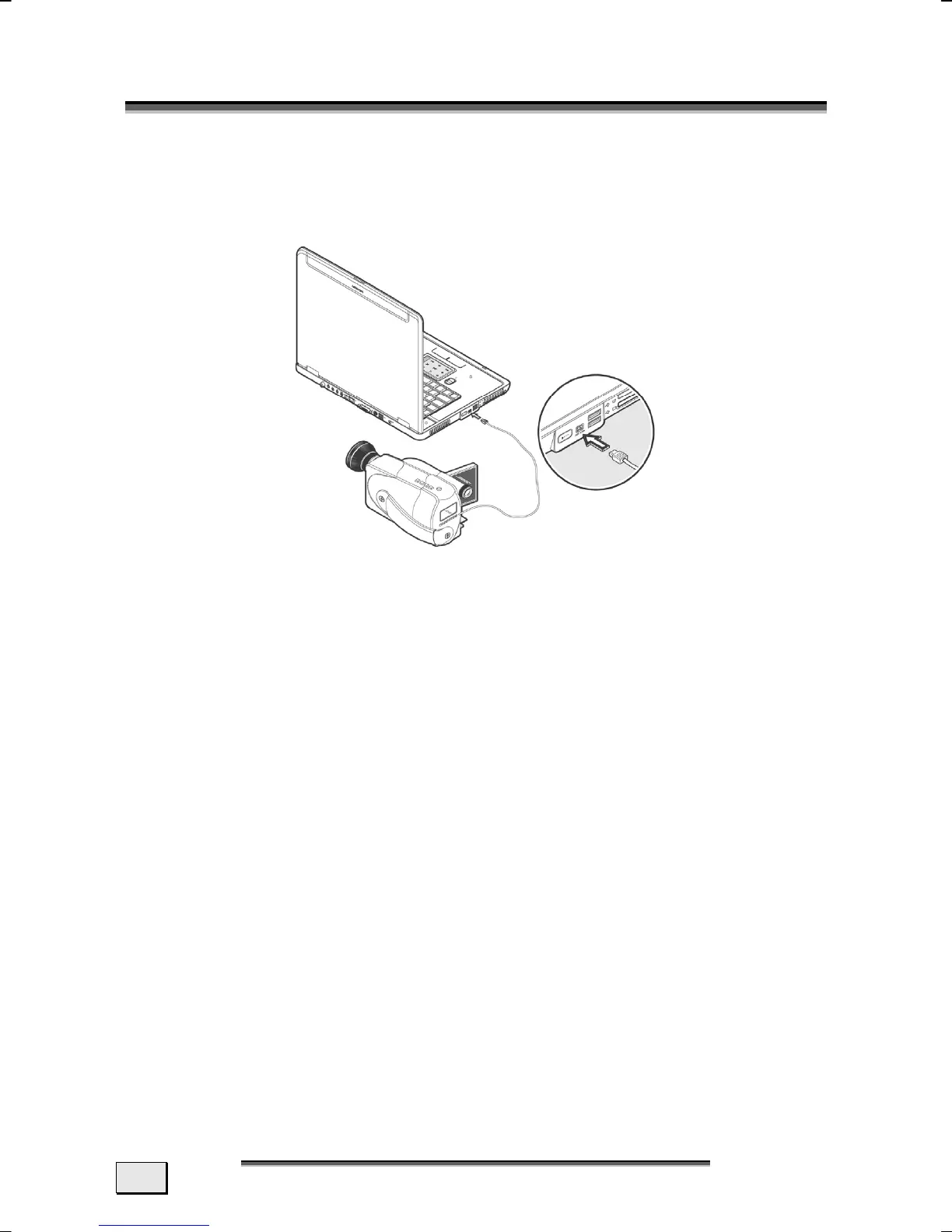
The IEEE 1394 (also known as iLink® or FireWire
®
) port (18) pro-
vide an easy and high-performance way of connecting high-speed
storage, imaging, and many new types of audio/video devices
easily.
APPLICATION OPTIONS FOR IEEE1394
• Connection of digital devices of the entertainment industry,
such as set-top speakers, digital video and camcorder,
‘Digital Versatile Disk’ (DVD), television etc.
• Multimedia applications and video processing.
• Input and output devices such as printers, scanners, etc.
TECHNICAL SPECIFICATIONS
• Depending on the application, the maximum data transfer
is about 100, 200 or 400 Mbit/s, corresponding to a data
throughput of up to 50 MB per second.
• The device can be plugged in or unplugged during opera-
tion (hot plugging).
• The standardised cord (‘Shielded Twisted Pair’ -STP) in-
cludes 6 strands. Two lines are live (8V up to 40V, 1.5 A
max.) and can be used as an external power supply. The
four signal lines transfer data or control information. Some
devices do not require a power supply via the cord so that
four pole plugs are used.



 To Next Page