T
T
H
H
E
E
S
S
O
O
U
U
N
N
D
D
C
C
A
A
R
R
D
D
57
Safety Handling Components Aid Appendix
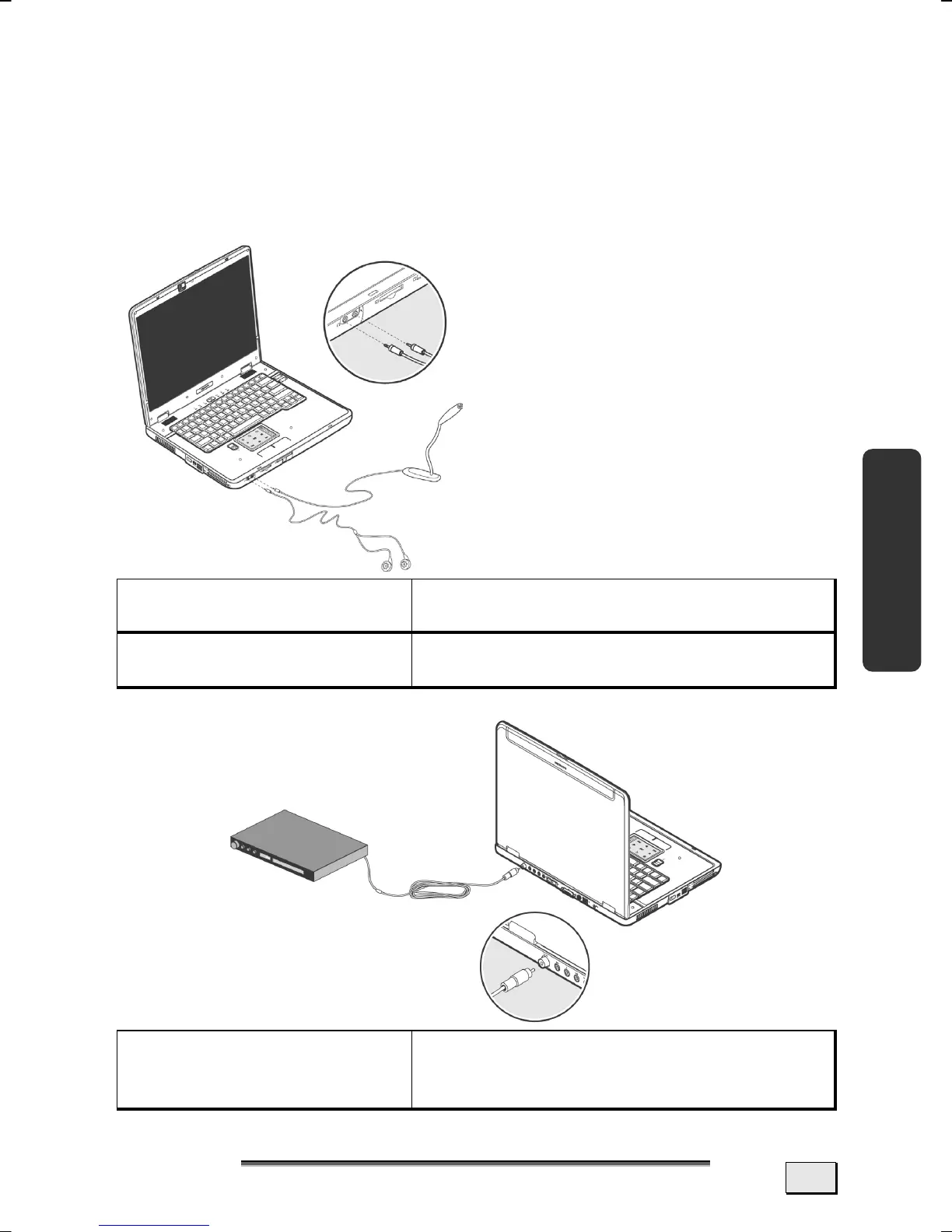
EXTERNAL AUDIO PORTS
Your Notebook has a loudspeaker, so you can always playback
sounds without additional equipment. The connection of a Hi-Fi
system increases the sound quality significantly. The use of the
external connections gives you a good opportunity to connect your
notebook to external devices.
Headphones
(12)
For sound reproduction via head-
phones
.
Microphone In
(13)
For recording via an external micro-
phone
.
Digital Audio Out
(S/P-DIF koaxial)
(28)
For sound reproduction with an external
surround decoder or via a coaxial cable
(available separately at a specialist shop).
Information:
Connect the headset supplied
to connections 12 and 13.



 To Next Page