M
M
A
A
I
I
N
N
C
C
O
O
M
M
P
P
O
O
N
N
E
E
N
N
T
T
S
S
64
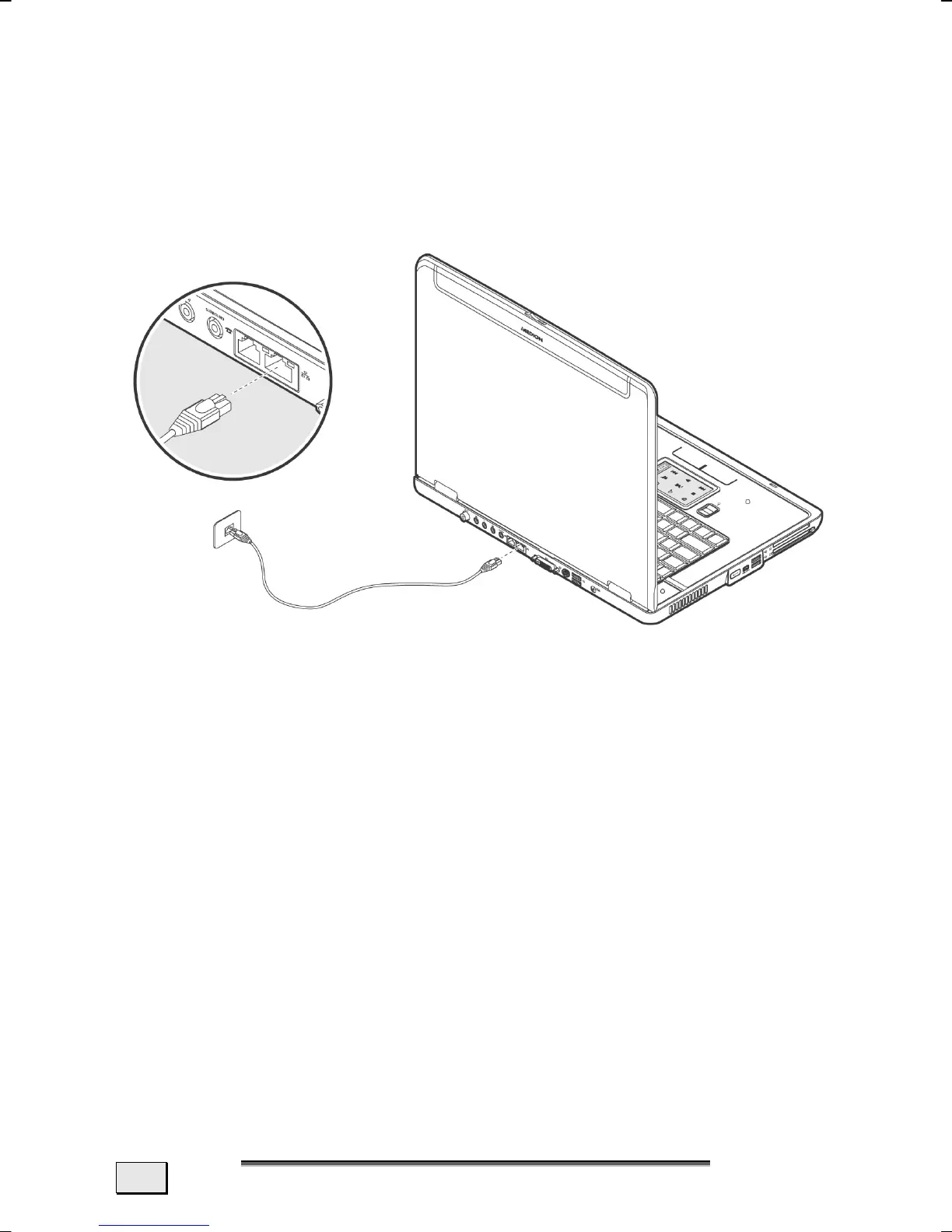
FAST ETHERNET-NETWORK
Your PC has a Fast Ethernet Network connection. You can use this
to connect to a network.
Connect one end to the RJ45 connection (Western plug) at the
network interface of your Notebook
(33) and the other to
another PC or a hub/switch.
The Windows XP Help and Support Centre offers extensive infor-
mation about networking your PC. You can access this information
by clicking on Start, then Help.



 To Next Page