S
S
E
E
C
C
U
U
R
R
I
I
N
N
G
G
T
T
H
H
E
E
N
N
O
O
T
T
E
E
B
B
O
O
O
O
K
K
89
Safety Handling Components Aid Appendix
S
S
E
E
C
C
U
U
R
R
I
I
N
N
G
G
T
T
H
H
E
E
N
N
O
O
T
T
E
E
B
B
O
O
O
O
K
K
Your new Notebook will make software and hardware solutions to
unauthorized access available to you.
FINGERPRINT SENSOR
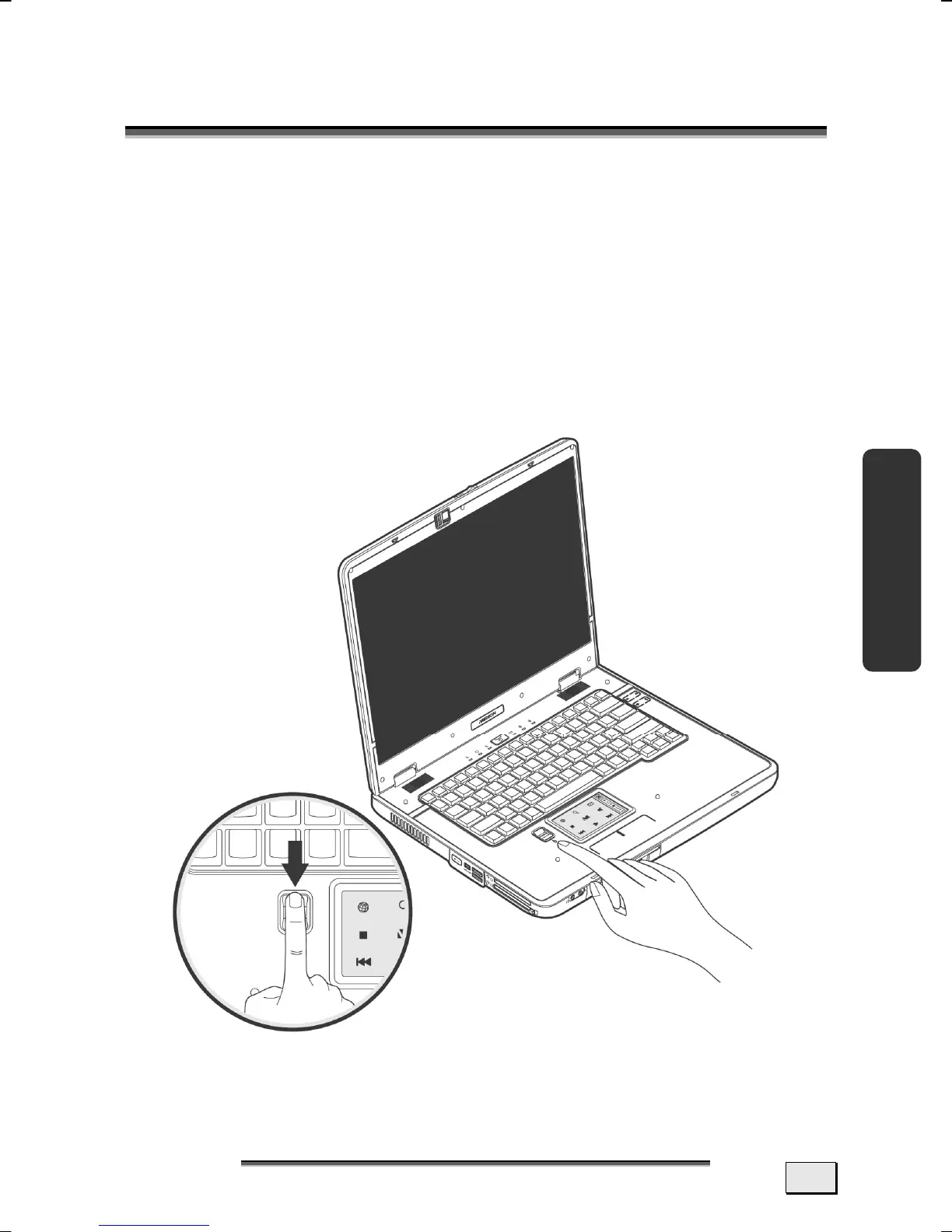
A fingerprint sensor that will only allow access to your Notebook
to those who have registered with a fingerprint is located on the
left of your multifunction touchpad.
Your fingerprint sensor is pre-installed as far as possible. Regis-
tering individual users is still required. The setting up of the user
and the registration of the fingerprint are necessary for this.



 To Next Page