T
T
H
H
E
E
P
P
C
C
M
M
C
C
I
I
A
A
C
C
A
A
R
R
D
D
S
S
L
L
O
O
T
T
73
Safety Handling Components Aid Appendix
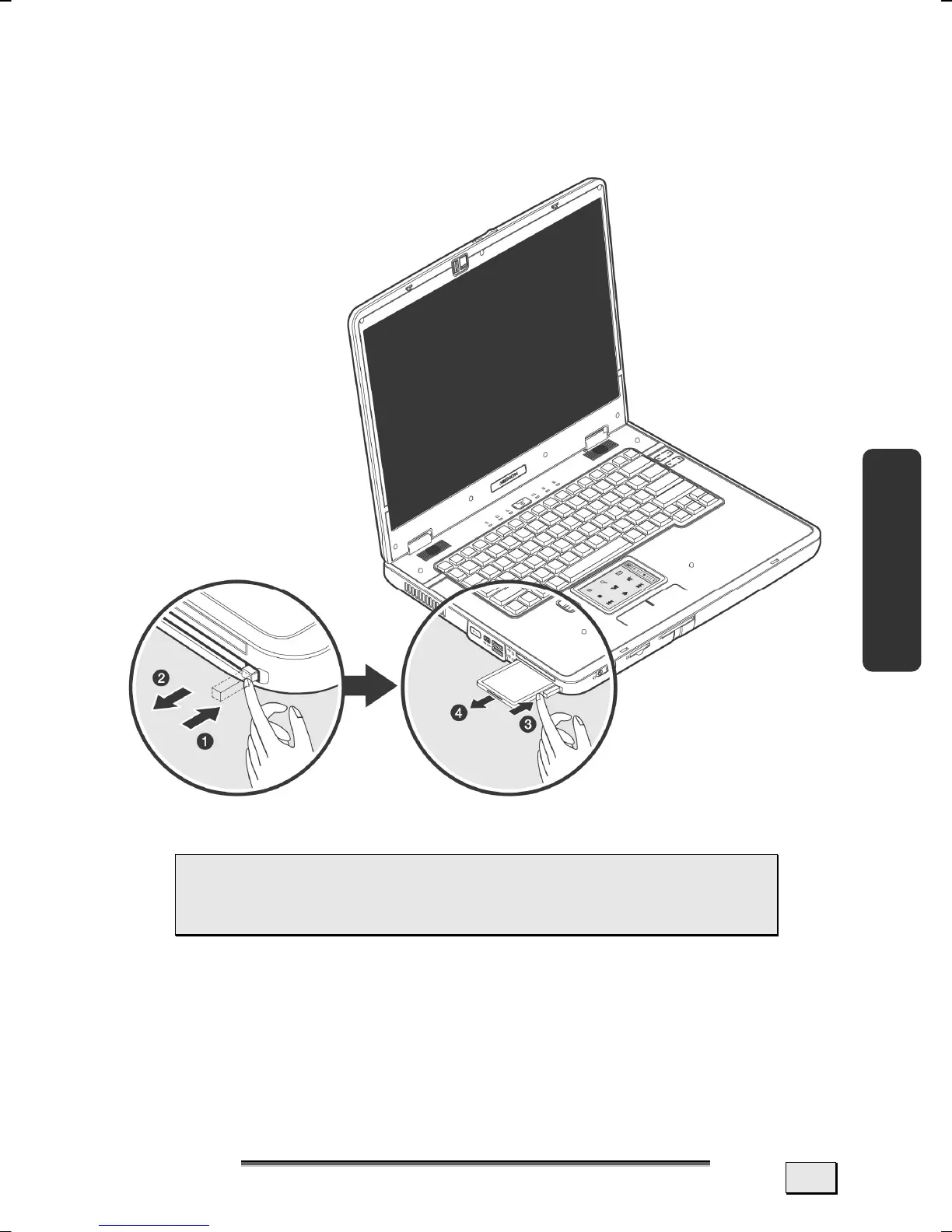
REMOVING A PCMCIA CARD
To remove your PCMCIA card:
1. Press the eject button next to the slot.
2. Take the PC-card out.
 Attention! The Eject Button should be pressed in
during transportation, because the danger will arise
that the button will break off otherwise.



 To Next Page