M
M
A
A
I
I
N
N
C
C
O
O
M
M
P
P
O
O
N
N
E
E
N
N
T
T
S
S
62
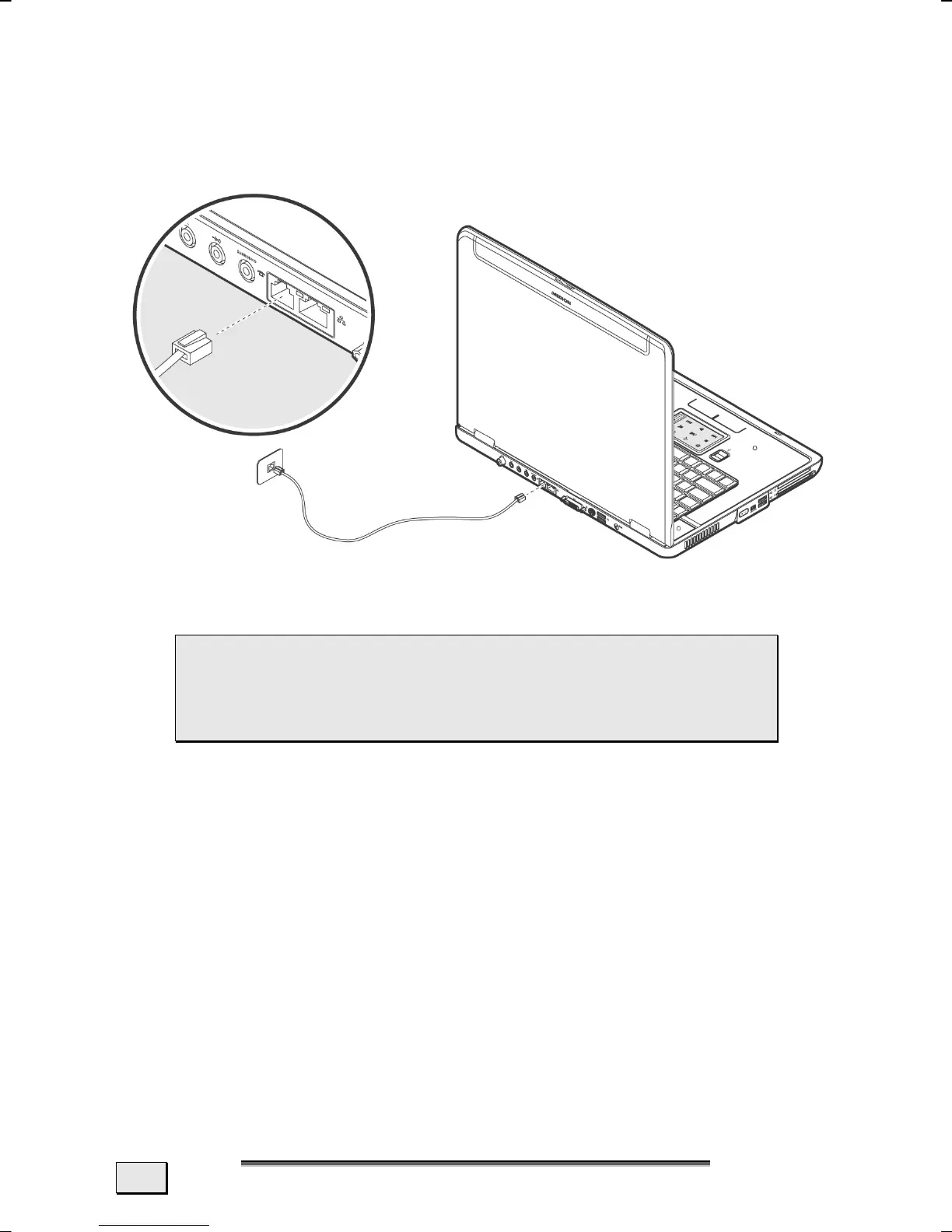
MODEM PORT
Insert one end of the RJ11-connection (telephone plug connector)
into the modem/network interface
(28) and the other into an ana-
logue telephone socket that is easily accessible.
 NOTE: Do not place the notebook in Suspend (or
Sleep) mode if you are connected to your Internet
provider, since this will cause the modem connec-
tion to be lost.



 To Next Page