M
M
A
A
I
I
N
N
C
C
O
O
M
M
P
P
O
O
N
N
E
E
N
N
T
T
S
S
40
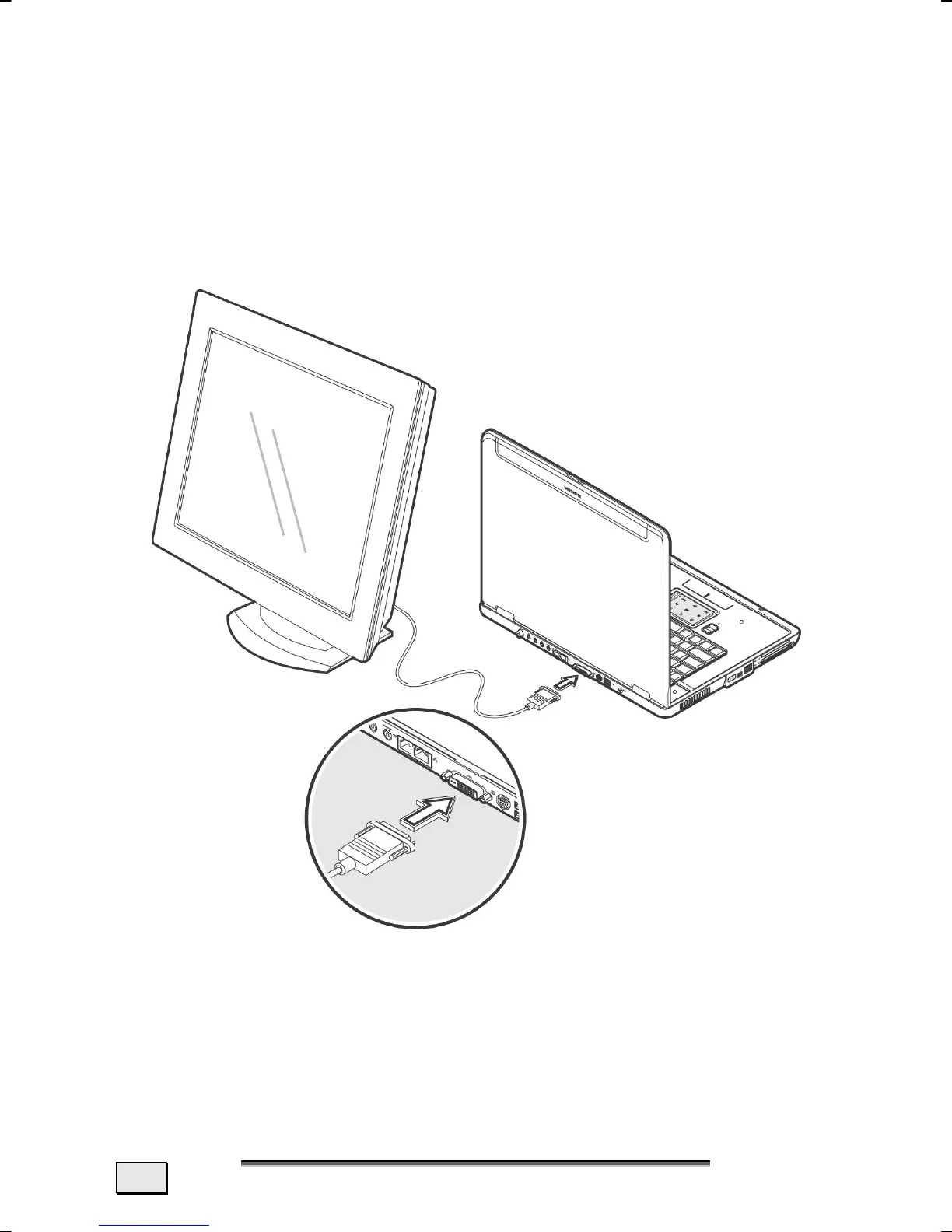
CONNECTING AN EXTERNAL MONITOR
The Notebook has a DVI port (34) for connecting an external
monitor.
1. Shut down your notebook.
2. Connect the video signal cable of the external monitor to
the DVI port of the Notebook
(34). Please use the appro-
priate adapter supplied, in order to be able to attach an
analog monitor.
3. Connect the external monitor to the electrical socket, power it
up and start your notebook.
4. Start your notebook.
There are two options for setting up an external monitor:



 To Next Page