T
T
H
H
E
E
P
P
C
C
I
I
E
E
X
X
P
P
R
R
E
E
S
S
S
S
C
C
O
O
N
N
N
N
E
E
C
C
T
T
I
I
O
O
N
N
71
Safety Handling Components Aid Appendix
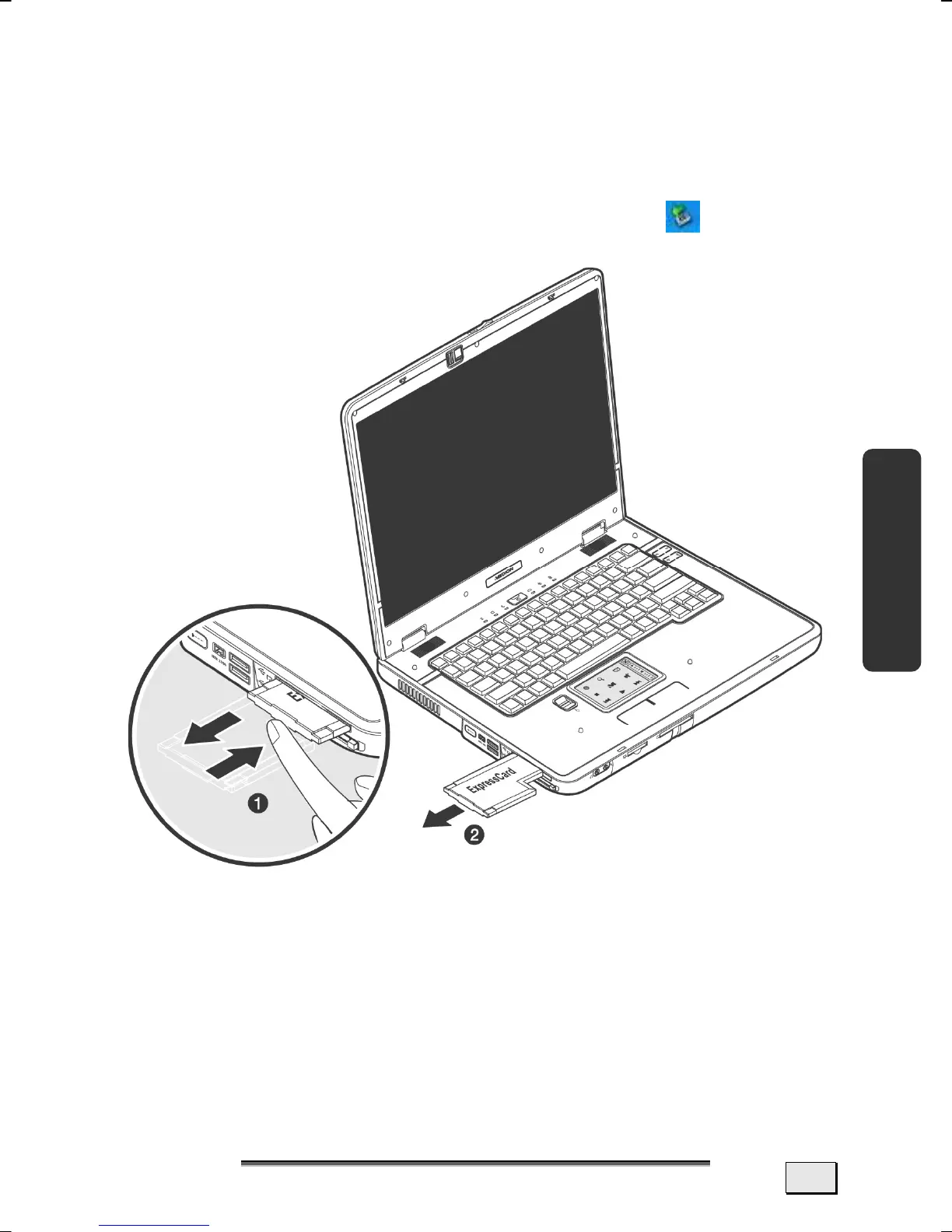
REMOVING PCI EXPRESS CARD
Please take note of the following before removing the PCI Express
card:
• Terminate the program which you used with the card.
• Left-click on the icon Safely Remove Hardware
in the
taskbar, select the card and click on Stop.
In order to remove the card, first push it into the contact to
unlock it. Pull the card from the bay and store it securely.



 To Next Page