28 Operating Instructions - CPC6050
Modular Pressure Controller
CPC6050
6.4 Applications
6.4.1 Home Application
The Home App is the normal operation screen. This application is dierent from the others in
that it is not use to setup the conguration but is used to monitor the pressure applied to the
installed transducers
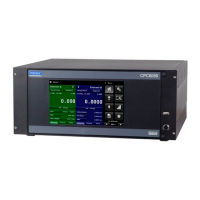
The screen in gure 6.4.1-A shows the basic Home App in an instrument with two control channels. The
user can change the display to show a single channel by either expanding Channel A or Channel B by
pressing the Channel Expand/Collapse button [ , ] for each channel (gure 6.4.1-B). The dual
display can be restored by pressing the Channel Expand/Collapse button. The Units button is always
displayed. When the Units button is pressed a selection of imperial and metric units will be displayed on
the right (gure 6.4.1-C); notice that the Units button has a lighter background when the selection menu
is active. If a barometric reference is installed, the Pressure Type button, described below, will toggle from
Gauge to Absolute mode when pressed.
Figure 6.4.1-A Basic Home App
Figure 6.4.1-B – Single Channel Display Figure 6.4.1-C – Pressure Units
Channel Expand
Button


 To Next Page