© 2013 Microsoft Page 5
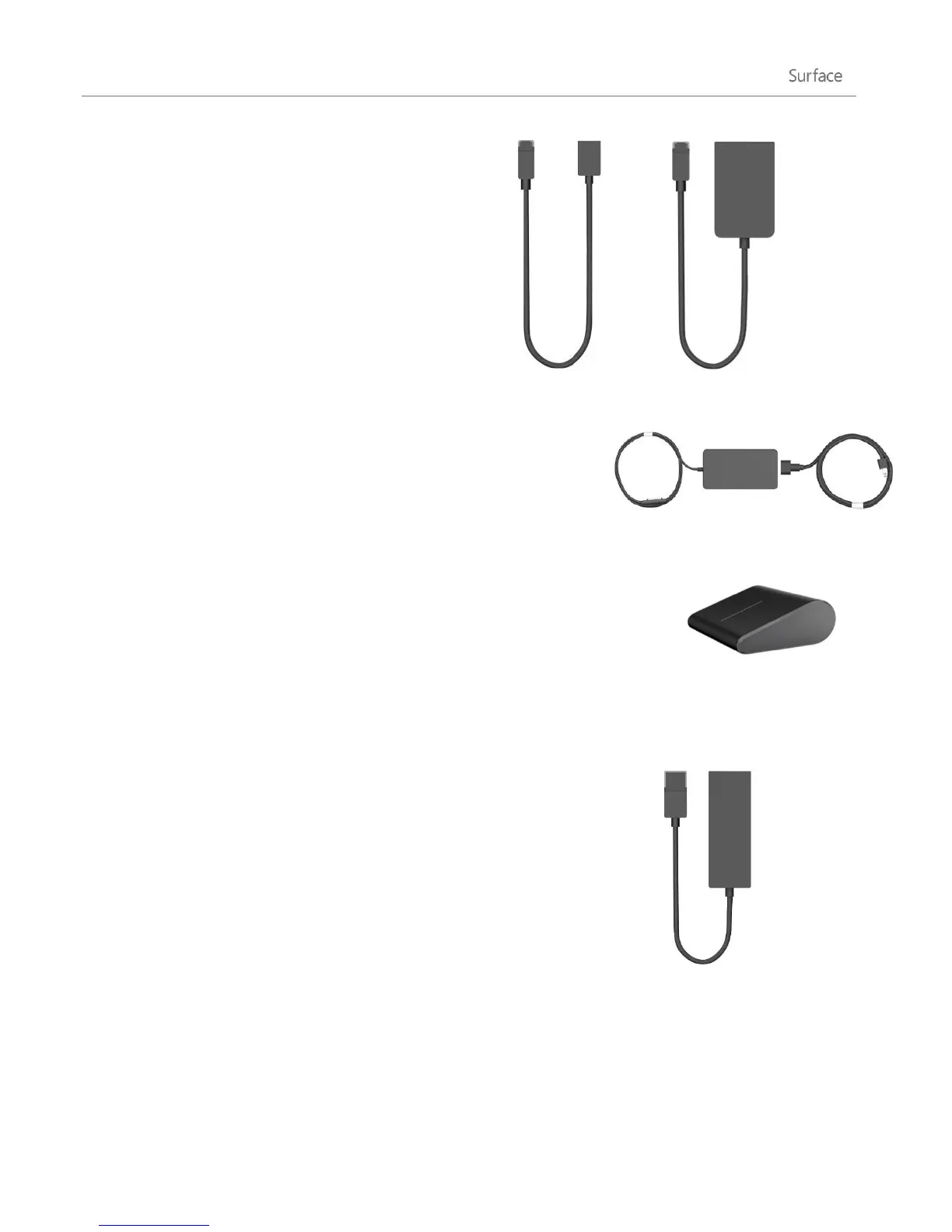
Surface video adapters let you connect your Surface
to an HDTV, monitor, or projector (adapters are sold
separately).
Learn more about this in the Connect Surface to a
TV, monitor, or projector section of this guide.
Power supply
Surface Pro includes a 48-watt power supply with a USB charging port.
For more info, see the Battery and power section in this guide.
Wedge Touch Mouse Surface Edition
This special edition Wedge Touch Mouse is small enough to fit in your pocket
and wirelessly connects to your Surface using Bluetooth.
To learn more, see Wedge Touch Mouse Surface Edition on Surface.com.
To find out how to connect this mouse to your Surface, see Wedge Touch
Mouse Surface Edition at Surface.com.
Ethernet adapter
You can use the Surface Ethernet adapter to connect your Surface Pro to a
wired network using an Ethernet network cable. For more info about this, see
Connect to a wired network in this guide.
To learn more, see Ethernet Adapter on Surface.com.
Find out about all of the Surface accessories at Surface.com/Accessories.
















 To Next Page