© 2013 Microsoft Page 113
Xbox games might take advantage of Xbox features such as achievements, leaderboards, multiplayer
modes, and connecting with friends.
Games in the Windows Store
You can also install games for Surface using the Store app. Here’s how:
Open the Store app, scroll to Games, and then tap or click Games. Browse all the games or choose a
subcategory at the top.
Tips
Games that you buy are charged to the payment option associated with your Microsoft account. Games
that you buy can be installed on up to five PCs running Windows 8 or Windows RT. For more info, see
the Windows Store section in this guide.
To see your account info, open the Settings charm, and then tap or click Your account.
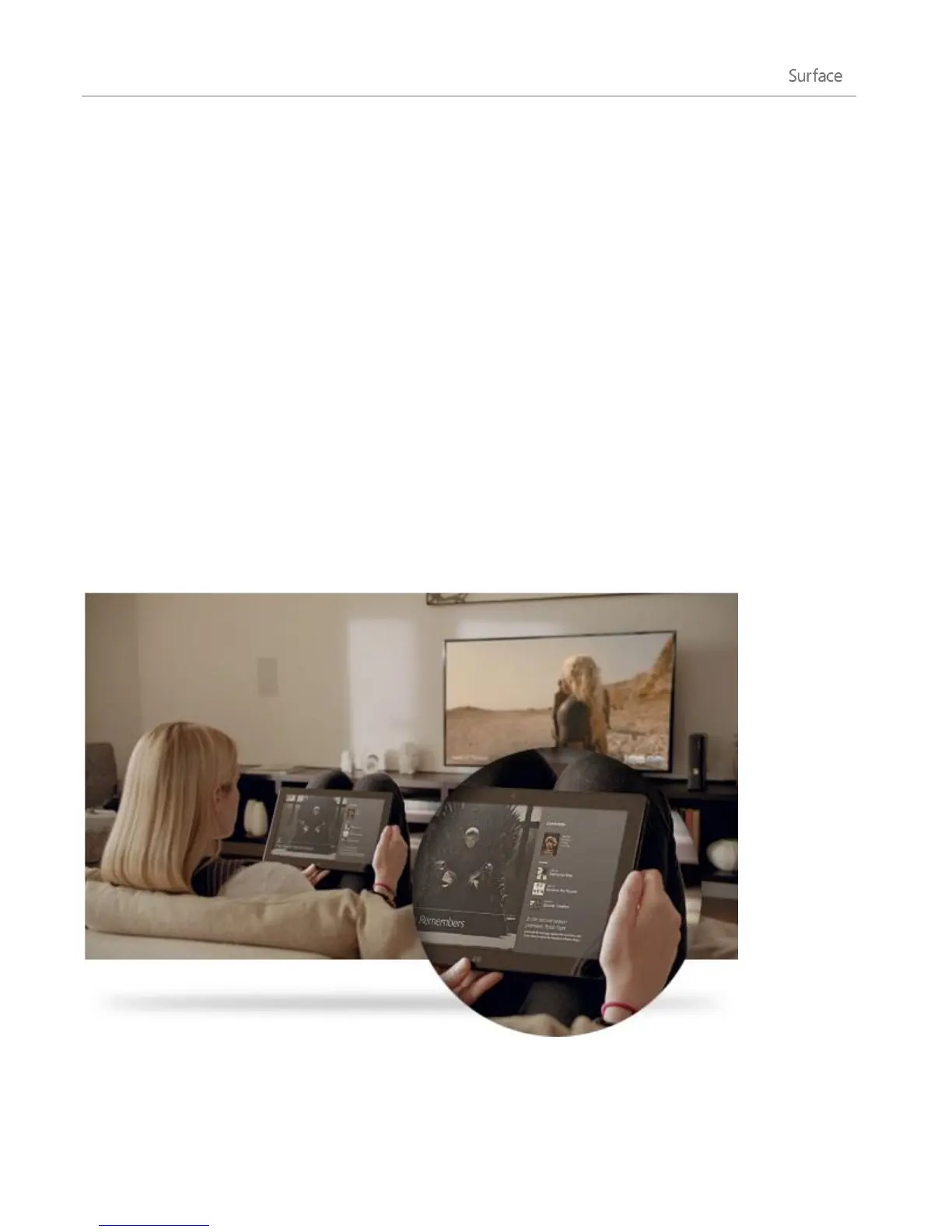
Xbox SmartGlass
Xbox SmartGlass turns your Surface into a second screen that interacts with your Xbox 360 to enhance your
favorite TV shows, movies, music, sports, and games.
1















 To Next Page