121
1
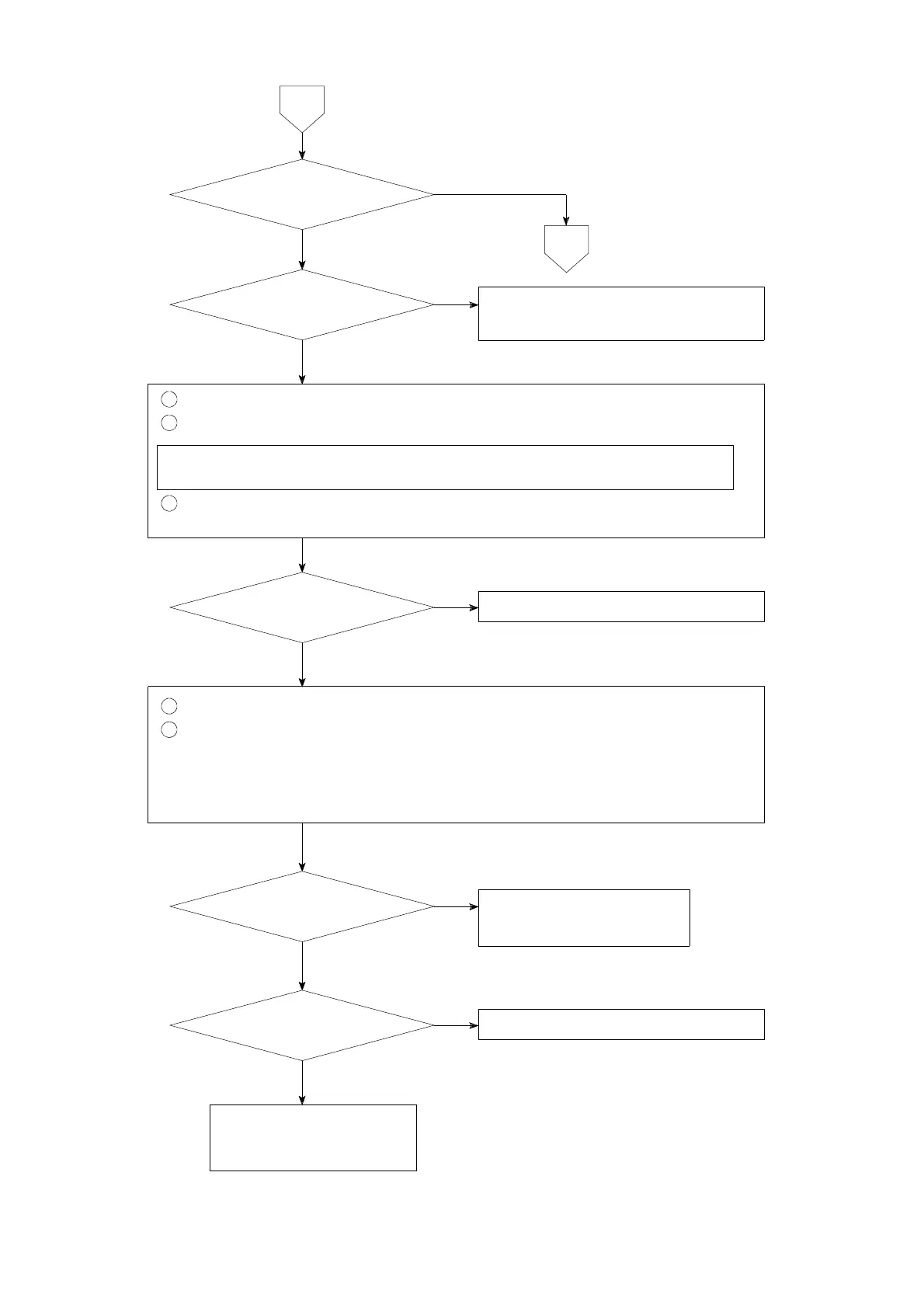
Remove the connecting cable between the A−OUT terminals.
2
Measure the voltage between the A−OUT terminal + and −.
Set the connecting range to DC・V range for the measuring instrument
such as tester and so on.
3
Apply operational check on voltage output in the Check mode.
(Refer to the paragraph 7−18.)
1
Put the connecting cable for the A−OUT terminal where it was.
2
Check the setting related with voltage output.
● F−21 Display value when analog output is the minimum.
● F−22 Display value when analog output is the maximum.
(Refer to the paragraph 8.)
5
Contact with Minebea.
YES
NO
YES
10
Varies to 0 V,
2.5 V and 5 V.
Setting is correct.
HOLD for external
control input is applied.
Set correctly.
Refer to the chapter 8.
NO
Set the HOLD input open.
NO
YES
YES
Inform Minebea about the
contents of failure and
situation at site in details.
Option of
current output
YES
NO
Load resistance is
5kΩ or more.
Load resistance should be 5 kΩ
or more.
NO



 To Next Page