122
1
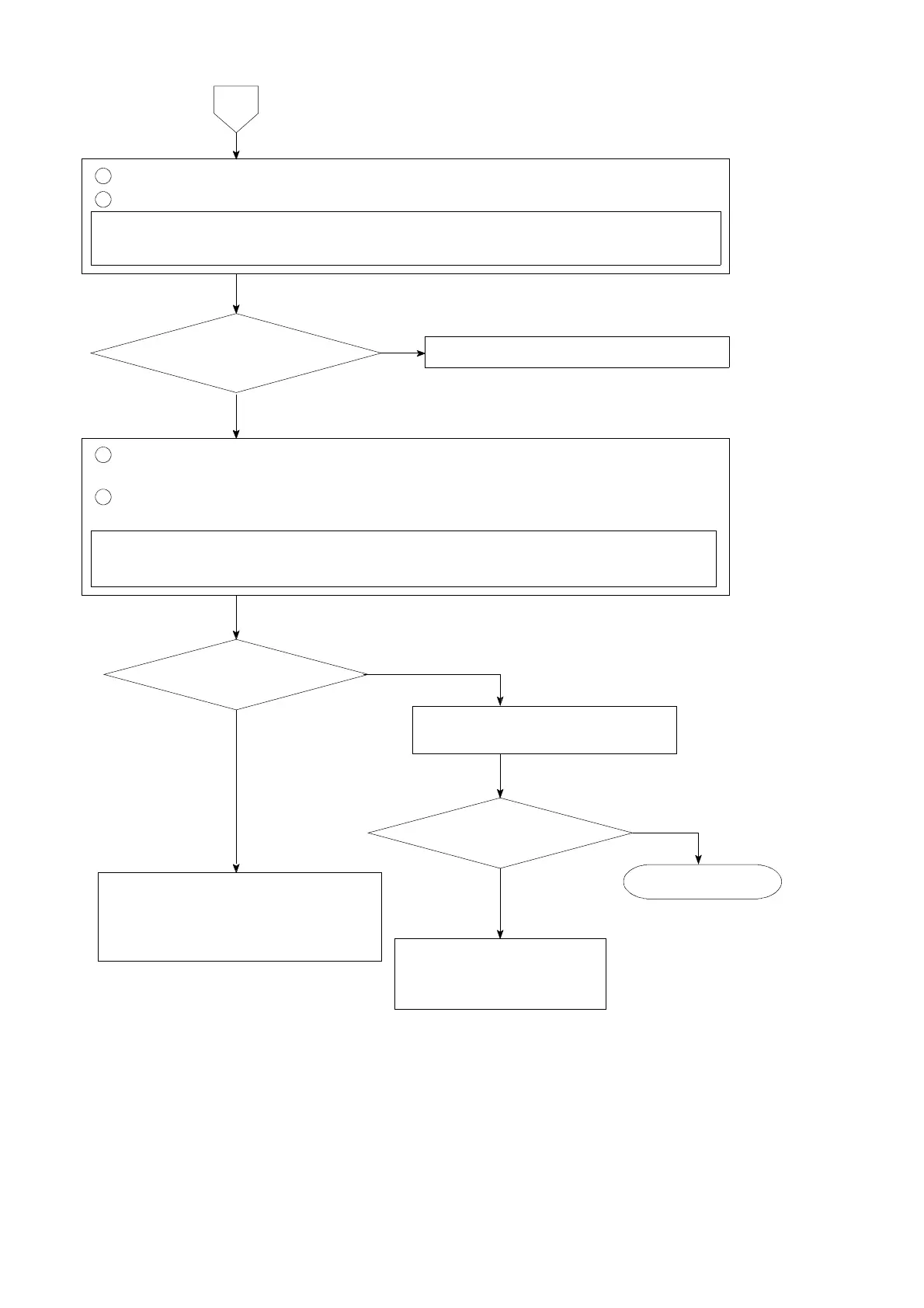
Remove the connecting cable for strain gage applied transducer from terminal board.
2
Measure the voltage between the A−C terminals on the terminal board.
Set the connecting range to DC・V range for the measuring instrument such as
tester and so on.
6
Contact with Minebea.
YES
NOThe voltage between
A−C is the same as the setting
with F−12.
The voltage between B
and D varies.
The same condition
NO
Make re−calibration according
to the procedures in chapter 5.
YES
There may have fears that the
strain gage applied transducer
connected has broken or signal
route (signal wire) has cut off.
1
Connect the connecting cable for strain gage applied transducer to the terminal
board again. (Refer to the chapter 4)
2
By checking the voltage between the terminal B and D on the terminal board, apply
load on the strain gage applied transducer.
Set the connecting range to DC・mV range for the measuring instrument such as
tester and so on.
Inform Minebea about the
contents of failure and
situation at site in details.
Start Measurement.
YES
NO



 To Next Page