197
D
ISPLAY AND CONTROL PANEL
CHAPTER 6 OPERATION AND MAINTENANCE
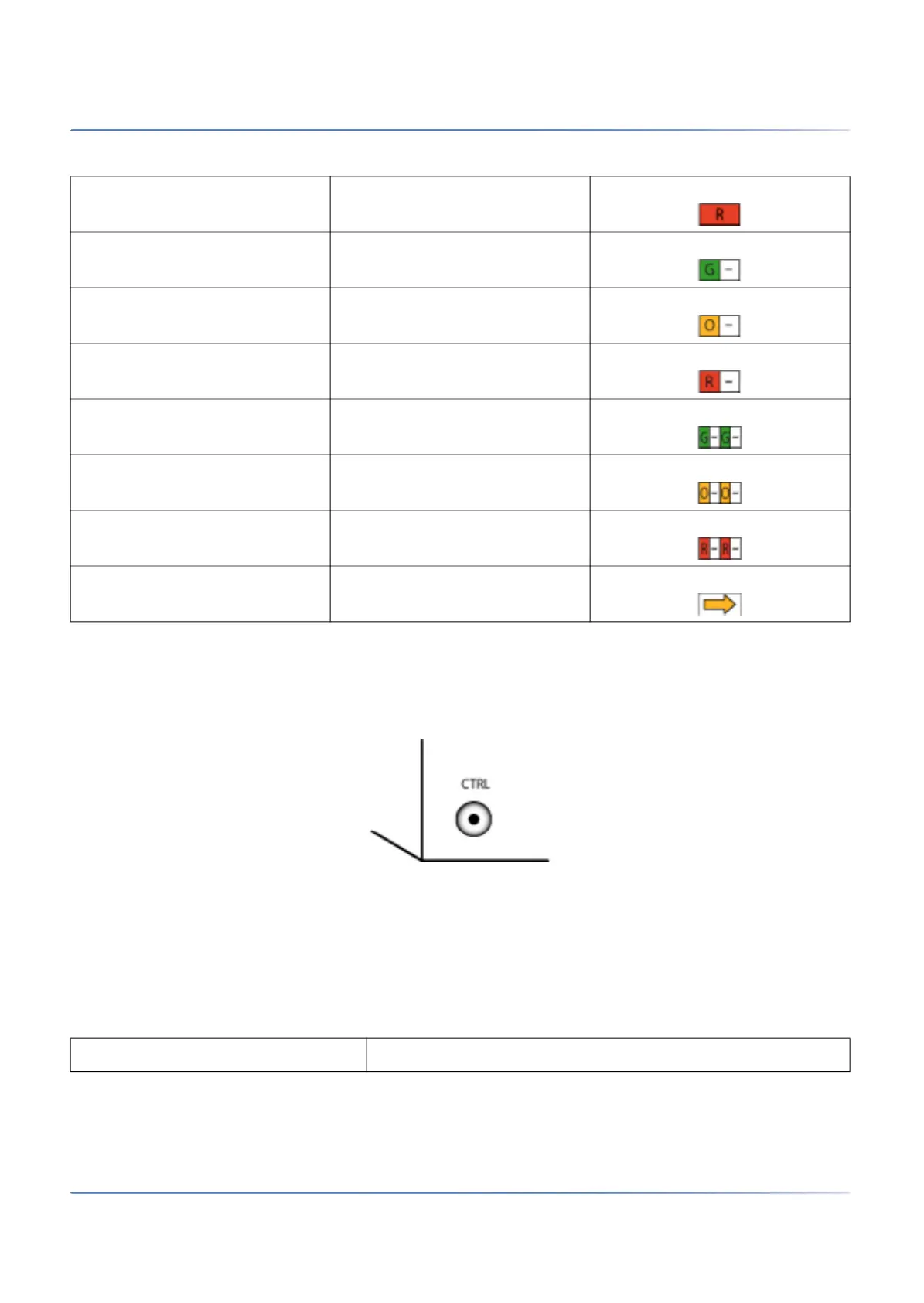
Pilot key (CTRL)
Pressing the pilot key carries out certain functions or switches the system to a particular mode.
Figure 6.5: Pilot key
Different actions are carried out depending on how long the key is pressed and the system’s current oper-
ating mode.
Operating modes
For the SMB Controller we distinguish four operating modes.
Always on Steady red
1s on / 1s off Slowly flashing green
1s on / 1s off Slowly flashing orange
1s on / 1s off Slowly flashing red
0.5s on / 0.5s off Rapidly flashing green
0.5s on / 0.5s off Rapidly flashing orange
0.5s on / 0.5s off Rapidly flashing red
Running orange
Table 6.5:Operating modes (Sheet 1 of 2)
Operating mode Remarks
Table 6.4:Defined display patterns (Continued) (Sheet 2 of 2)



 To Next Page