198
D
ISPLAY AND CONTROL PANEL
CHAPTER 6 OPERATION AND MAINTENANCE
Start-up mode
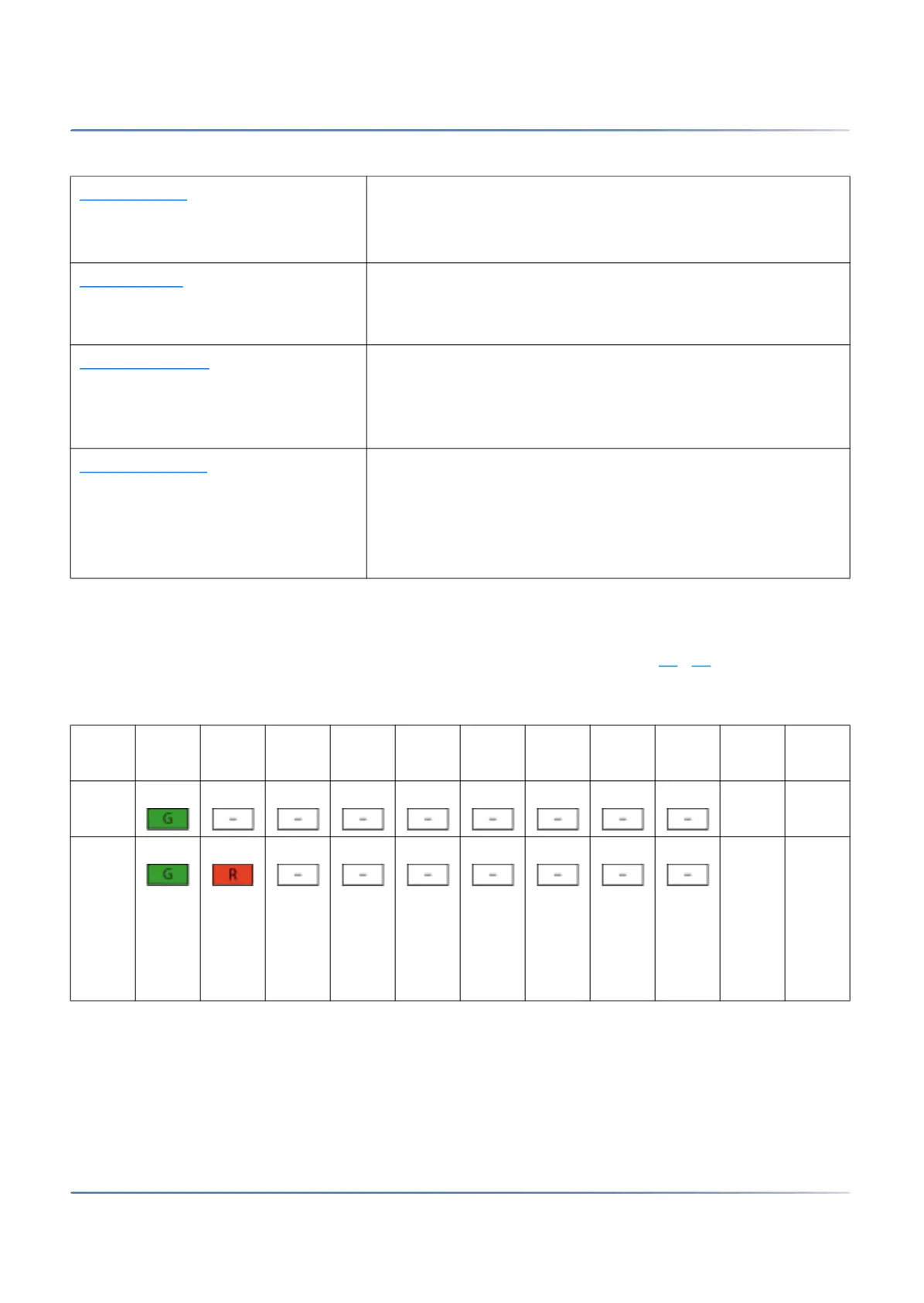
The start-up mode begins as soon as power is supplied or after a restart of the SMB Controller and ends
when the SMB Controller enters normal mode. The LED combination patterns [1]
...[5] indicate the indi-
vidual start-up phases in chronological order and also serve as a progress indicator.
Start-up mode • When power is supplied
• After a restart
• Used as a progress indicator during start-up
Normal mode
• System is running normally
• Some additional information of loaded applications might
be indicated
Emergency mode
• For executing an emergency upload of the SMB Controller
system software
• To access the SMB Controller file system with a SSH
session
Shut-down mode
• After the system is shut down
• Used to safely disconnect the SMB Controller from the
power supply
• Shut-down mode lasts for 1.5 minutes. Thereafter the
system automatically starts up again.
Table 6.6:Combination patterns during start-up (Sheet 1 of 2)
No. PWR F0 F1 F2 F3 F4 F5 F6 SYS Durat
ion
Mean
ing
[1] ~11 Powe
r is on
[2] ~2 Time
frame
to
start
emer
gency
mode
Table 6.5:Operating modes (Continued) (Sheet 2 of 2)



 To Next Page