3-22 FAXING
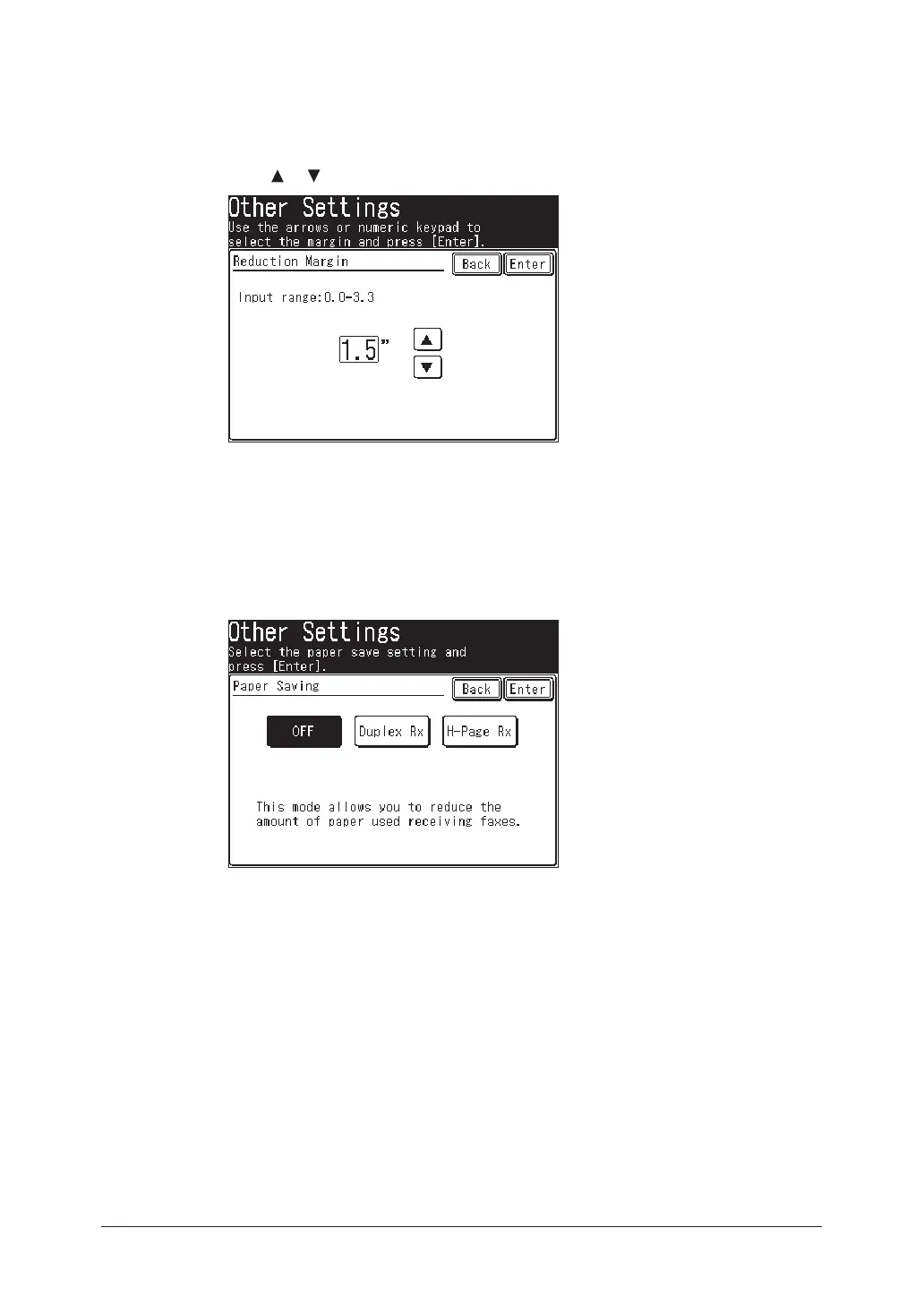
When you set the reduction margin
Default setting: 1.5 in.
2
Press [Reduction Margin].
3
Use [
] [ ] or the numeric keys to enter the reduction margin.
4
Press [Enter].
When you set the paper save function
Default setting: OFF
2
Press [Paper Saving].
3
Select the paper save function.
*The duplex printing unit is required to use the [Duplex Rx] function.
4
Press [Enter].
5
Press [Reset] to return to the standby mode.



 To Next Page
 Loading...






