VJ-1624/1624W OPERATION MANUAL 3 Before using
3-93
3.6.2.1 Custom confirmation pattern
Using this menu, you can print out all of the confirmation patterns (A to F) and check the degree of
misalignment.
1. Turn ON the printer and load the roll media.
3.4.2 Setting Roll Media
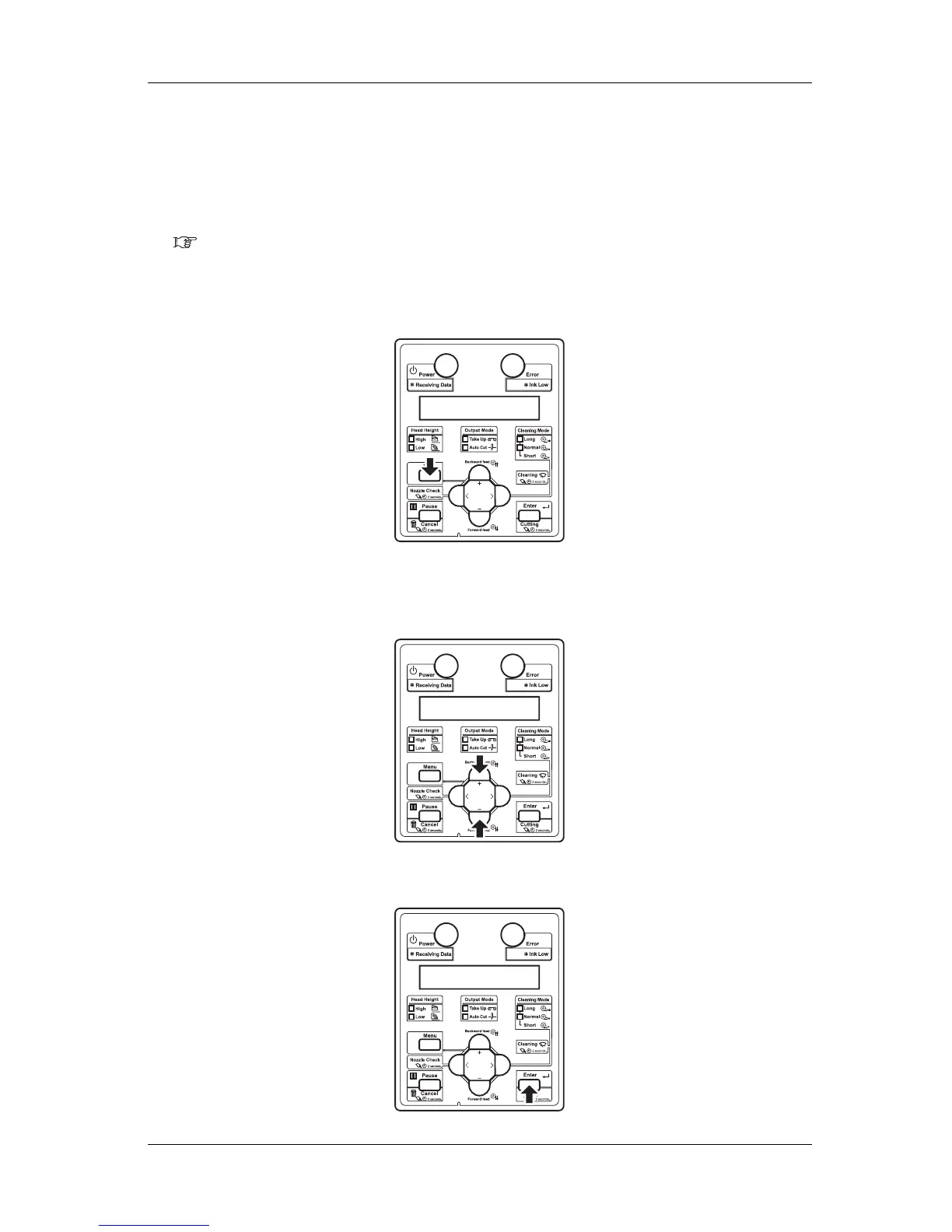
2. Display the Adjust Print menu on Operation panel.
a. Press the [Menu] key on Operation panel.
• "Menu1: Setup>" is displayed on Operation panel.
b. Press the [+] or [-] key on Operation panel to select "Menu1: User Type>".
c. Press the [Enter] key on Operation panel.















 To Next Page