VJ-1624/1624W OPERATION MANUAL 3 Before using
3-29
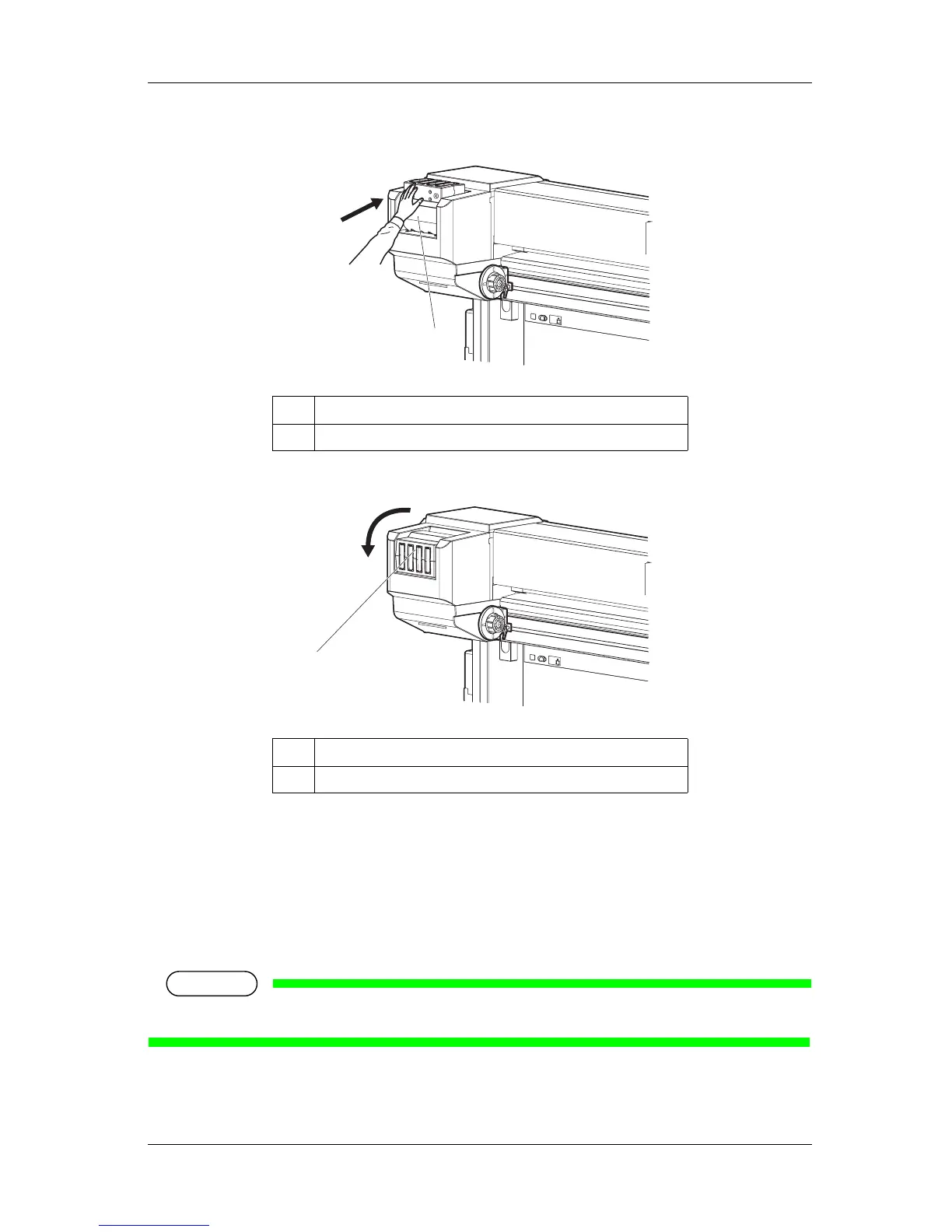
2. To unlock, return Ink cartridge slot to the original position.
3. Rotate Ink cartridge slot by 90 degrees downward.
4. Check if Ink cartridge slot is horizontal.
3.3.4 Installing the optional High Capacity Ink Pack Adapter (VJ-
1624 only)
Use the optional High-capacity ink pack adapter to use the 1000ml Ink packs on VJ-1624.
NOTE
High-capacity ink pack adapters are not compatible with VJ-1624W.
Follow the procedure below to install High-capacity ink pack adapter.
No. Name
1 Ink cartridge slot
No. Name
1 Ink cartridge slot
1
1















 To Next Page