VJ-1624/1624W OPERATION MANUAL 6 Maintenance
6-17
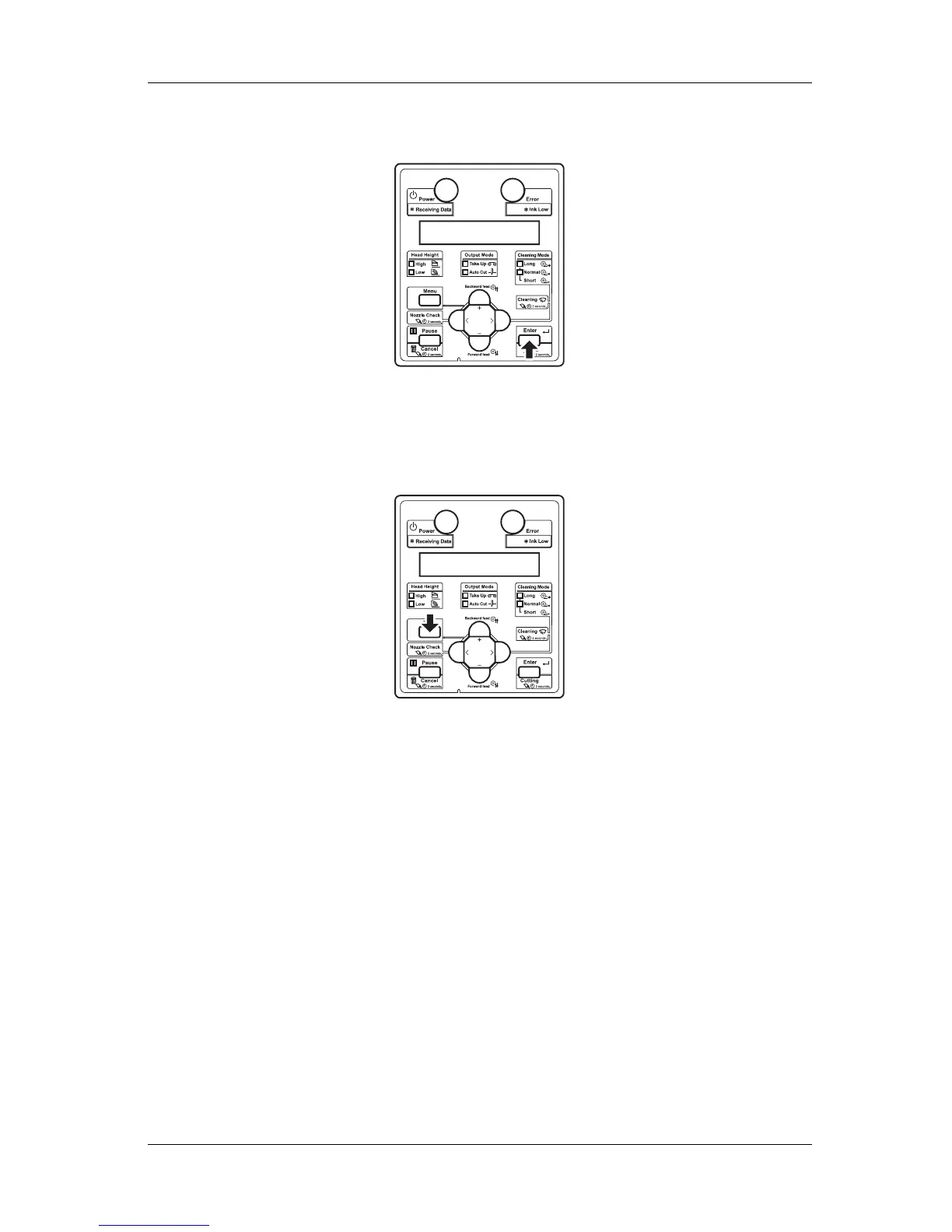
8. Press the [Enter] key on Operation panel.
• Print head returns to its original position.
• "CR Mainte.: Start" is displayed on Operation panel.
9. Press the [Menu] key on Operation panel.
• The printer enters Normal.
• Flushing-box sponge replacement is complete.
6.1.4 Replacing Cutter
This section describes when and how to replace Cutter.
(1) Replacement time
Replace Cutter when the following situation occurs.
a. When the media is not cut smoothly
b. When the cut surface is feathered, etc















 To Next Page