6 Maintenance VJ-1624/1624W OPERATION MANUAL
6-28
6.2.1 Cleaning the outer case
This section describes how to clean the outer case.
Wipe out dust and dirt attached to the outer case by using a soft cloth.
6.2.2 Cleaning the inside of the printer
This section describes how to clean the inside of the printer.
Follow the procedure below.
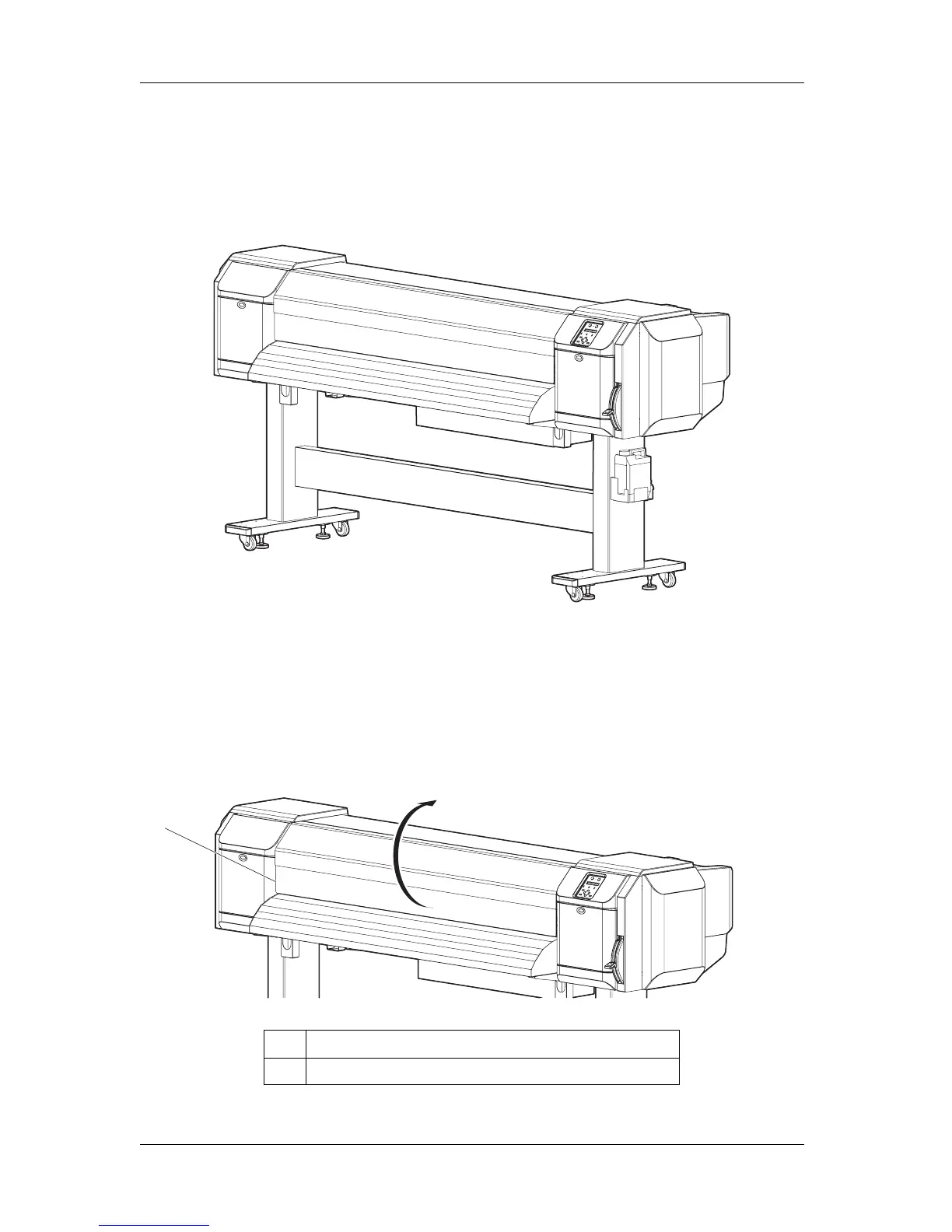
1. Open Front cover.
No. Name
1 Front cover
1















 To Next Page