VJ-1624/1624W OPERATION MANUAL 3 Before using
3-23
• The printer starts the initializing operation.
• After the initial operation is compete, "Start Ink Charge->ENTER" is displayed on Operation
panel.
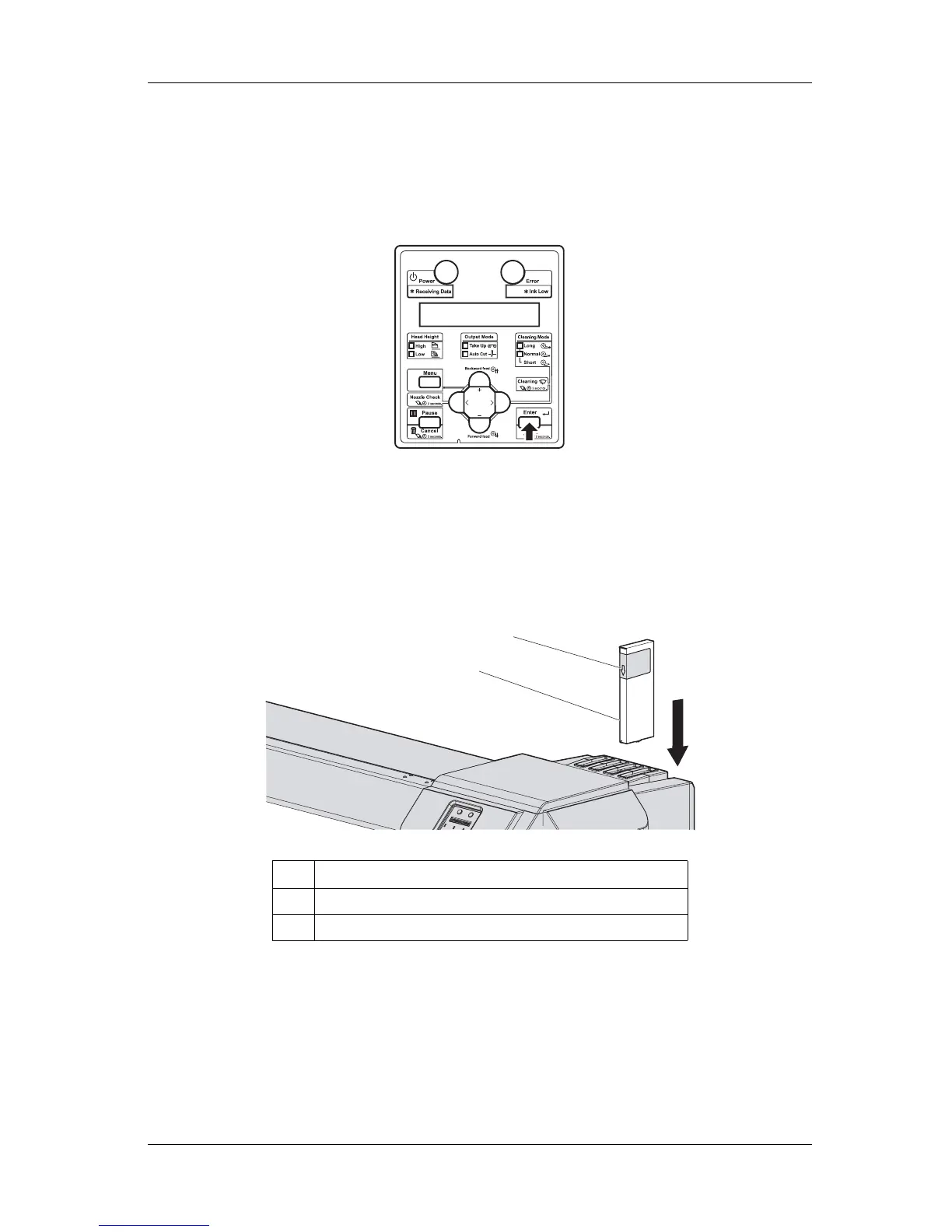
3. Press the [Enter] key on Operation panel.
• "Insert CleaningCart." is displayed on Operation panel.
4. Take out Cleaning cartridges (4 pieces) from the bags.
5. Insert Cleaning cartridge into Ink cartridge slot.
• Keep the arrow of Cleaning cartridge facing the front side of the printer and insert it into the
printer.
No. Name
1 Cleaning cartridge
2 Arrow
2
1















 To Next Page