EasyManua.ls Logo

NCR 74 OFX (7874) - User Manual

NCR 74 OFX (7874)
268 pages
Print Icon
To Next Page IconTo Next Page
Loading...
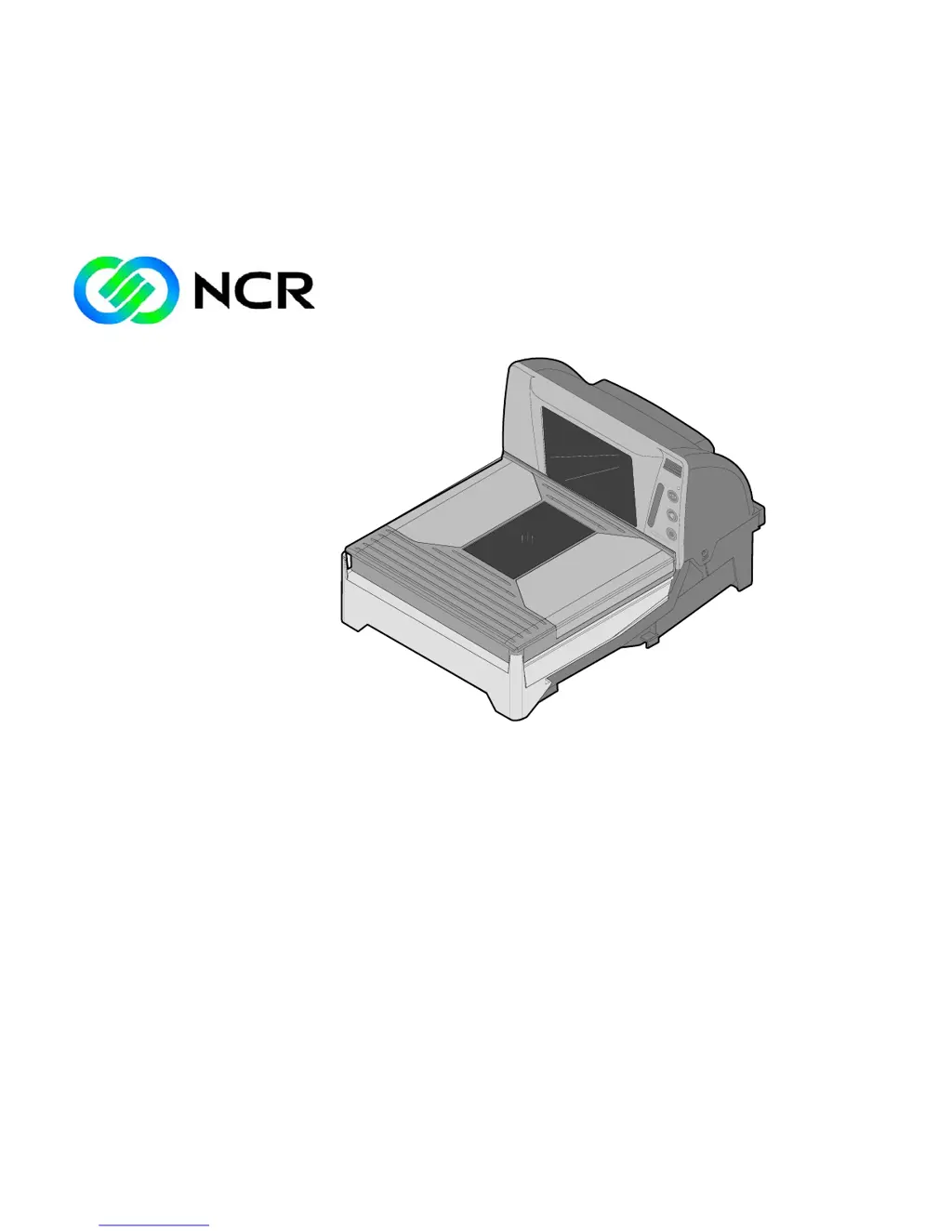
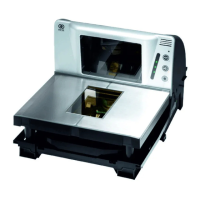
NCR RealScan 74 OFX (7874)
Release 1.1
User Guide
25315
B005-0000-1822
Issue C

Table of Contents

Questions and Answers

  • S
    Steven SwansonAug 14, 2025
    What to do if the scale display is blank on my NCR 74 OFX (7874)?
    • K
      Kayla AndersonAug 14, 2025
      If the scale display on your NCR Barcode Reader is blank, it might be due to an obstruction on the Top Plate or Produce Guard. First, try pressing the Scale Zero button. If that doesn't work, check for and remove any interference around the edge of the Top Plate, Produce Guard, and Front Bezel. Also, make sure to remove any foreign objects from under the Top Plate.
  • A
    Ashley RiveraAug 17, 2025
    Why does my NCR 74 OFX (7874) Barcode Reader show 'Scale drift'?
    • S
      Steve DavisAug 17, 2025
      If your NCR Barcode Reader shows a 'Scale drift' error, first ensure that nothing is placed on the Top Plate. Then, lift the Top Plate to check for any objects underneath. Also, verify that the Produce Guard isn't obstructed. Try pressing the Scale Zero button. If the problem persists, the scanner may need repair.
  • J
    Jill ContrerasAug 20, 2025
    How to fix 'Out of range calibration error' on NCR Barcode Reader?
    • B
      Brittany GriffinAug 20, 2025
      If your NCR Barcode Reader shows an out-of-range calibration error, recalibrate the scale. If the error persists, inspect the scale cables, power supply, digital board, and the scale assembly.
  • K
    kirkaustinAug 25, 2025
    What causes the linearity problem in NCR 74 OFX (7874) Barcode Reader?
    • C
      Clayton AndersonAug 25, 2025
      If your NCR Barcode Reader shows a linearity problem, recalibrate the scale. If the error persists, the scanner may require repair.
  • B
    Bryan HernandezAug 27, 2025
    What to do if NCR Barcode Reader fails to update program parameters in EEPROM?
    • T
      Terry LopezAug 28, 2025
      If your NCR Barcode Reader fails to update program parameters in EEPROM, try resetting the scanner and recalibrating the scale. If the error persists, the scanner may need to be repaired.
  • B
    becklauraAug 31, 2025
    What to do if the scale is not exercised properly on NCR 74 OFX (7874) Barcode Reader?
    • D
      Dawn BlackAug 31, 2025
      If your NCR Barcode Reader is not exercised properly, press on the scale during the calibration process. Keep pressing until all the red LEDs turn blue. Repeat the procedure if necessary.
  • D
    Diane MendezSep 3, 2025
    What causes an error reading program parameters from EEPROM in NCR 74 OFX (7874) Barcode Reader?
    • K
      Kathy CarrilloSep 3, 2025
      If your NCR Barcode Reader encounters an error reading program parameters from EEPROM, recalibrate the scale. If the error persists, the scanner may need repair.
  • B
    bburnsSep 6, 2025
    Why am I getting a 'possible scale error' on my NCR Barcode Reader?
    • P
      Patricia EvansSep 7, 2025
      If your NCR Barcode Reader displays a possible scale error related to an internal connection or the absence of a scale, first press the Scale Zero button and try again. Verify that your unit is indeed a scanner/scale combo. If it's a scanner only, program it accordingly (Program Mode, Hex 3, Hex 0, Hex 4, Save and Reset). If the problem continues, the scanner may need repair.
  • K
    Kim PayneSep 9, 2025
    What to do if Calibration Switch is pressed for more than 3 seconds on NCR 74 OFX (7874)?
    • B
      Barbara MorrisSep 10, 2025
      If the Calibration Switch on your NCR Barcode Reader is pressed for more than 3 seconds, check for any objects interfering with the Calibration Switch. You might also need to calibrate the scale. If the error persists, the scanner may need to be repaired.

Summary

NCR RealScan 74 User Guide

Chapter 1: Product Information

Provides an overview of the NCR RealScan 74, detailing its features, models, and capabilities.

Chapter 2: Site Preparation

Outlines the requirements and responsibilities for preparing the installation site for the RealScan 74.

Chapter 3: Installation

Details the step-by-step procedures for installing the NCR RealScan 74 scanner and its peripherals.

Chapter 4: Operation

Covers the basic operation, procedures, and maintenance of the NCR RealScan 74.

Chapter 5: Programming

Explains how to configure the RealScan 74's features and parameters using programming tags and software.

Chapter 6: Troubleshooting

Provides guidance on identifying and resolving common problems with the RealScan 74 scanner.

Appendix A: NCR Scanner Programming Tags

Lists and illustrates the various bar code programming tags used for configuring the scanner.

Appendix B: Additional Diagnostic Functions

Details advanced diagnostic tests for scale and scanner components, including service diagnostics.

Appendix C: Obtaining Information Products

Provides contact information and channels for acquiring additional NCR RealScan 74 product information.

Appendix D: Technical Support

Lists contact information for technical support in the United States and other countries.

Appendix E: User Feedback

Provides a form for users to rate the document's accuracy, organization, and helpfulness.

NCR 74 OFX (7874) Specifications

General IconGeneral
BrandNCR
Model74 OFX (7874)
CategoryBarcode Reader
LanguageEnglish

Related product manuals