DVR Server Manual
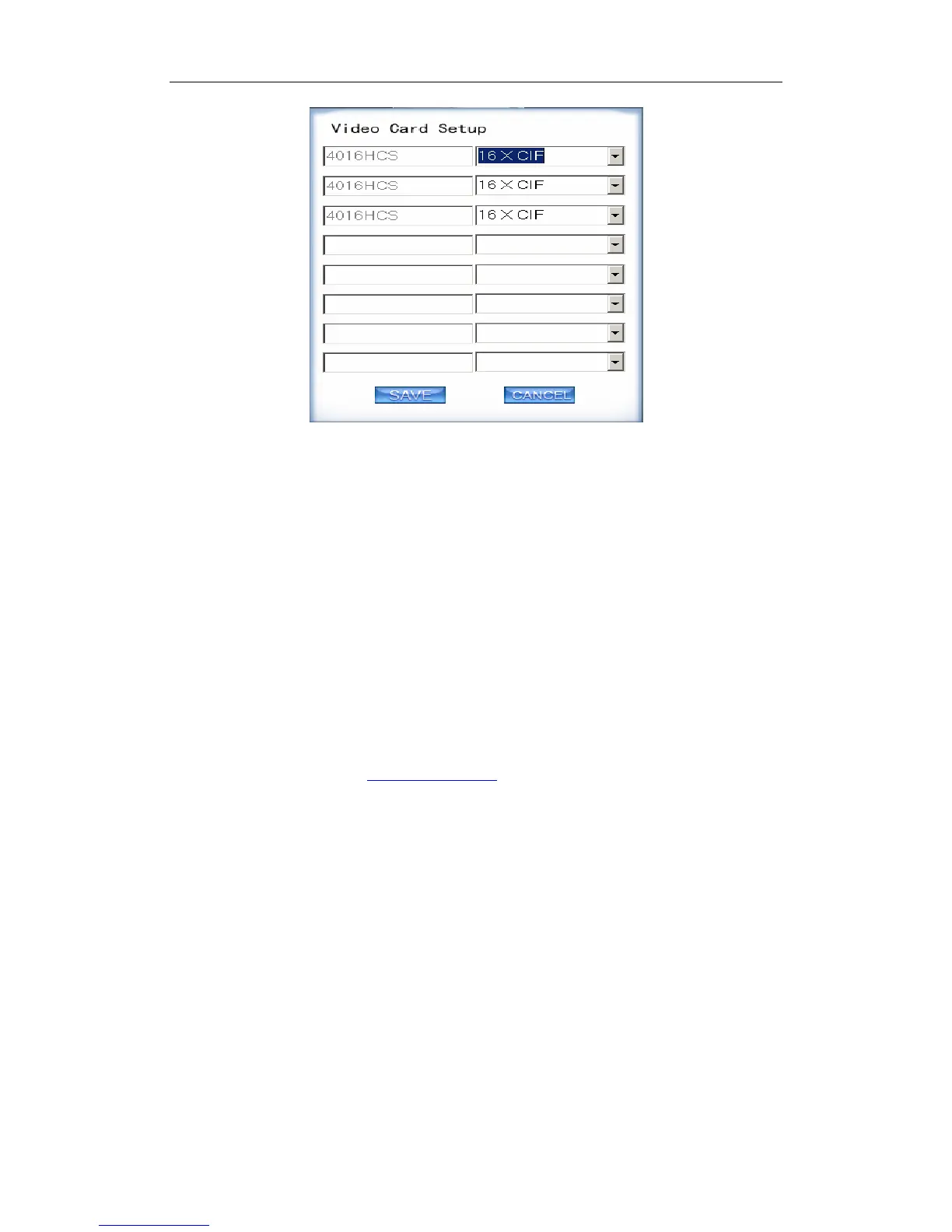
The new work mode of DVR board will take effect after rebooting DVR
Server software.
12. Keyboard Shortcuts Setup
If you don’t want to use certain shortcut keys, you can disable the shortcut
functions and save the setup.
Note:
Please be sure to enable F12 before you display video in full screen mode.
Otherwise, you may not be able to return to main GUI when system is locked in
full screen mode. In this situation, you have to press Ctrl+Alt+Del to end DVR
program in task manager. If F12 is enabled, you can just press F12 to back to
main GUI.
DVR system will be locked when “Local Password” is enabled and the
“Auto Lock Time” set in Password Setup is up. However, system will not be
locked when there is video loop.
35



 To Next Page