DVR Server Manual
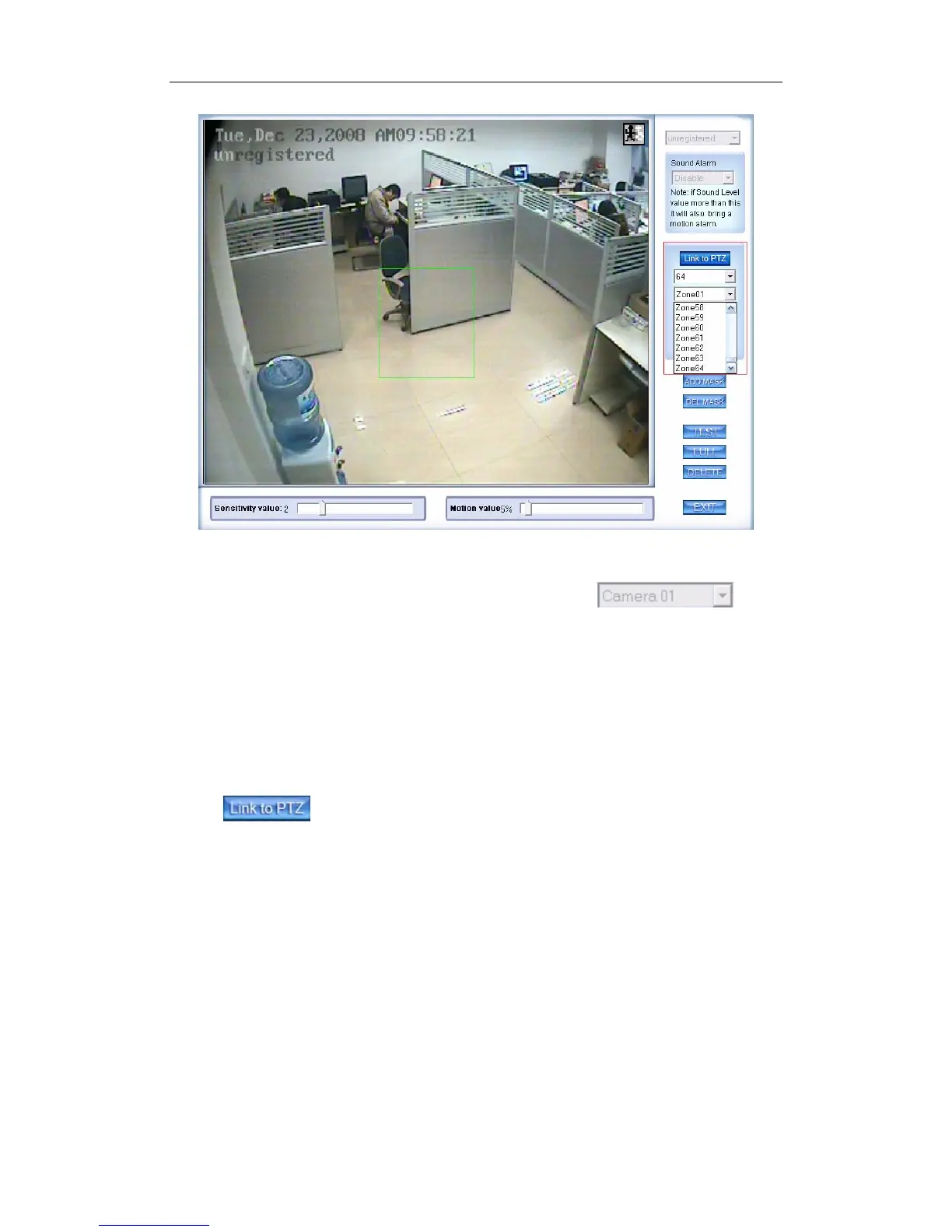
First, you should select the PTZ camera and set the preset. Then, you
should select the detected camera, which is showed as . Next,
select the detected area named Zone01 like the green frame. If you select the
number is 64, the total of the zone is 64, you can detect the number of areas is
64. When the detected area motions, the PTZ camera will link to the preset you
set.
(3). Motion Setup
If you don’t want to use the motion link PTZ preset function, you should
press again, then the motion detection is enable as below:
44



 To Next Page