DVR Server Manual
I. Add/Delete Preset
In this section you can set the preset name with its sequence number,
then you can press / button to add/delete a preset, when you want to
modify the preset you can press button to confirm your modification. For
different cameras, there are different commands to open and set, so you can
choose the call mode in the drop-list for different cameras.
II. Home Position
You can set a home position for the PTZ. When there are no PTZ actions
after the set time system will call the PTZ back to the home position.
III. Tour Preset
In this section you can set the tour schedule. Firstly, you should choose a
group, and then set the track for this schedule. You can press
/ button to
add/delete a preset to it. After you choose the preset name you can set the
time to keep on.
(2). Preset Call
When you select this function, system will show all the preset names you
set in Preset Setup menu. You can click one to move to it.
(3). Preset Tour
When you select this function, system will show the entire tour groups you
set in Preset Setup menu. You can click one to execute it.
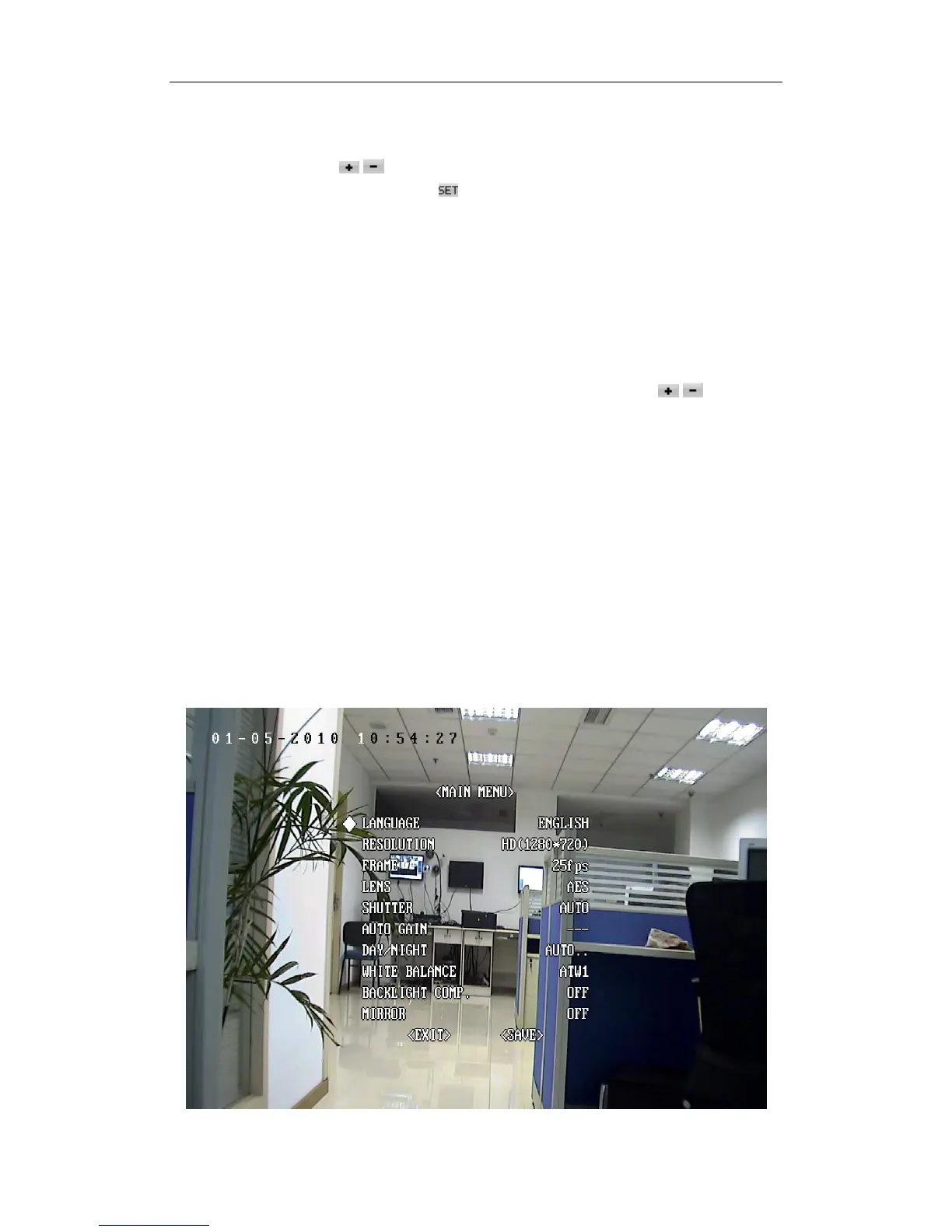
If the views are NV series PTZ&IP camera and mega pixel IP camera,
when you call preset 95, you can see:
49



 To Next Page