DVR Server Manual
7. Speed Dome
For local board cards, press button to operate the speed
dome, including Preset Setup, Preset Call and Preset Tour as below:
For IP camera, the preset should be set remotely in IP Camera Setup. But
you can also use Preset Call and Preset Tour function here after you set them
remotely.
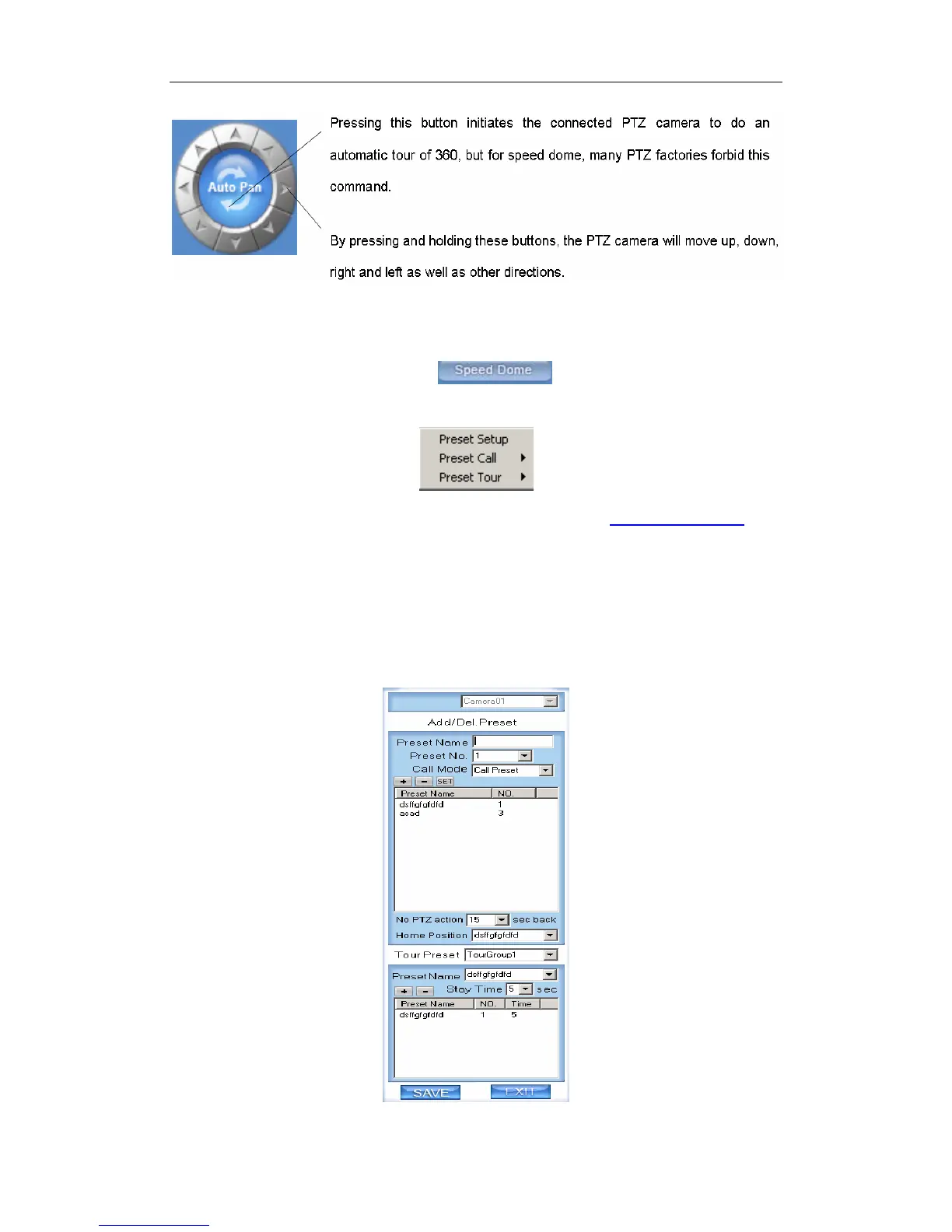
(1). Preset Setup
In this screen you can set the preset position of analogue cameras (To IP
cameras, you have to set their preset in IP camera setup):
48



 To Next Page