4.11 Calculation functions
FRA5087
4.11.3 Conversion between open and closed loops
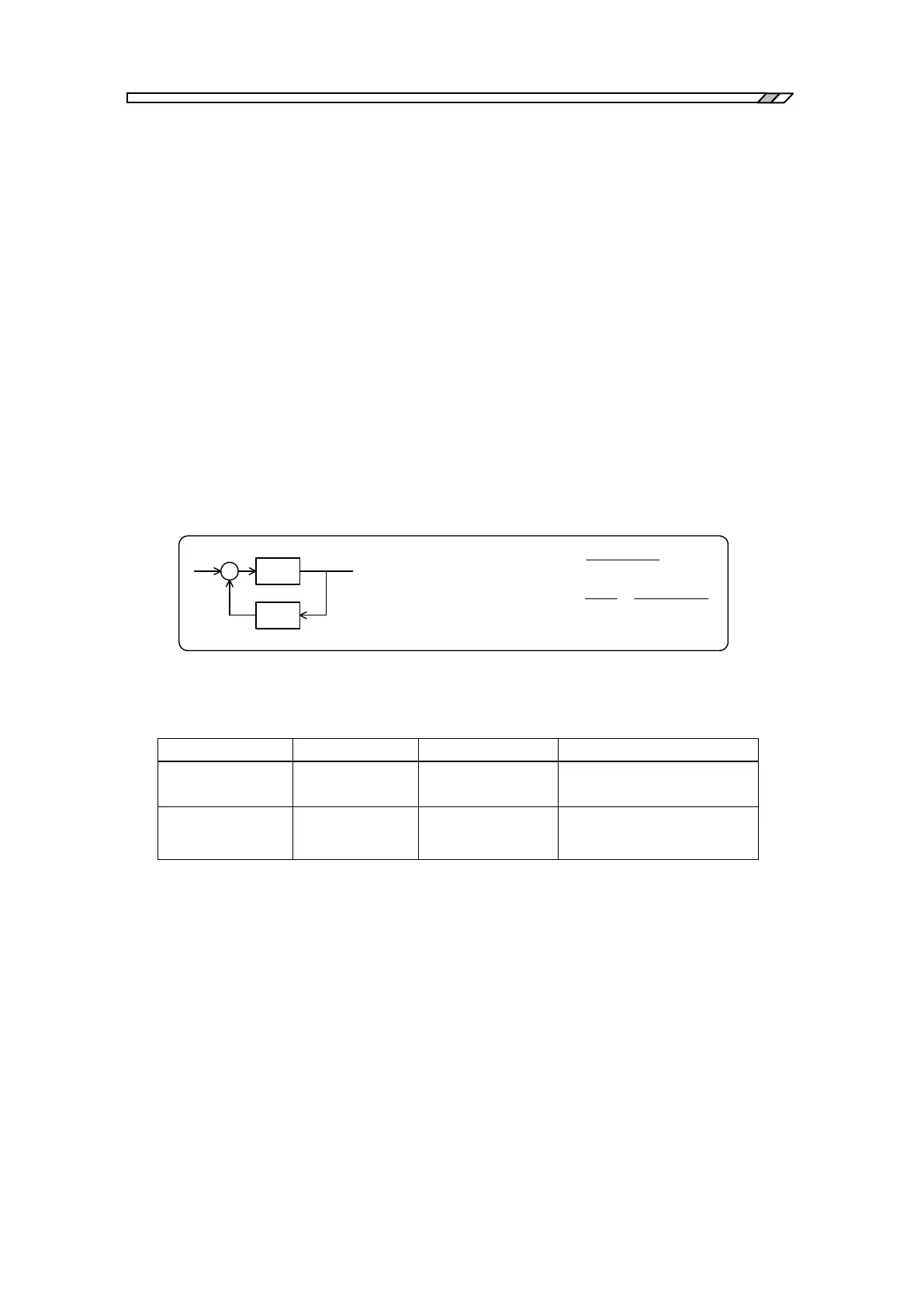
In open to closed loop conversion, when negative feedback Tm is applied to open loop
characteristics To, the closed loop characteristics Tc are derived. Conversely, when converting
from closed to open loop, the open loop characteristics are derived from the closed loop Tc and
negative feedback Tm.
Use the menu window [Calc.][OPEN/CLOSE] to set the open- and closed-loop conversion.
[DATA TAG] : To be used to set the TAG number of 0 - 6 (measurement and
computation results) for the original data for calculation.
[Tm] : To be used to set either the TAG number of 0 - 6 (measurement and
computation results) for the frequency characteristics data of the
negative feedback circuit or the constant value (real number).
[MODE] : To be used to set either the open-loop to closed-loop conversion
“To/(1+ToTm)” or the closed-loop to open-loop conversion
“Tc/(1-TcTm)”.
[ANSWER TAG] : To be used to set the data TAG number of 0 - 6 for storing the
calculation result.
+ To
Tc
Fin Fout
Open-loop transfer function :
Closed-loop transfer function :
Negative feedback transfer function :
To
Tc
1 Tc
Tm
Tc
Fout
Fin
To
1 To Tm
Tm
Fig. 4-20 Open-loop and close-loop transfer functions
The meaning of [DATA TAG] and [ANSWER TAG] depends on the status of [MODE] as follows:
Open-loop to closed-loop
conversion
Closed-loop to open-loop
conversion
Press the function key [START] to start calculation operations and to display the calculation result
in the “ANSWER TAG”. If you want to use for Tm the data composed of an imaginary number
or a complex number, perform calculation operations after producing the required data TAG
through the use of the four rules of arithmetic function.
In this application, the open loop transfer function To cannot be derived from a single loop
transfer function (To.Tm).



 To Next Page