3.5 Examples of basic operations
FRA5087
3.5.2 On/off operations for oscillator output
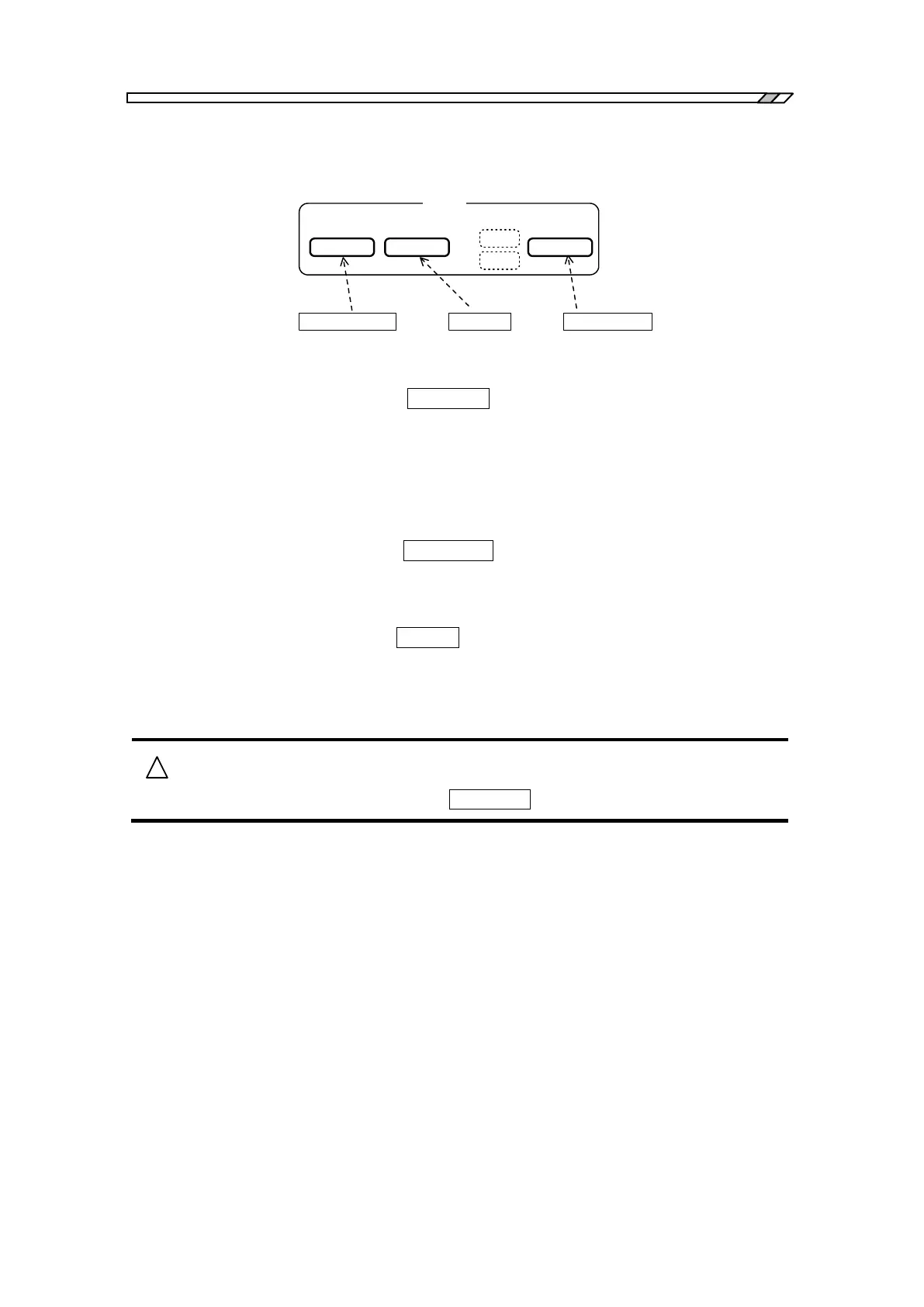
AC/DC ON keyAC OFF keyAC/DC OFF key
OSC
OFF
AC/DC AC
ON
A C
D C
AC/DC
Fig. 3-11 Oscillator control key
Oscillator output “on”: Press the AC/DC ON key to switch on the oscillator output and to
turn on the AC and DC lamps adjacent to the key. At this time, the
actual oscillator output voltage level is also displayed in the
measurement condition display portion of the LCD display screen.
Note that the actual oscillator output level will not change until this
key has been pressed, even if you change the AC amplitude or DC
bias setting.
Oscillator output “off”: Press the AC/DC OFF key to turn off the AC and DC lamps and to
turn the display into 0 V for both the AC amplitude and DC bias in
the measurement condition display portion on the LCD display
screen.
AC component “off”: Press the AC OFF key to turn off the AC lamp only and to turn the
display into 0 V for the AC amplitude only in the measurement
condition display portion of the LCD display screen. The DC bias
output is still on with its value unchanged.
The output voltage will not change even if you change the output voltage
setting, unless you press the AC/DC ON key.
For more details, refer to “4.5 Oscillator setting”.



 To Next Page