5.6 Max/min search function
FRA5087
5.6 Max/min search function
When data marker type is set for graph display, the minimum or maximum value of the vertical
axis parameters is searched automatically, the marker is shifted and the computed value displayed.
Search is enabled for [Y1-PEAK] (maximum), [Y1-BOTTOM] (minimum). [Y2-PEAK] and
[Y2-BOTTOM].
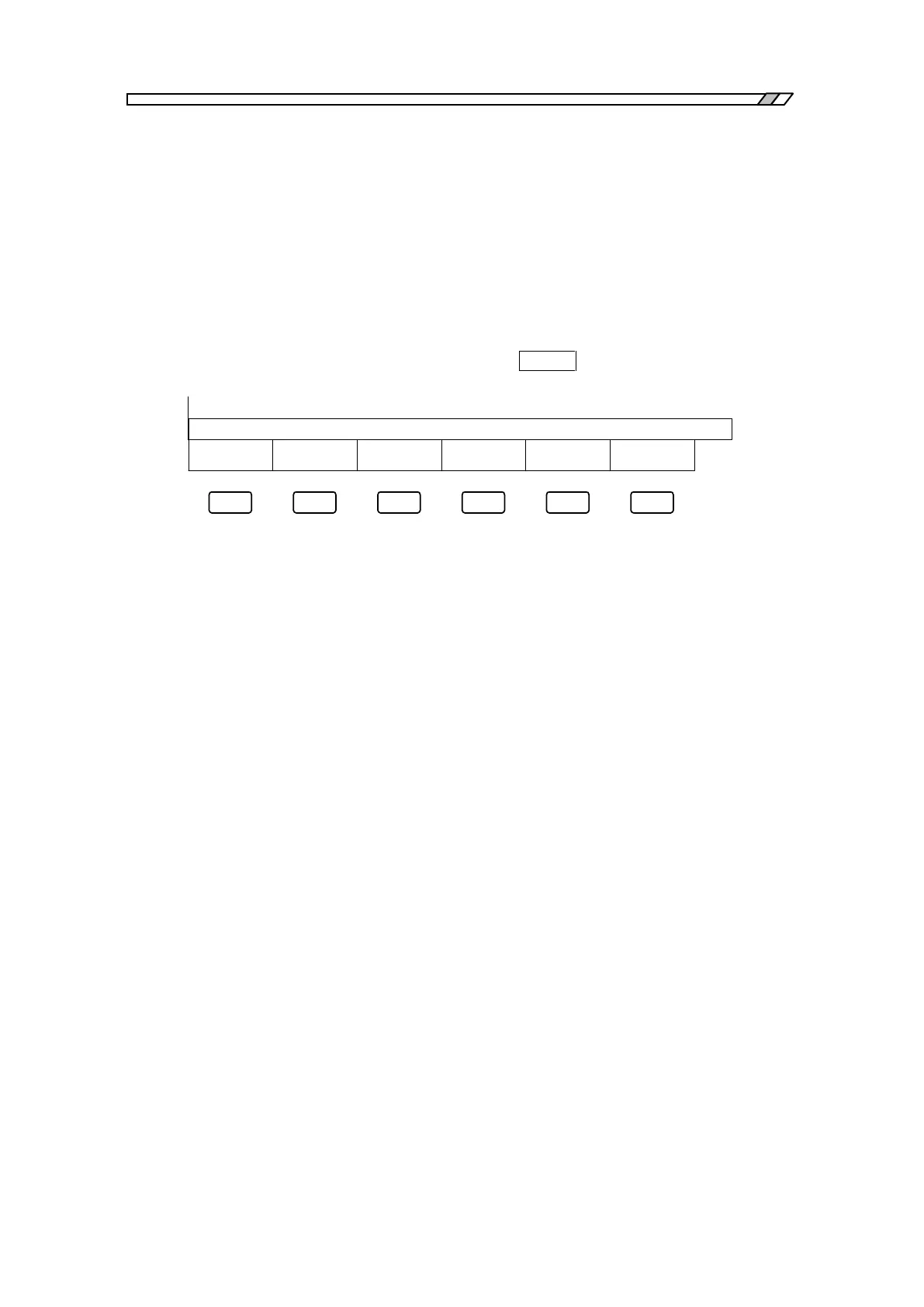
[SEARCH] items have been added to menu [GRAPH]. When menu [GRAPH] [SEARCH] is
selected, the function keys indicated in Fig. 5-6 are displayed. Press the key for the desired
function and the marker shifts. The function is effective only when menu [GRAPH] [FORMAT]
[MARKER TYPE] sets [DATA]. When search is executed, the function display menu
extinguishes (extinguish at the top menu by pressing the CLOSE key).
Y1-PEAK Y1-BOTTOM Y2-PEAK
=
Y2-BOTTOM
Fig. 5-6 Max/min search function keys



 To Next Page