4.3 Modulation
WF1946B 4-51
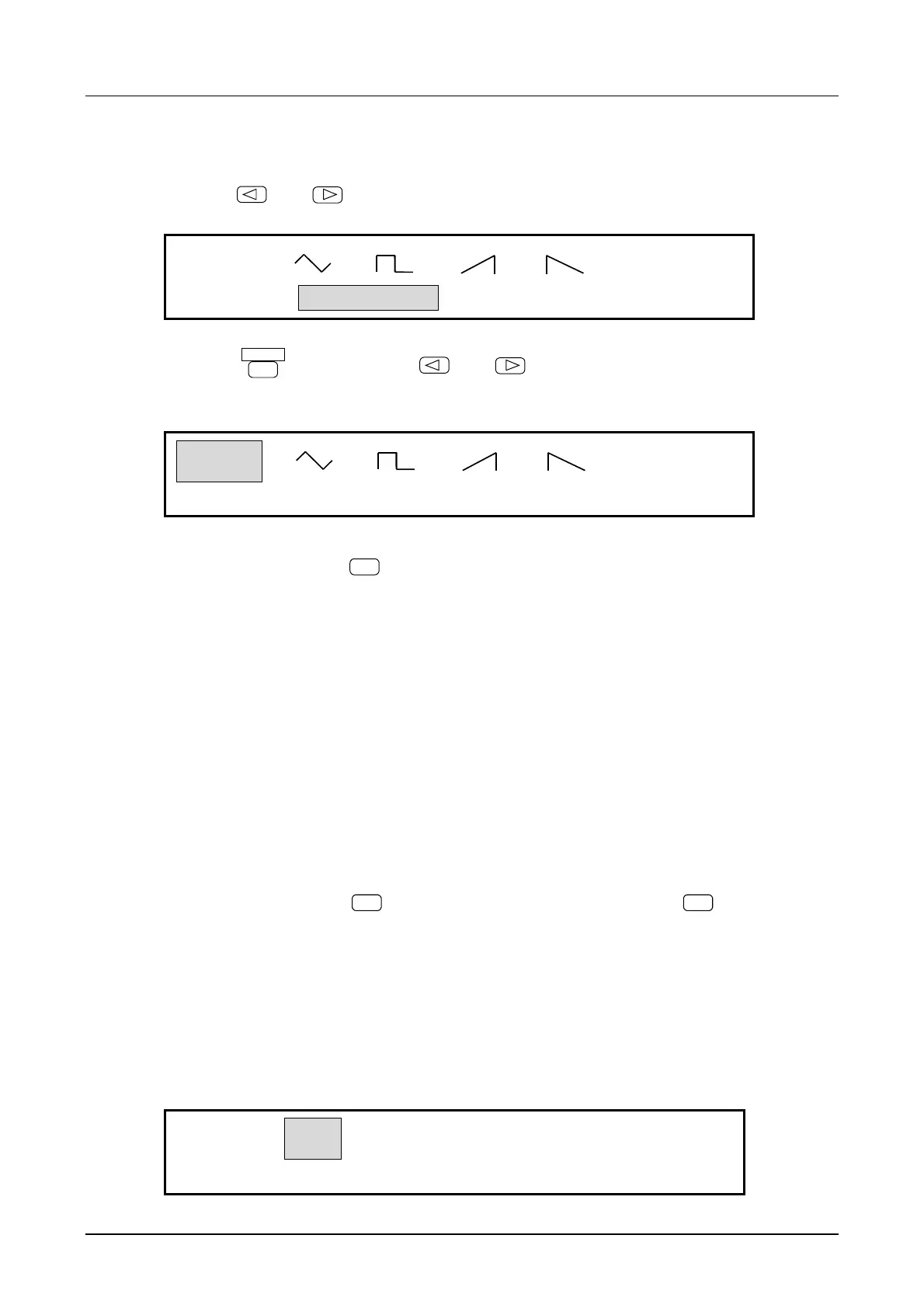
(4) Select modulation waveform (FUNCTION)
① Use the
and
keys to produce the following display (FUNCTION flashes).
SIN
OFSM:
3
FUNCTION
② Press the
ENTER
key, then use the
and
keys to produce the following display (SIN
flashes).
SIN
OFSM:
3
FUNCTION
③ After selecting, press the
EXIT
key to release the setting mode.
The above completes DC offset modulation setting.
Other operations:
• Amplitude setting vs. maximum amplitudes
: Max. amplitude = Amplitude setting + DC offset deviation
• When the oscillation mode is changed to modulation (MODU), modulation occurs at the setting at that
time point.
• To stop modulation
: Press the
STOP
key. Resume modulation by pressing the
START
key.
• During modulation, if the oscillation mode of the other channel is changed, modulation stops.
• To start or stop a modulation operation on both channels simultaneously by manual operation
or via remote control (GPIB or USB), set both channels to modulation mode and set
OPER-COMMON to on.
OFF
ON
OFSM:
3
FUNCTION OPER-COMMON



 To Next Page