3.3 Basic operation
WF1946B
3-24
Channel selection (
CH1/CH2
)
Channel selection for setting and display is described.
Procedure:
Each time that the
CH1/CH2
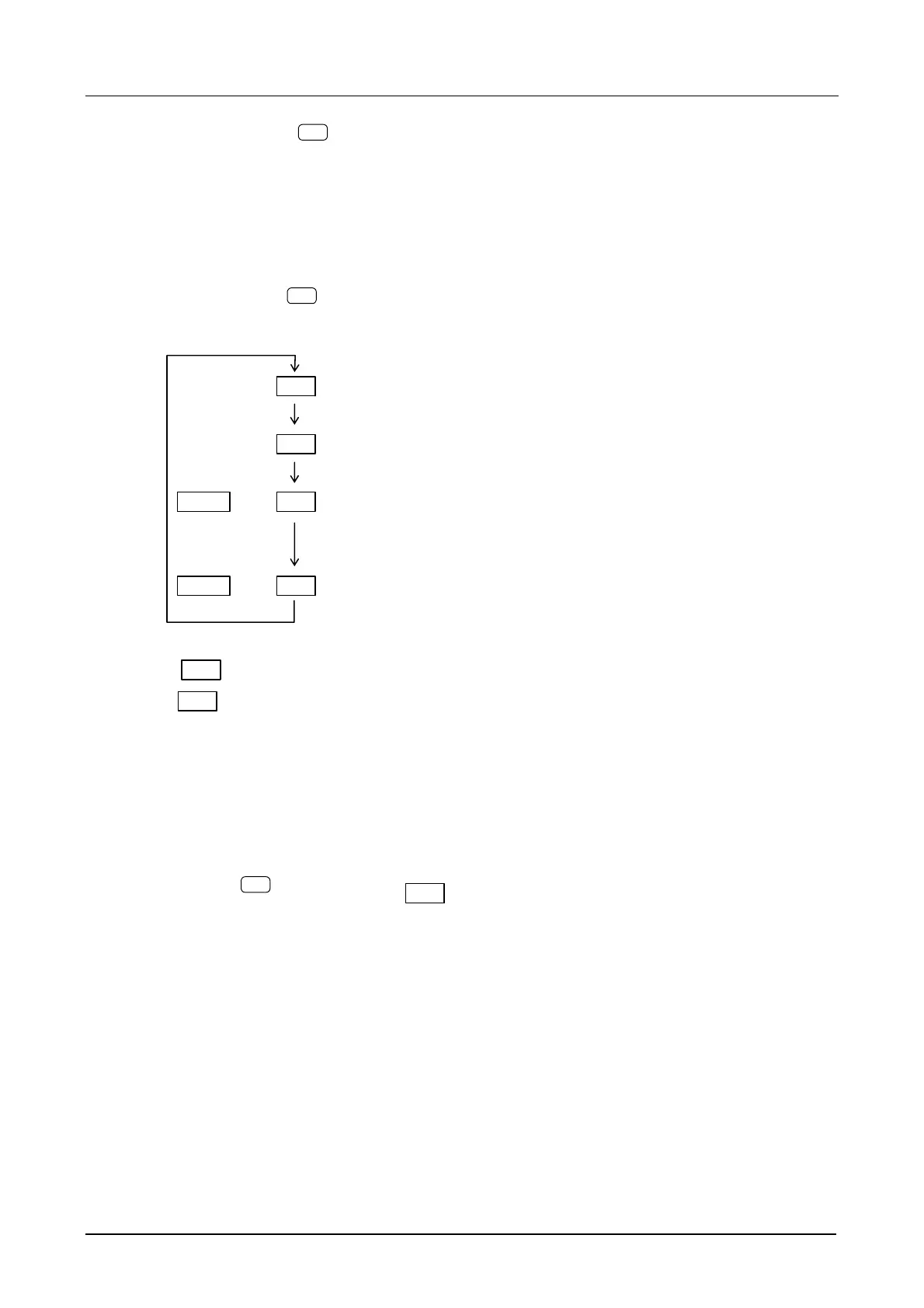
key is pressed, the lamp that lights or flashes changes as shown below:
CH1 (Set to CH1 only)
CH2 (Set to CH2 only)
BOTH and CH1 (Set to both CH1 and CH2 simultaneously. The displayed unit and
auxiliary unit are the same as those of the preceding CH1)
BOTH and CH2 (Set to both CH1 and CH2 simultaneously. The displayed unit and
auxiliary unit are the same as those of the preceding CH2)
While CH1 is flashing, however, the value of CH2 is different from the displayed value. Also,
while CH2 is flashing, the value of CH1 is different from the displayed value. If set again, CH1
and CH2 will operate with the same setting.
Operation:
In this example, CH1 is selected.
① Press the
CH1/CH2
key to where the CH1 lamp above the key lights.
This selects the setting and display for CH1.
Each time the key is pressed, the setting and display change as follows: CH1 → CH2 → CH1
BOTH → CH2 BOTH → CH1…
Other:
The channel cannot be selected when the channel mode is DIFF.



 To Next Page