4-16 WF1946B
4.2 Sweep
Sweep (Mode: Single) (
MODE
→
SWEEP
→ MODE : SINGLE)
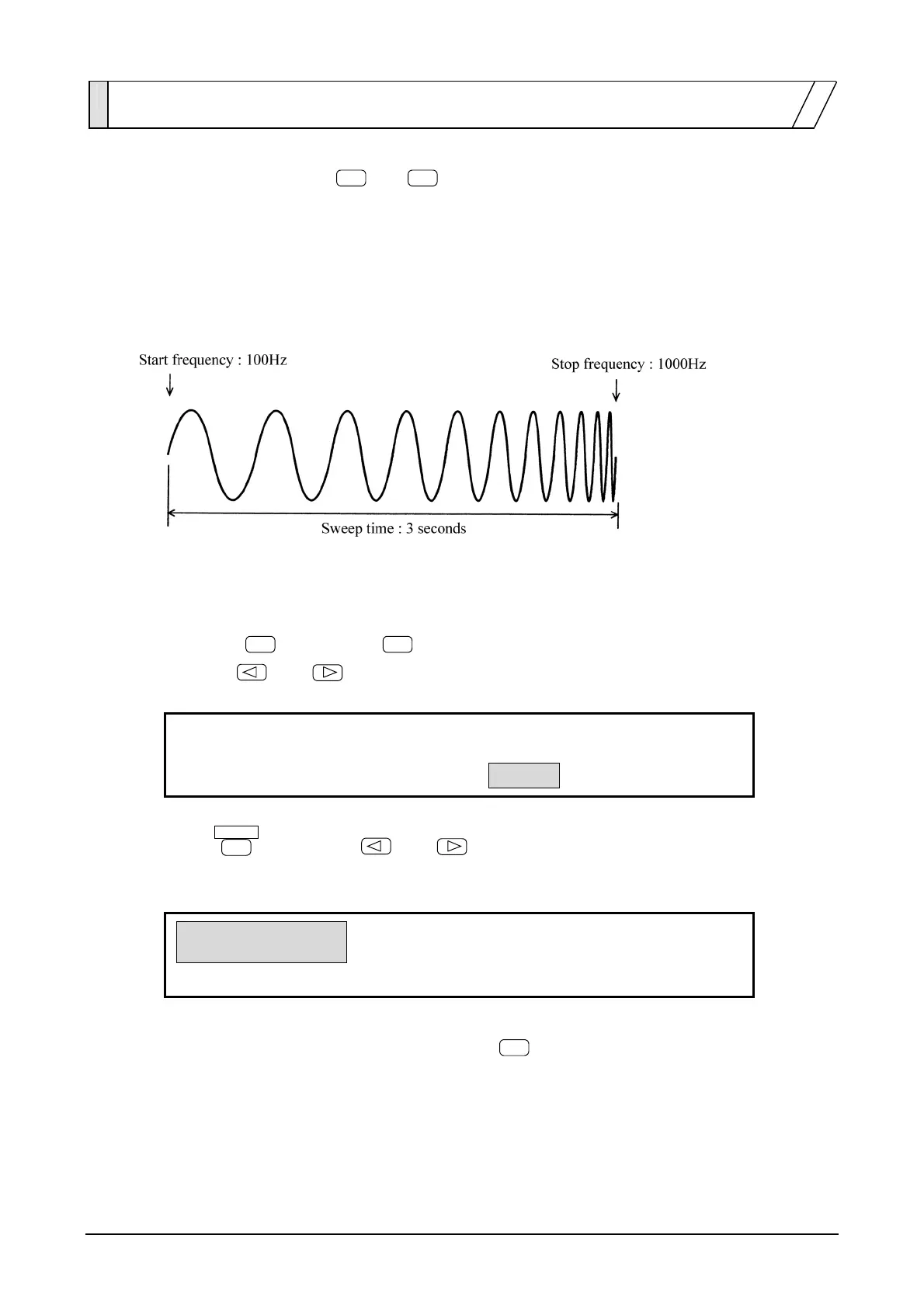
In a Sweep (Mode: Single), oscillation occurs by varying parameters such as the frequency and amplitude
one time between the start and stop settings. Oscillation continues after the sweep is completed.
Operation to produce a waveform output with frequency that varies linearly and continuously is described.
The setting example is a sinewave with arbitrary amplitude and DC offset.
Operation:
(1) Set sweep MODE to SINGLE
① Press the
MODE
key, then the
SWEEP
key.
② Use the
and
keys to produce the following display (MODE flashes).
SINGLE
CONT GATED
F-SWP:TYPE SOURCE MODE
4
③ Press
ENTER
, then use the
and
keys to produce the following display
(SINGLE flashes).
SINGLE
CONT GATED
F-SWP:TYPE SOURCE MODE
4
④ This sets the sweep mode for single. Press the
EXIT
key once to release mode select.



 To Next Page