5.1 Convenient Settings
WF1946B 5-5
Amplitude and DC offset setting by high and low level (
ENTRY
→
HIGH
/
LOW
)
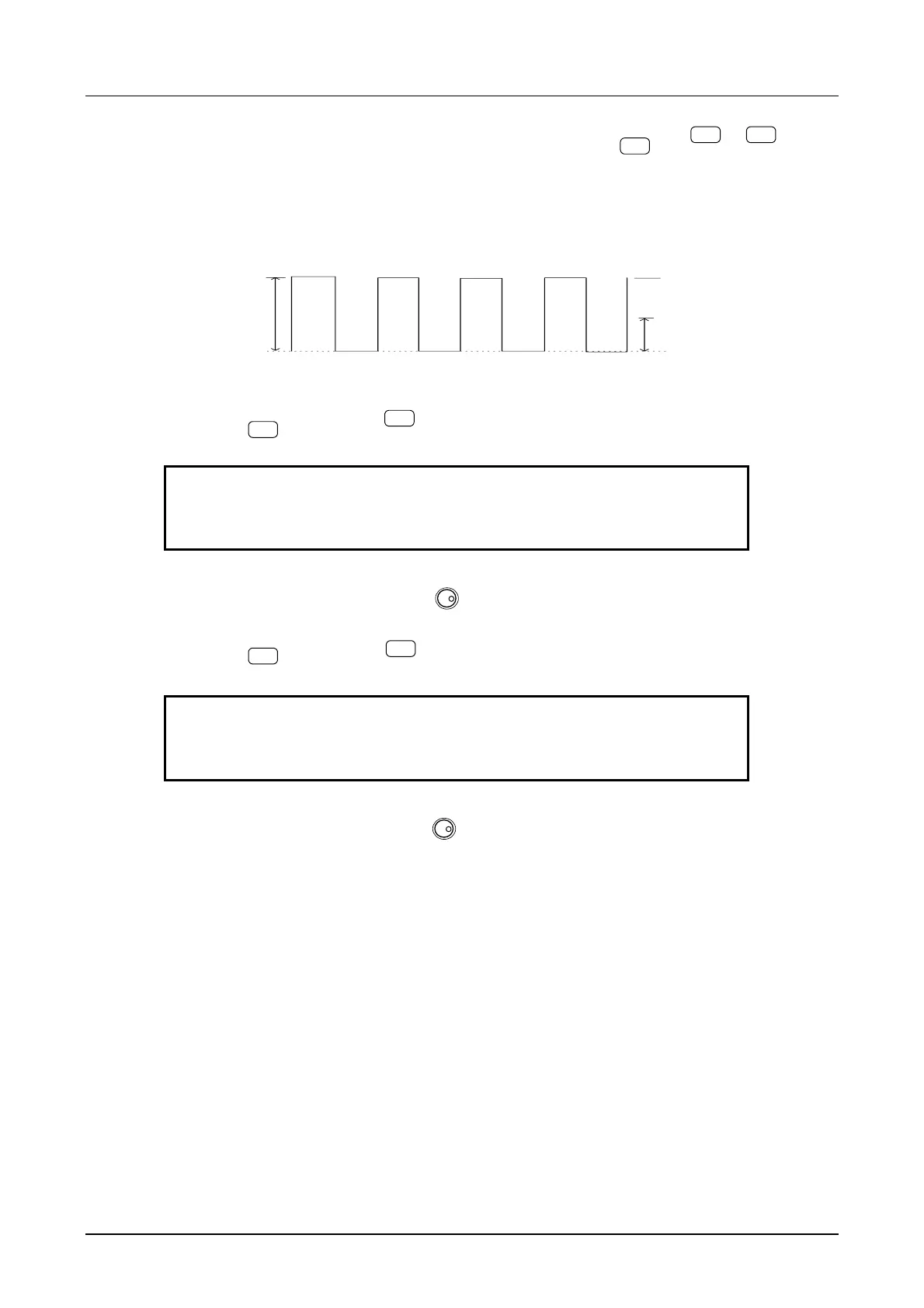
Operation to set the waveform vertical size as high and low level, in place of amplitude and DC offset, is
described.
Select the waveform type for squarewave.
Operation:
① Press the
ENTRY
key, then the
HIGH
key to produce the following display.
HIGH +0.0500 V
1000.0000000Hz L-0.0500V /OPEN
② Set the High level with the keypad or
MODIFY
dial.
For example, set to +5 V.
③ Press the
EXIT
key, then the
LOW
key to produce the following display.
LOW -0.0500 V
1000.0000000Hz H+5.0000V /OPEN
④ Set the Low level with the keypad or
MODIFY
dial.
For example, set to +0 V.
Amplitude: 5Vp-p
High level: +5V
DC offset: +2.5V
Low level: +0V
0



 To Next Page