3.3 Basic operation
WF1946B
3-26
Waveform selection (
FUNCTION
)
Waveform selection is described.
Symbols:
: Sinewave
: Triangular wave
: Squarewave (50 % fixed duty)
: Squarewave (variable duty)
: Rising sawtooth
: Descending sawtooth
ARB: Arbitrary waveform
“4.4 Arbitrary Waveform (ARB)”, cf.
Operation:
The selected waveform is indicated in the STATUS area, which is located to the left of
FUNCTION
key.
When the
FUNCTION
key is pressed, the
FUNCTION
key lamp lights, and at the same time, the lamp of
every key located to the right of the
FUNCTION
key lights. The lamp of the selected waveform blinks.
To select another waveform (one whose key lamp is already lit), press the key of the waveform.
Operation example:
In this example, a triangular waveform is selected.
① Press the
FUNCTION
key, then the
key.
The
STATUS lamp lights
② After selecting, press the
EXIT
key once to exit the setting mode.
Other:
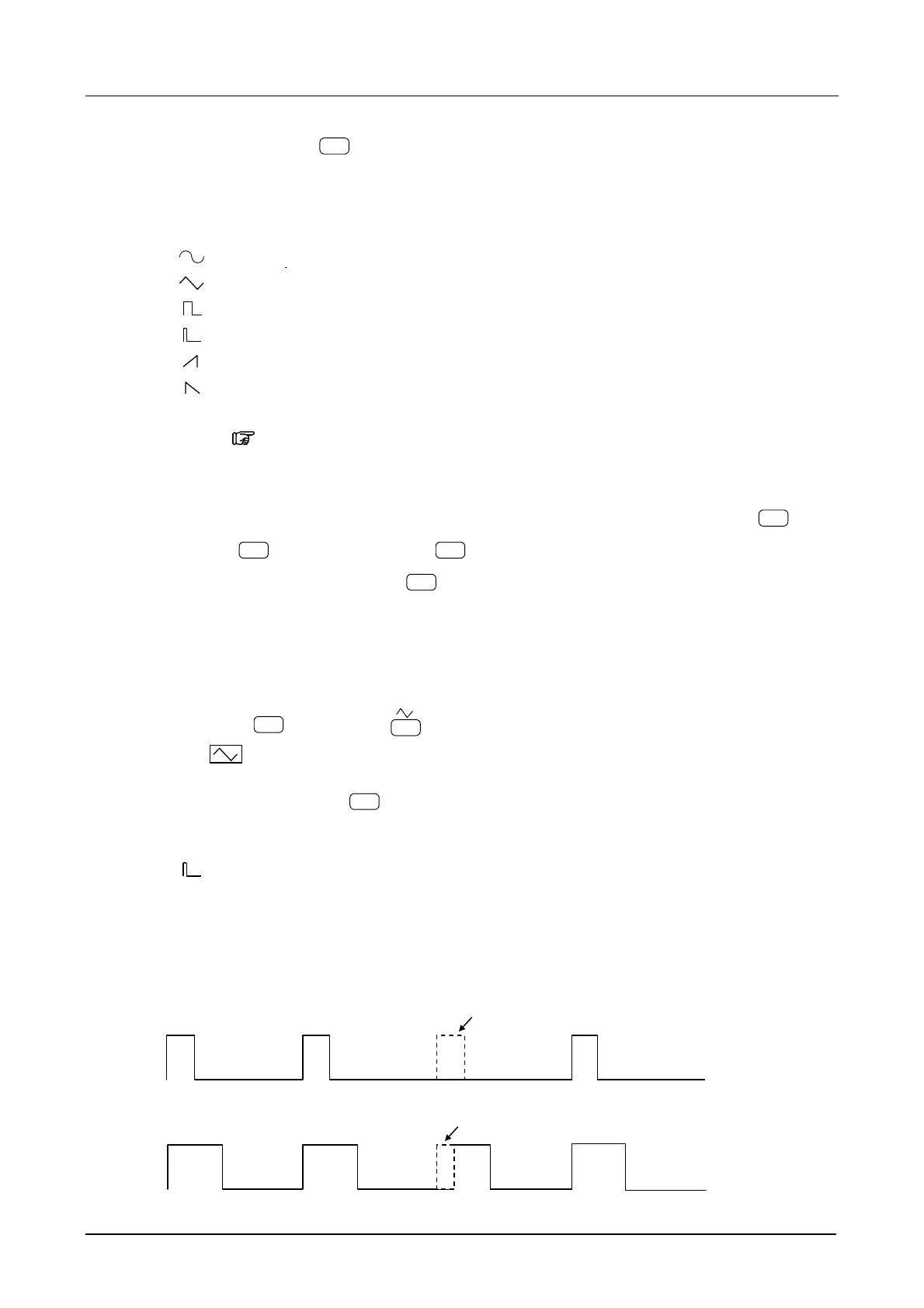
In squarewaves (variable duty), pulses may disappear depending on the relations between the
cycle and duty when the pulse width falls below 25 ns. For such settings, an error message is
displayed.
When the pulse width is 100 ns or less, jitter becomes relatively larger compared with the pulse width,
and a warning message is displayed.
If the pulse width falls below 25 ns, pulses
may disappear.
If the pulse width falls below 100 ns, jitter becomes
relatively larger compared with the pulse width.



 To Next Page