3.3 Basic operation
WF1946B
3-31
DC offset setting (
ENTRY
→
OFFSET
)
DC offset determines the offset component added to the waveform or the output voltage when the
oscillation mode is DC.
Setting the DC offset (OFFSET)is described.
Operation:
Two methods can be used for setting the DC offset.
(1) Keypad
Convenient when the DC offset has been determined beforehand.
For example, set +1 V as follows.
① Press the
ENTRY
key, then the
OFFSET
key.
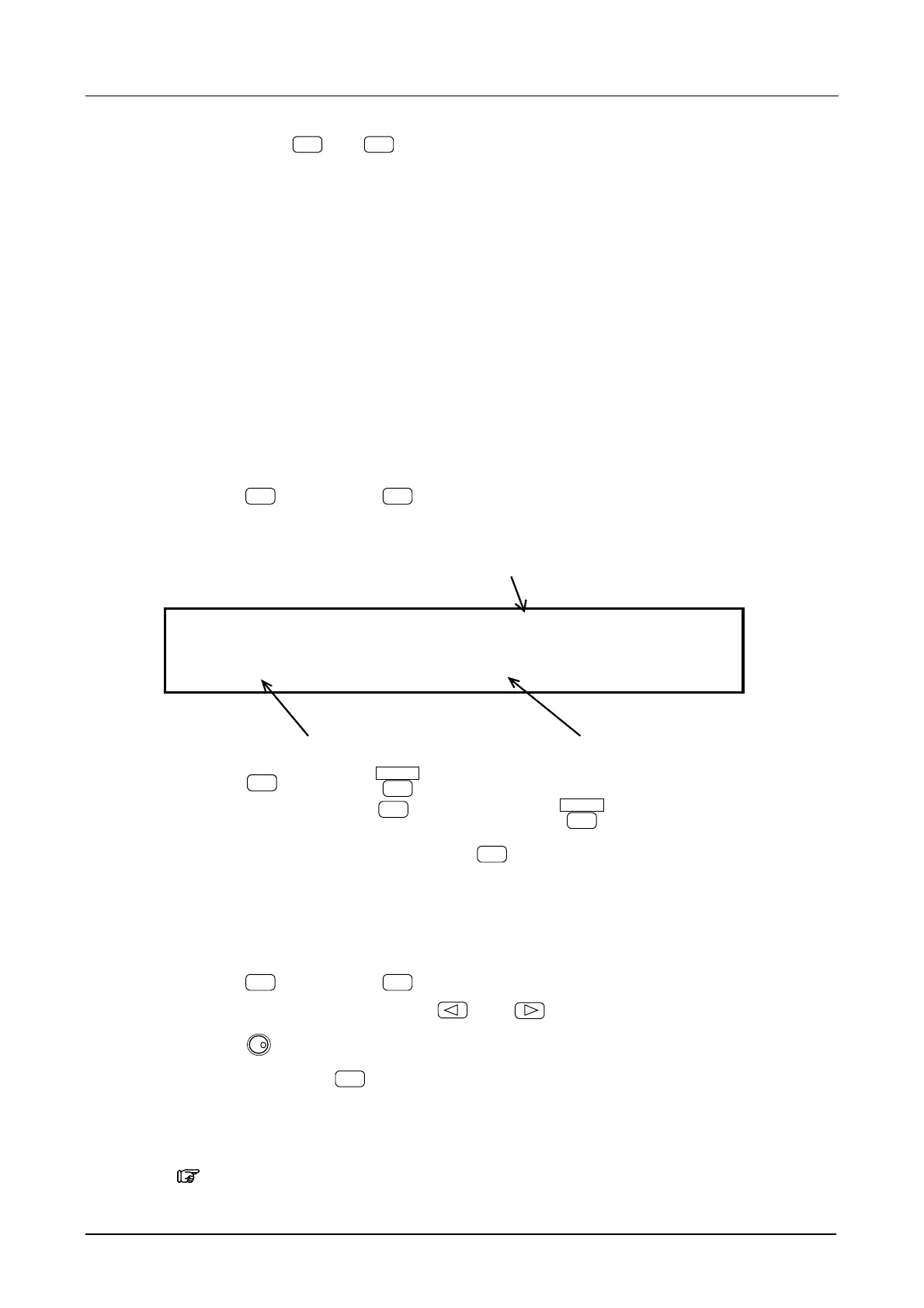
The following display is produced.
DC offset
OFS +0.0000 V
1.000000000kHz A2.0000Vp-p/OPEN
Frequency Amplitude
② Press the
1
key, then the
ENTER
key.
To correct an entry, press the
BS
key before pressing
ENTER
.
③ This completes setting, afterwards, press the
EXIT
key.
(2) Modify dial
The offset can be changed continuously.
① Press the
ENTRY
key, then the
OFFSET
key.
② Select the digit to be changed with the
and
keys.
③ Turn the
MODIFY
dial to set the flashing digit.
④ After setting, press the
EXIT
key to release the setting mode.
Other:
・ Can also be set by waveform high level and low level.
“5.1 Convenient Settings (■Amplitude and DC offset setting by high and low level)”, cf.



 To Next Page