5.3 Setting memory
WF1946B 5-15
Setting memory clear (
MEMORY
: CLEAR)
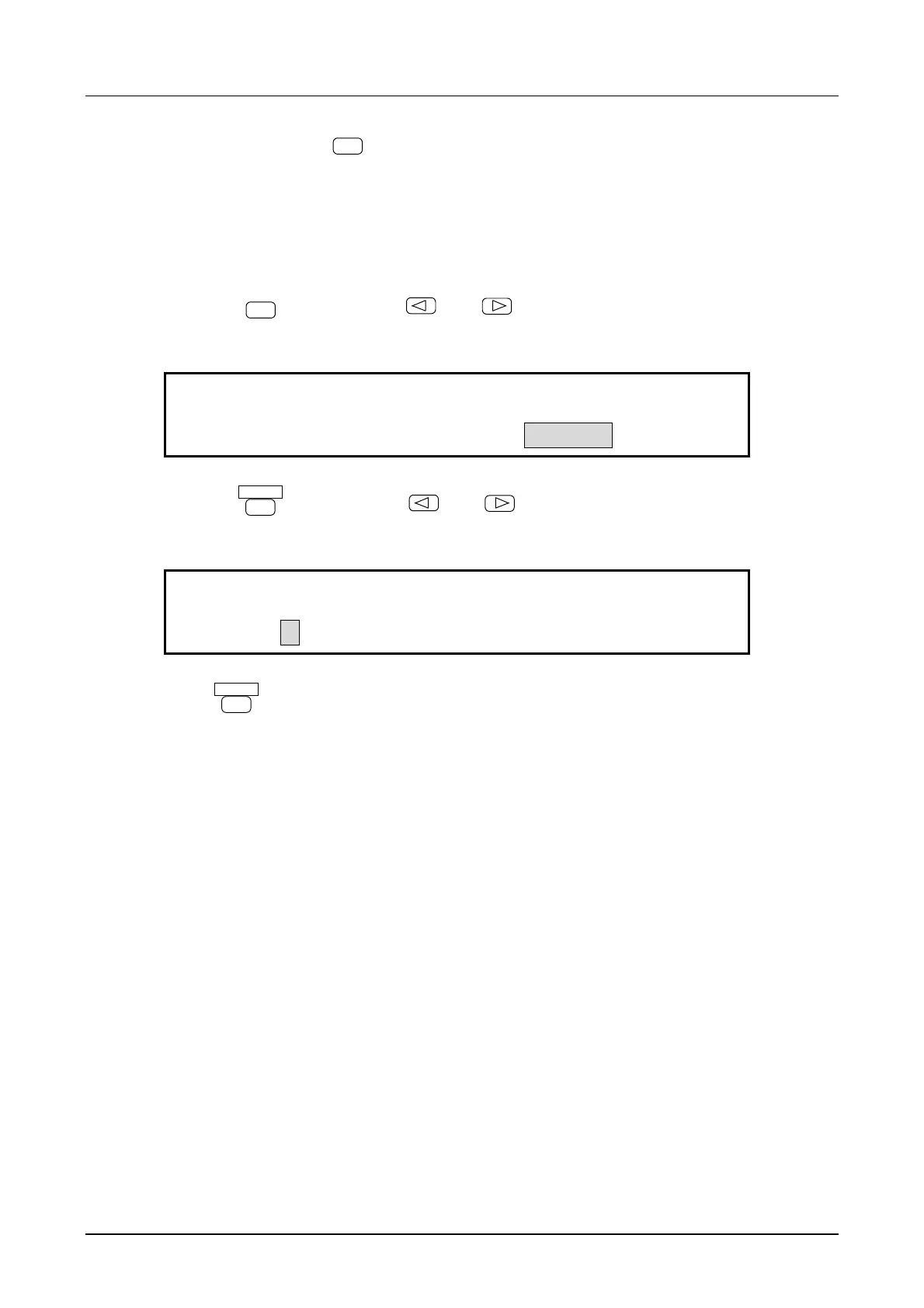
Operation to clear the memory is described. The operation also clears names entered in the memory.
Operation:
① Press the
MEMORY
key then use the
and
keys to produce the following display (CLEAR
flashes).
CLEAR MENU
MEMORY:STORE RECALL CLEAR
② Press the
ENTER
key, then use the
and
keys to produce the following display
(0 flashes). In this example, TEST 1 is cleared from memory.
TEST 1
CLEAR:0 1 2 3 4 5 6 7 8 9
③ Press
ENTER
key to clear the memory recall.
Other:
• At above step ②, pressing the keypad clears the corresponding memory number. Only the stored
numbers of the keypad light.



 To Next Page