5.3 Setting memory
5-14 WF1946B
Setting recall (
MEMORY
: RECALL)
Operation to recall settings from memory is described.
Operation:
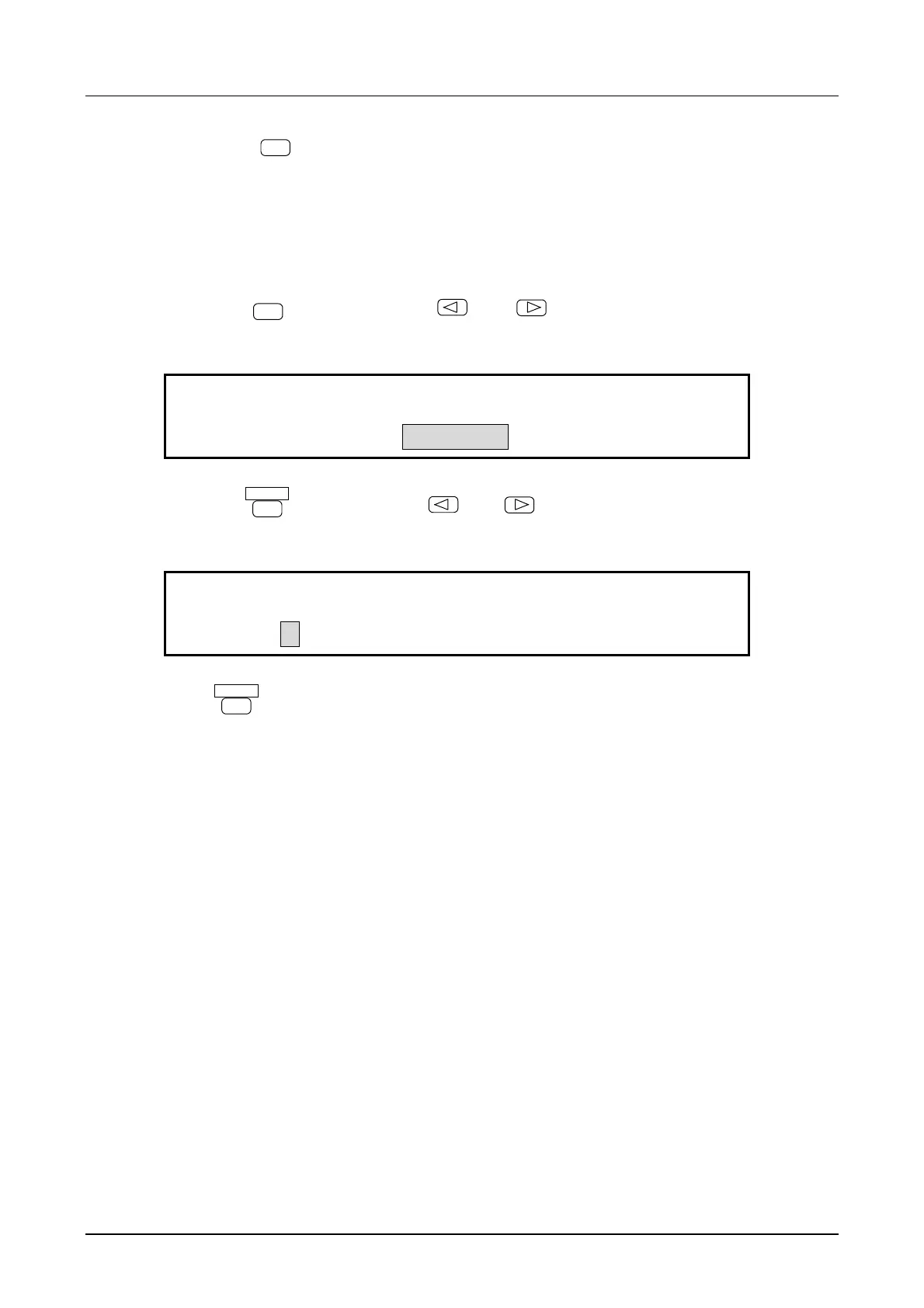
① Press the
MEMORY
key, then use the
and
keys to produce the following display
(RECALL flashes).
RECALL MENU
MEMORY:STORE RECALL CLEAR
② Press the
ENTER
key, then use the
and
keys to produce the following display (0
flashes). In this example, TEST 1 is recalled from memory.
TEST 1
STORE:0 1 2 3 4 5 6 7 8 9
③ Press
ENTER
key
for recall.
Other:
• If the keypad is pressed at above step ②, the pressed memory number is recalled. Only the stored
numbers of the keypad light.
• Items stored in the setting memory and user unit settings are noted in Section [3.3 Basic operation,
Setting initialize]. The following items do not change before and after recall.
• Channel selection
• Output on/off
• Output on/off state at power on
• Arbitrary waveform parameter
• Type of remote control
• GPIB parameter
• USB ID



 To Next Page