WF1946B 5-1
Section 5 Other Operations
5.1 Convenient Settings ···································································································5-2
Frequency [Hz] setting by period [s]··································································5-2
Squarewave duty setting ····················································································5-3
Squarewave pulse width setting ·········································································5-4
Amplitude and DC offset setting by high and low level ·····································5-5
5.2 Units ··························································································································5-7
Engineering unit (µ, m, k, M) display ································································5-7
Amplitude units change ·····················································································5-8
User-unit setting·································································································5-9
5.3 Setting memory··········································································································5-13
Setting store ·······································································································5-13
Setting recall ······································································································5-14
Setting memory clear ·························································································5-15
5.4 External Input ············································································································5-16
External add (EXT-ADD) ··················································································5-16
External AM (EXT-AM)····················································································5-17
5.5 Other settings·············································································································5-18
Output range change (use with fixed range)·······················································5-18
Output on/off at power on ··················································································5-19
LOAD function (equalize setting and output values) ·········································5-20
UNDO function··································································································5-21
Pulse generator function·····················································································5-22
Phase sync··········································································································5-24
Copy settings between channels·········································································5-25
Fixed frequency difference (2TONE)·································································5-26
Fixed frequency ratio (RATIO)··········································································5-27
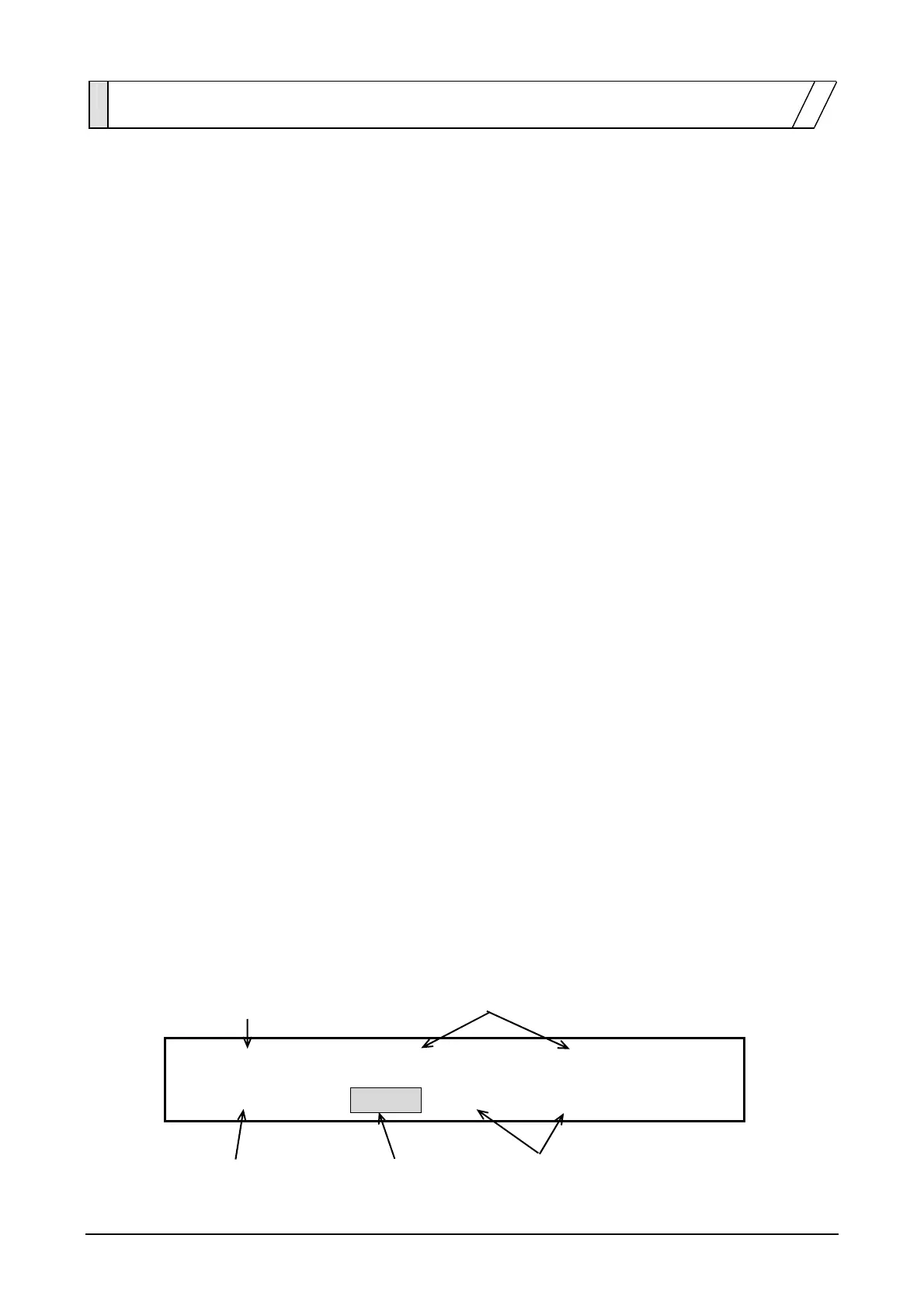
・Following is a typical example of the display panel indications used in this Section.
Fully lighted(bold) Dimly lighted
FREQ
PERIOD AMPTD
4
USER UNIT:TYPE NAME FORMULA
4
Fully lighted(bold) Flashing Dimly lighted



 To Next Page