3.3 Basic operation
WF1946B
3-29
Frequency setting (
ENTRY
→
FREQ
)
Frequency (FREQ) setting is described.
Operation:
Two methods can be used for setting the frequency.
(1) Keypad
This method is convenient when the frequency has been determined beforehand.
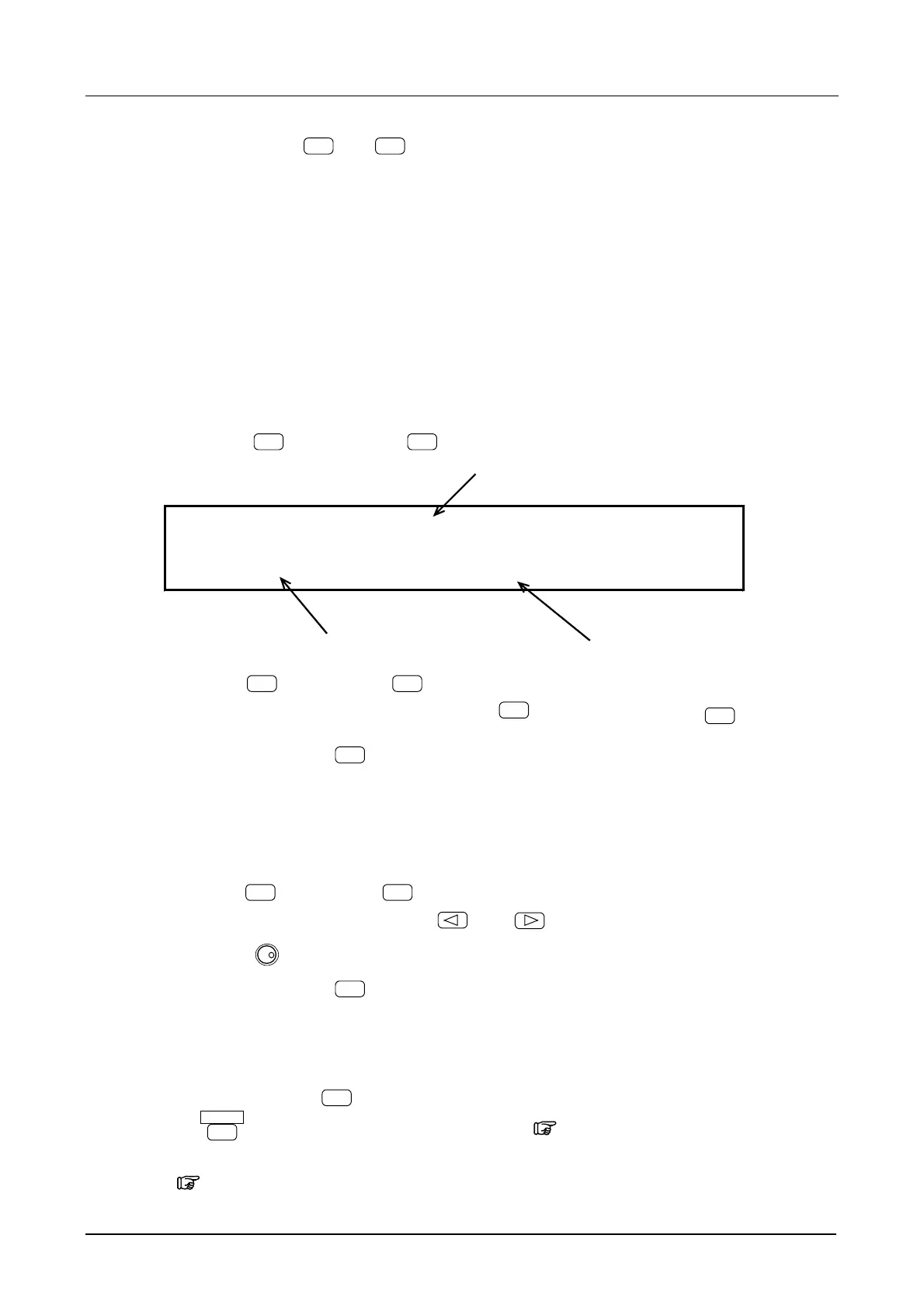
For example, set 1 kHz as follows.
① Press the
ENTRY
key, then the
FREQ
key.
Frequency
1000.00000000 Hz
A0.1000Vp-p O+0.0000V /OPEN
Amplitude DC offset
② Press the
1
key, then the
k
key.
If the number was entered incorrectly, press the
BS
key before pressing the
k
key.
③ After setting, press the
EXIT
key to exit the setting mode.
(2) Modify dial
This is convenient for continuously setting the frequency.
① Press the
ENTRY
key, then the
FREQ
key.
② Select the digit to be changed with the
and
keys. The selected digit flashes.
③ Turn the
MODIFY
dial to set the digit.
④ After setting, press the
EXIT
key.
Other:
・ The frequency cannot be set in the NOISE or DC oscillation modes.
・ When keys such as
k
are not being used for industrial units (e.g., 50 Hz), press
the
ENTER
key directly after entering the frequency. “5.2 Units”, cf.
・ The frequency generating period can also be set.
“5.1 Convenient Settings (■Frequency [Hz] setting by period [s])”, cf.



 To Next Page