5.5 Other settings
WF1946B 5-25
Copy settings between channels (
SYSTEM
: COPY1 → 2 / COPY2 → 1 )
Operation to copy settings from CH1 to CH2 (or vice versa) is described.
Operation:
① Press the
SYSTEM
key, then the
and
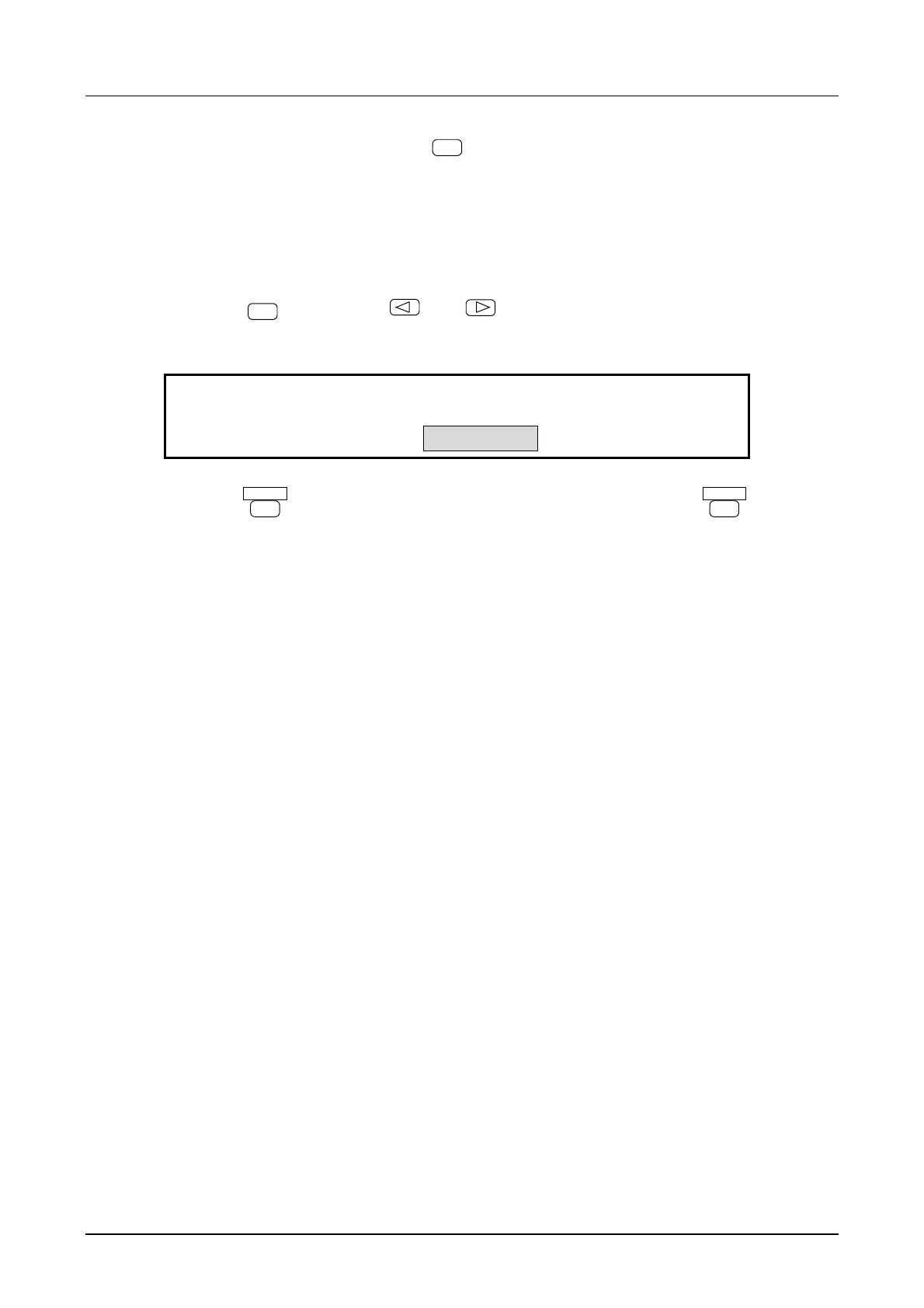
keys to produce the following display (COPY 1
→ 2 flashes).
COPY CH1
→
CH2
SYSTEM:
3
LOAD COPY1
→
2 COPY2
→
1
4
② Press the
ENTER
key, COPY CH1 → CH2 flashes. Then again press the
ENTER
key to copy
between the channels.
This completes setting copy.
To copy from CH2 to CH1, at above step ①, flash COPY 2→1.
Other:
• The following items do not change before and after copying.
• Channel select
• Output on/off
• Arbitrary waveform parameter
• User units parameter *: When the copy from settings are user units, the copy to settings are also
user units. When user units are used for the respective channel settings
(formula, name, coefficient, offset), the settings are determined so as to
provide uniform final output values.
• Type of remote control
• GPIB parameter
• USB ID



 To Next Page