4-60 WF1946B
4.4 Arbitrary Waveform
Arbitrary waveform (ARB) (
FUNCTION
→
ARB
)
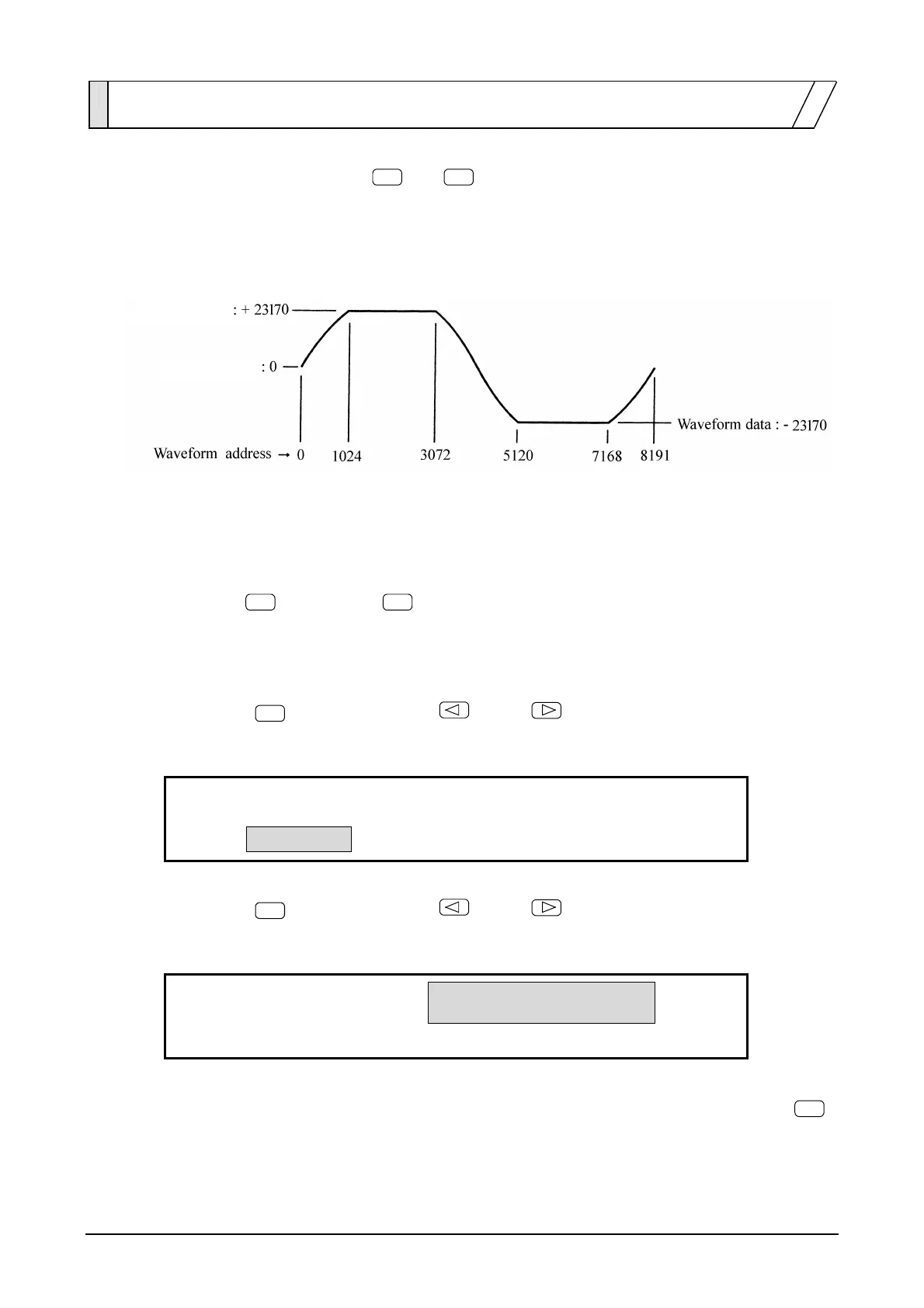
Operation using arbitrary waveform (ARB) to produce a sinewave with clipped peak output is
described.
Operation:
(1) Set waveform to arbitrary (ARB)
① Press the
FUNCTION
key, then the
ARB
key.
(2) Select an arbitrary waveform to be edited/output (SELECT).
① Press the
ARB EDIT
key, then use the
and
keys to produce the following display
(SELECT flashes).
0:ARB_00
1:ARB_01
4
ARB:SELECT NAME EDIT COPY
4
② Press the
ENTRY
key, then use the
and
keys to produce the following display
(1:ARB_01 flashes).
0:ARB_00
1:ARB_01
4
ARB:SELECT NAME EDIT COPY
4
③ This completes the selection of an arbitrary waveform (No. 1 is selected here). Press the
EXIT
key one time to release the arbitrary waveform selection mode.
Waveform data
Waveform data



 To Next Page