5.2 Units
WF1946B 5-9
User-unit setting (
SYSTEM
→ USER-UNIT)
Operation for changing the units by using the user unit function is described.
For example, set for expressing frequency as rpm (revolutions per minute, e.g., engine rotation).
Operation:
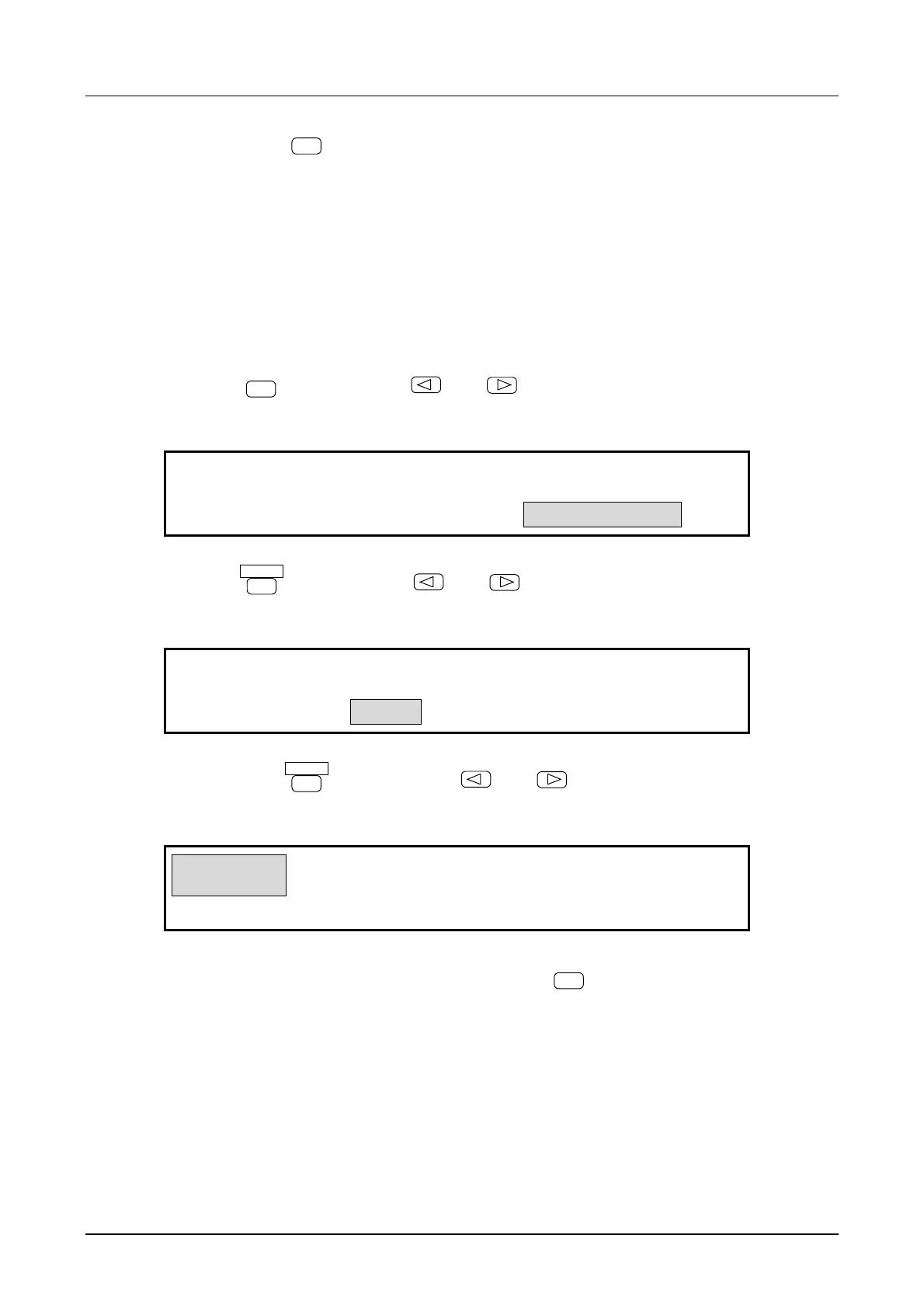
(1) Select setting type, for example, frequency
① Press the
SYSTEM
key, then use the
and
keys to produce the following display (USER-
UNIT flashes).
USER UNIT MENU
SYSTEM:RANGE PRESET USER-UNIT
4
② Press the
ENTER
key, then use the
and
keys to produce the following display (TYPE
flashes).
FREQ
PERIOD AMPTD
4
USER UNIT:TYPE NAME FORMULA
4
③ Again press the
ENTER
key, then use the
and
keys to produce the following display
(FREQ flashes).
FREQ
PERIOD AMPTD
4
USER UNIT:TYPE NAME FORMULA
4
④ This selects the setting type to frequency. Press the
EXIT
key once to release the type select
mode.



 To Next Page