5.2 Units
5-10 WF1946B
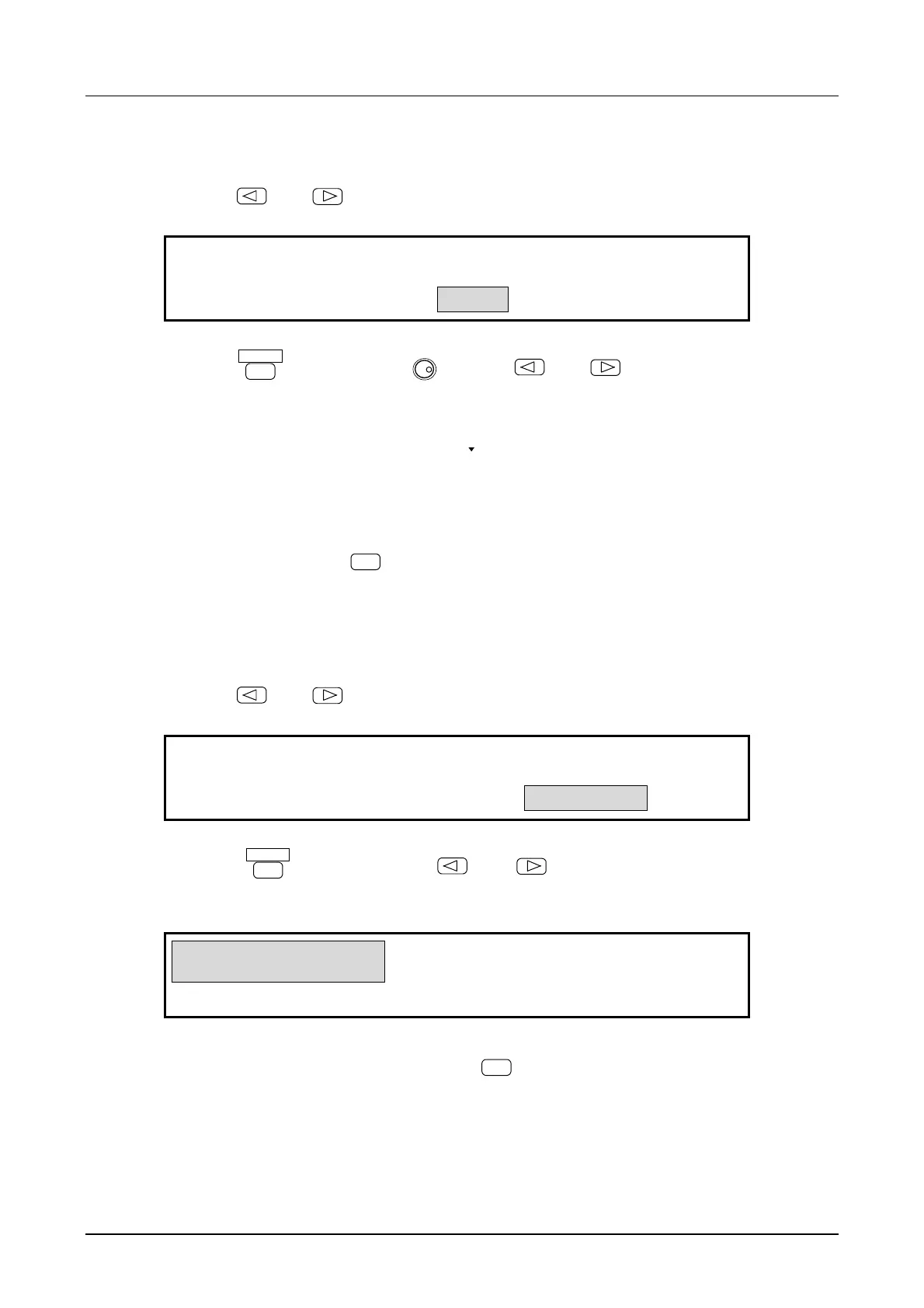
(2) Set the unit NAME (e.g., rpm)
① Use the
and
keys to produce the following display (NAME flashes).
USER
USER UNIT:TYPE NAME FORMULA
4
② Press the
ENTER
key, then use the
MODIFY
dial and
and
keys to input the unit name
(e.g., rpm). Up to 4 of the following characters can be used for the unit name.
abcdefghijklmnopqrstuvwxyz (space)
ABCDEFGHIJKLMNOPQRSTUVWXYZ0123456789
!”#$%&’()*+,− ./:;<=>?@[¥]^_'{|}→←
③ After inputting, press the
EXIT
key once to release unit name setting.
(3) Select the FORMULA, for example, (h+n)
*
m. The setting type (e.g., frequency) is h, n is offset,
and m is the coefficient.
① Use the
and
keys to produce the following display (FORMULA flashes).
(h+n)*m (Log(h)+n)*m
USER UNIT:TYPE NAME FORMULA
4
② Press the
ENTER
key, then use the
and
keys to produce the following display
[(h+n)*m flash].
(h+n)*m (Log(h)+n)*m
USER UNIT:TYPE NAME FORMULA
4
③ This sets the formula to (h+n)*m. Press the
EXIT
key once to release the formula setting mode.



 To Next Page