4.3 Modulation
4-56 WF1946B
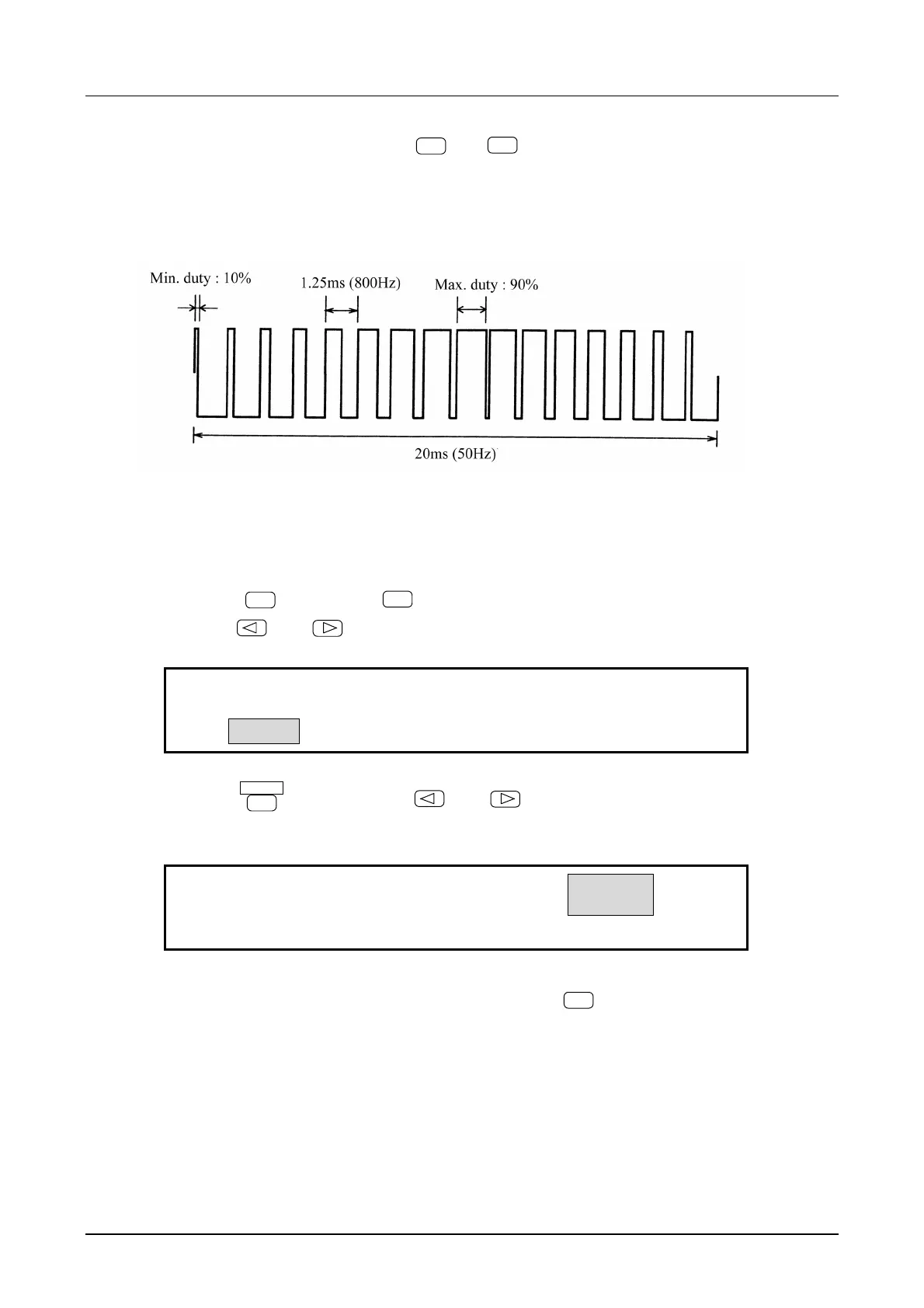
Pulse width modulation (PWM) (
MODE
→
MODU
→ TYPE : PWM)
Operation to produce a pulse width modulated waveform output is described below. The example is a
squarewave (duty variable), duty 50 %, frequency 800 Hz, amplitude and DC offset arbitrary.
Operation:
(1) Set modulation TYPE to pulse width (PWM)
① Press the
MODE
key, then the
MODU
key.
② Use the
and
keys to produce the following display (TYPE flashes).
FM
AM OFSM PM PWM
FM:TYPE DEVIATION FREQ FUNCTION
③ Press the
ENTER
key, then use the
and
keys to produce the following display (PWM
flashes).
FM AM OFSM PM
PWM
PWM:TYPE DEVIATION FREQ FUNCTION
④ This sets the modulation type for pulse width. Press the
EXIT
key once to release the type setting
mode.
The waveform is automatically set to squarewave (variable duty) during PWM. The waveform
(FUNCTION) cannot be selected.



 To Next Page